OmnicastVR Tutorials: Install, Configure & Master VR Sessions
OmnicastVR install tutorials for VR headsets: step-by-step guides to configure, connect via Wi-Fi and supervise Meta Quest, Pico and HTC Vive.
10 articles in this category



Omnicast VR tutorials: install, configure and operate your VR headsets
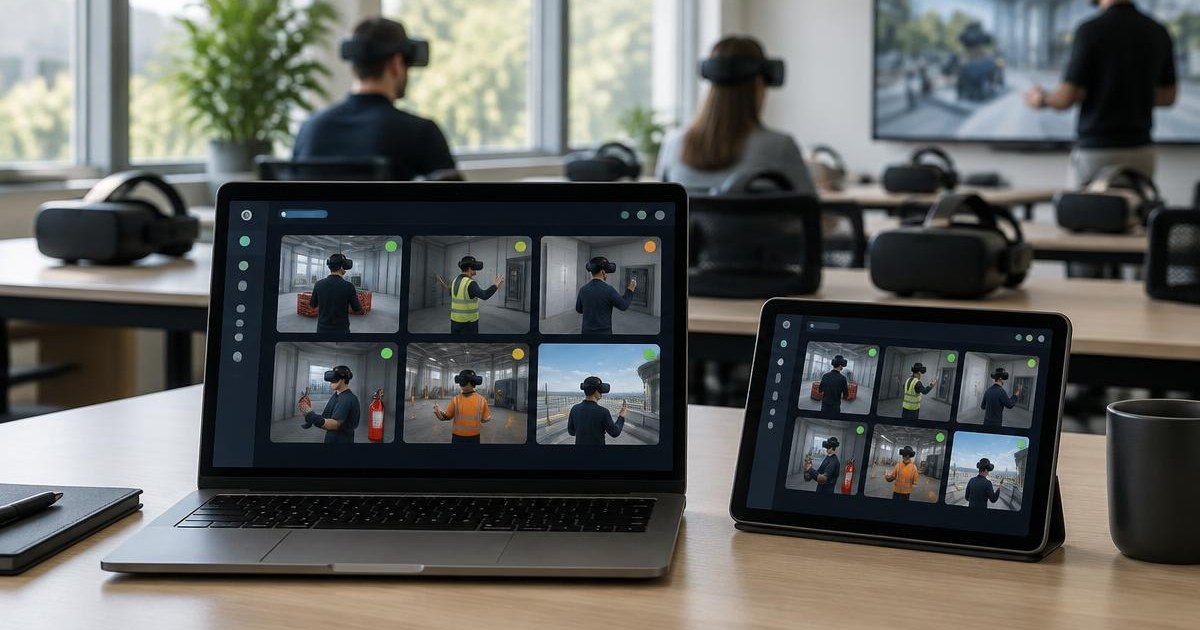
Welcome to the Omnicast VR Tutorials hub, your resource center to install, configure and operate the Omnicast VR streaming and supervision solution for virtual reality headsets. Whether you are a trainer, integrator, VR arcade manager or IT lead, you'll find step-by-step guides to get the most out of your Meta Quest 2, Quest 3, Quest 3S, Pico 4 and Pico G3 headsets.
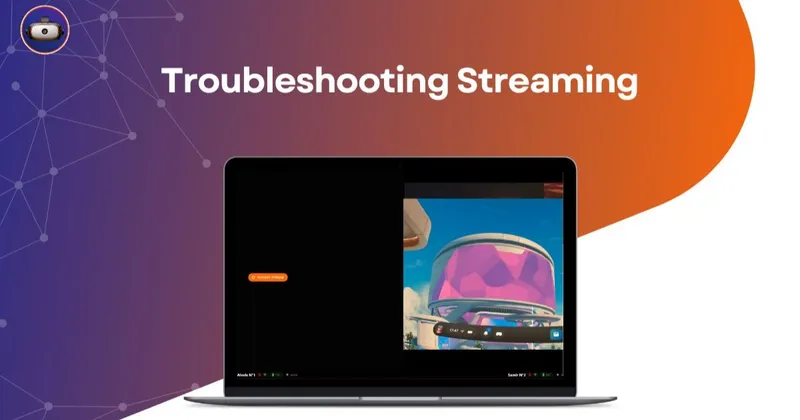
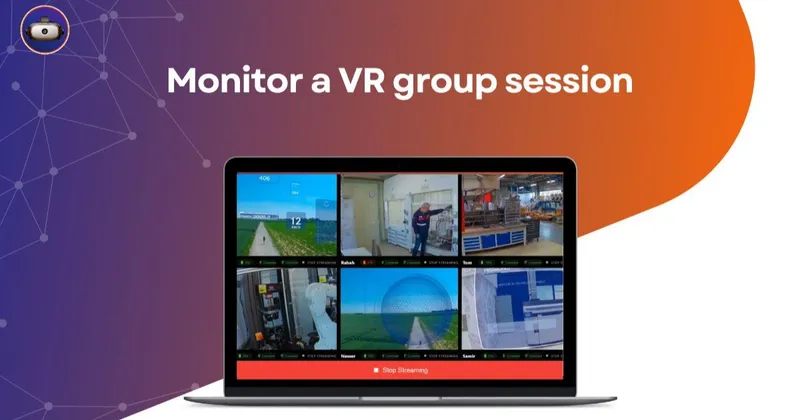
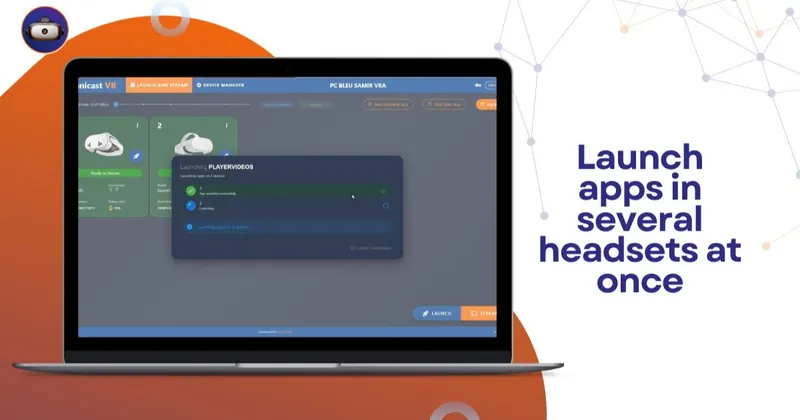
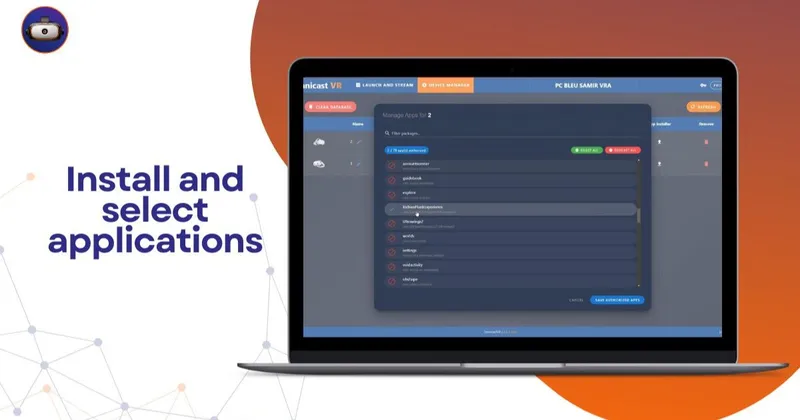
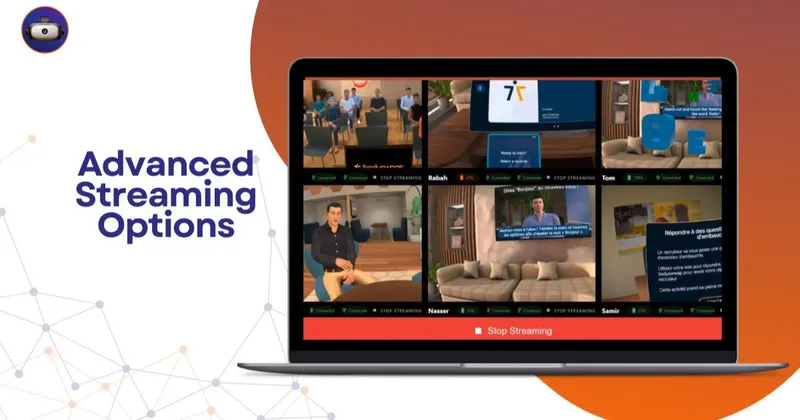
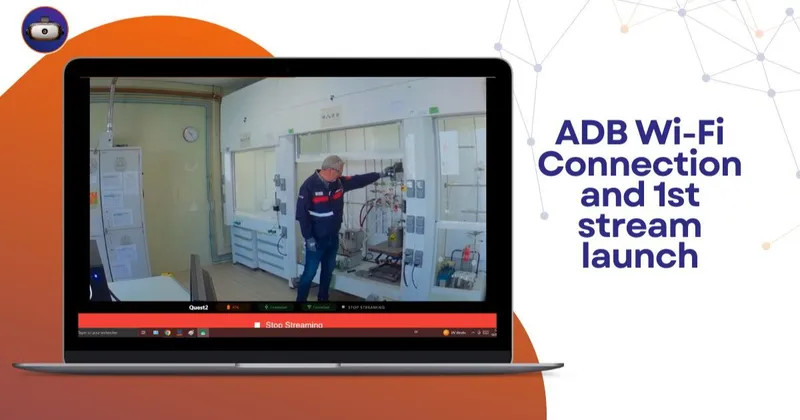
Our tutorials cover the full usage cycle: first-time installation of the Omnicast VR application, Wi-Fi pairing of headsets to the supervisor PC, streaming of 360° content, immersive videos and Unity applications, remote control (launch, pause, restart, sleep), bulk APK deployment over USB or Wi-Fi, and statistical analysis of immersive training sessions.
Every article is written by our technical team based on real cases encountered in professional training, VR events, medical simulation, defense and higher education. You'll find annotated screenshots, short videos, and the keyboard shortcuts that save precious time in the room.
New to Omnicast VR? We recommend starting with our "4 essential configuration points" guide before diving into advanced tutorials. You can then move on to tips and best practices from our trainer customers.
Couldn't find the tutorial you needed? Explore our other categories to go further: comprehensive guides to structure your deployments, use cases from our customers in training, healthcare and industry, and the business benefits measured in the field.
To discover all Omnicast VR features, check our pricing grid or request a personalized demo, visit our pricing page to request a quote. Our team replies within 24 business hours.