Master OmnicastVR V3 like a pro! - Omnicast VR Tutorial
Omnicast VR - Tips & Best Practices for a Seamless Experience! 🚀 Master OmnicastVR like a pro! We are sharing 6 essential tips to optimize your use of the software, avoid common mistakes, and guarantee successful VR sessions—even during high-stakes events with multiple headsets!

To help you deliver the smoothest possible VR training sessions, our team has compiled 6 essential tips to master the new features and optimize your workflow.
1️⃣Control directly from the Stream🕹️
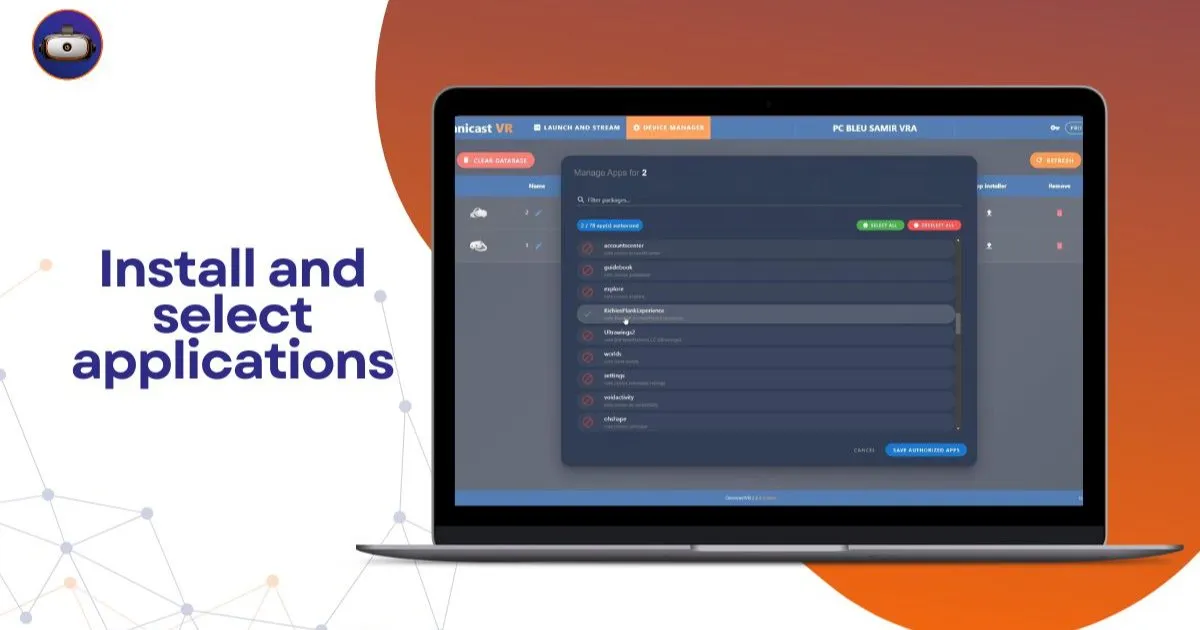
You no longer need to switch tabs to launch an application! You can now trigger any app directly from the streaming window.
Pro Tip: Click on an individual headset's stream to launch an app for one specific student, or use the global command to sync the entire group at once.
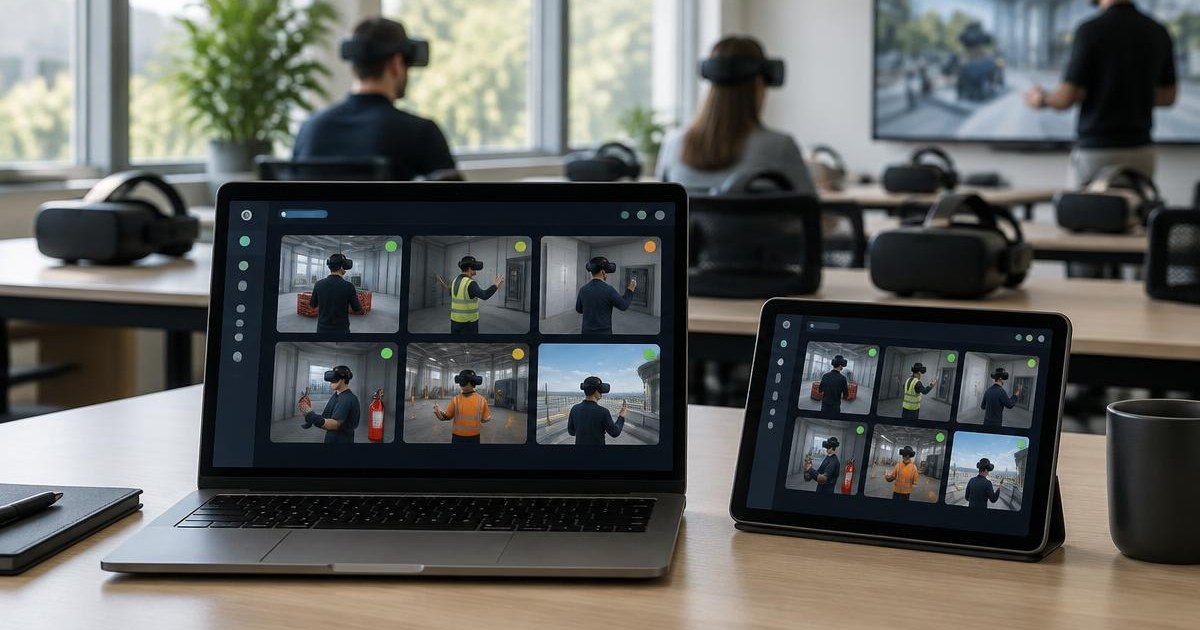
When managing up to 16 headsets, thumbnails can get small on your screen.
Pro Tip: Simply zoom in on any individual stream to precisely follow a user's progress or troubleshoot a specific interaction without losing sight of the rest of the group.
Unlike HTC or Pico, Meta Quest requires a specific setup and has some OS restrictions:
Developer Mode: Headsets must be in Developer Mode to be recognized.
Sleep Settings: In the power menu, set "Sleep Mode" to 4 hours to prevent Wi-Fi cuts.
The Browser Issue: The native Meta browser kills the stream immediately. Pro Tip: Use the Wolvic browser instead; it works perfectly with Omnicast!
Volume: Note that remote volume control is restricted by Meta's OS.
When a headset screen goes dark (due to inactivity for ex), it now displays a "Time Out" message and the stream stops.
Pro Tip: As soon as the user puts the headset back on, the screen wakes up. You can then click "RESTART STREAM" (one by one) directly from your streaming window to resume supervision instantly.
V3 now balances the streaming load between your CPU and GPU, making the software much smoother on your workstation.
Pro Tip (Network): Watch your Bitrate! For exemple with 16 headsets streamed:
0.25MB (min) = 7.5MB total Wi-Fi load.
10MB (max) = 75MB total Wi-Fi load.
If your Wi-Fi feels sluggish, lower the Bitrate to regain stability.
The ADB connection is very robust but will cut if the headset goes into deep sleep or shutdown
Pro Tip 1: Place a small sticker over the proximity sensor between the lenses to prevent the headset from detecting "inactivity."
Pro Tip 2: If a user accidentally presses the "Power" button, the stream will freeze before switching to "Time Out." Simply press the power button again to wake it up; the stream will automatically resume.