The True Cost of a VR Headset Fleet: How to Calculate Total Cost of Ownership
Hardware is only part of the bill. See how software pricing models and staff time shape the total cost of ownership of your VR headset fleet, and how OmnicastVR plans work.
Introduction: Hardware Is Only Part of the Bill
Buying the headsets is the visible cost of a VR project. Over two or three years, the software that runs them and the staff time spent preparing each session weigh just as much.
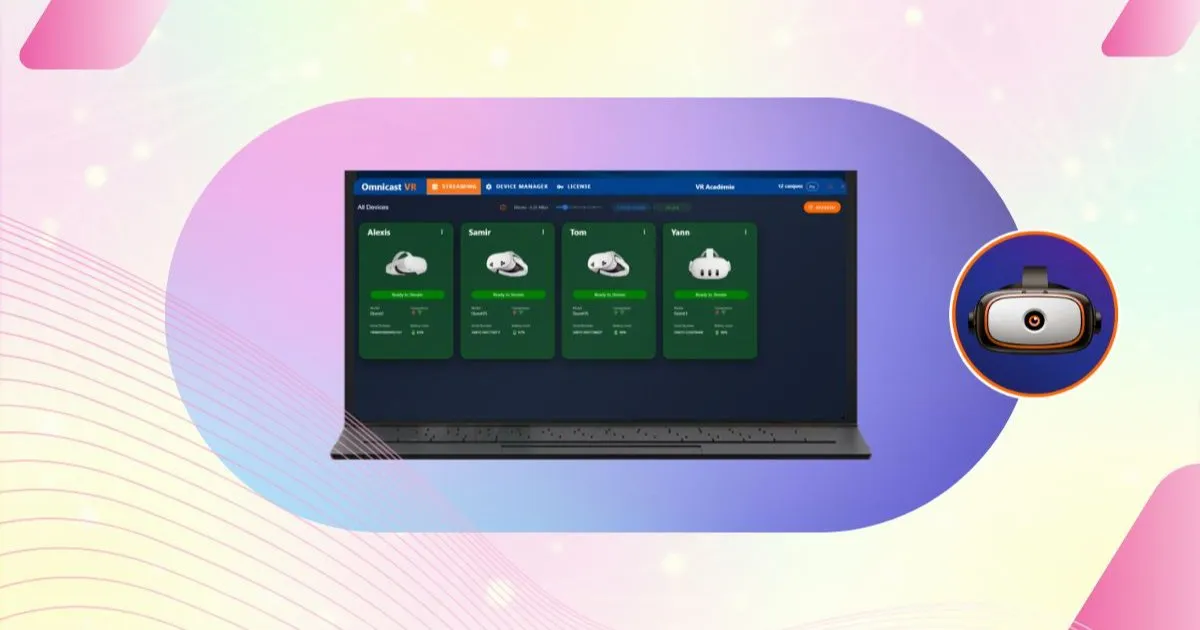
This article explains how to estimate the total cost of ownership of a VR headset fleet, how the main software pricing models compare, and how OmnicastVR plans are built.
It is part of our complete guide to managing multiple VR headsets. For current prices, see the OmnicastVR pricing page.
1. The Three Software Pricing Models for a VR Fleet
Supervision, fleet management and casting tools usually follow one of three models. Each one reacts very differently when your fleet grows.
- Per headset: a monthly fee for each device. Simple at first, but the cost grows with every headset: a few euros per headset per month quickly becomes thousands of euros a year for a fleet of 30 or 50 headsets.
- Per room or per site: predictable for a single training room, but expensive once you spread your activity over several locations, or when a trainer travels from site to site.
- Tiered by simultaneous headsets: you pay for the number of headsets you run at the same time from one control station, whatever the brand and however many headsets you own in total.
Cloud MDM platforms often charge per headset or per room: our ManageXR alternative page compares the two approaches.
✅ Takeaway
The pricing model matters as much as the price. Per-headset and per-room fees grow with your fleet and your sites; a tier based on simultaneous use stays stable as long as your sessions keep the same size.
2. What Really Drives the Total Cost of Ownership
Software fees are only one line of the budget. Four other factors often weigh more:
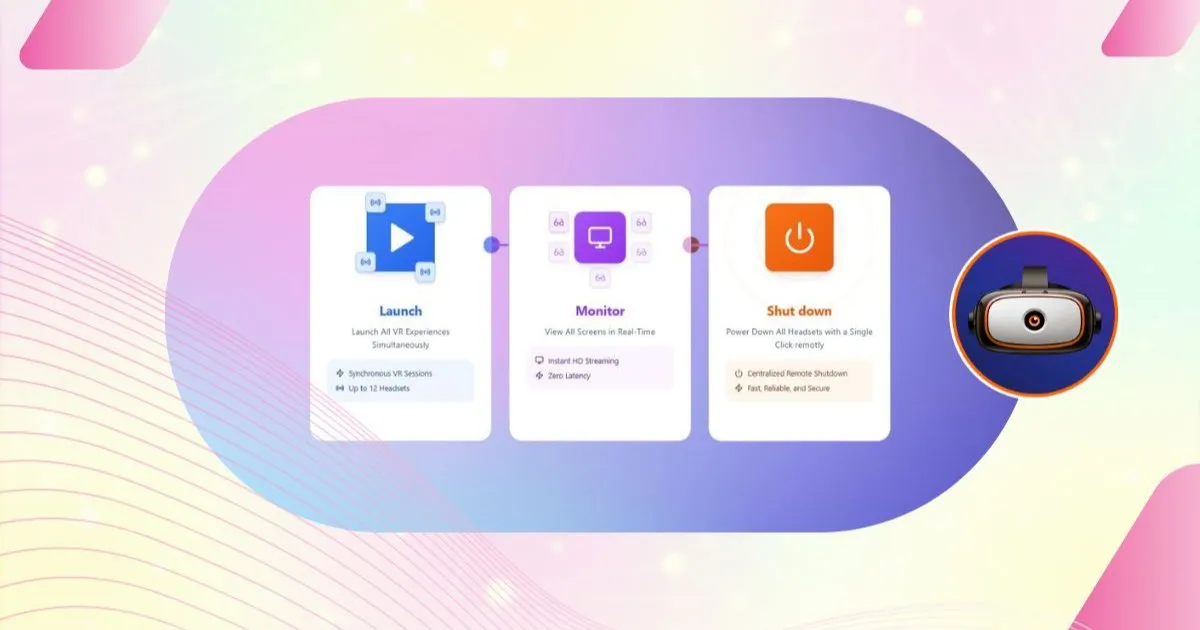
- Staff time per session: switching on, launching and shutting down 10 headsets by hand, at every session, adds up to hours each month. See our article on VR training logistics.
- Network dependency: a cloud tool that fails on a weak connection means a failed session. Working on a local network removes that risk; learn more about casting VR headsets without internet.
- Tool fragmentation: one tool per headset brand means more procedures to learn and more errors. A single interface for every brand keeps training costs down; see managing Meta Quest, Pico and HTC headsets from one interface.
- Administration: tracking licences device by device, renewals and staff changes takes time that nobody budgets.
✅ Takeaway
The total cost of ownership of a VR fleet = hardware + software + staff time + the risk of failed sessions. The cheapest licence is not always the cheapest fleet.
3. How OmnicastVR Pricing Works
OmnicastVR offers three levels, all based on the number of headsets used at the same time:
- Free: up to 2 simultaneous headsets per machine, free for life, with no credit card. Ideal to test Wi-Fi compatibility and your workflow before going further. Download the free version.
- Direct Access plan: from 5 to 16 simultaneous headsets, on a monthly or annual subscription, paid by card with instant activation and onboarding support included. The price depends on the tier of simultaneous headsets per control station (PC, laptop or tablet), never on the brand of your headsets. Every feature is included: APK installation, launch, streaming, remote shutdown, multi-brand management and offline operation.
- Enterprise: a tailored offer on quotation for large deployments, with per-unit pricing, a dedicated contact, priority support, a licence manager, a statistics dashboard and IT integration. See also our article on multi-site licence management.
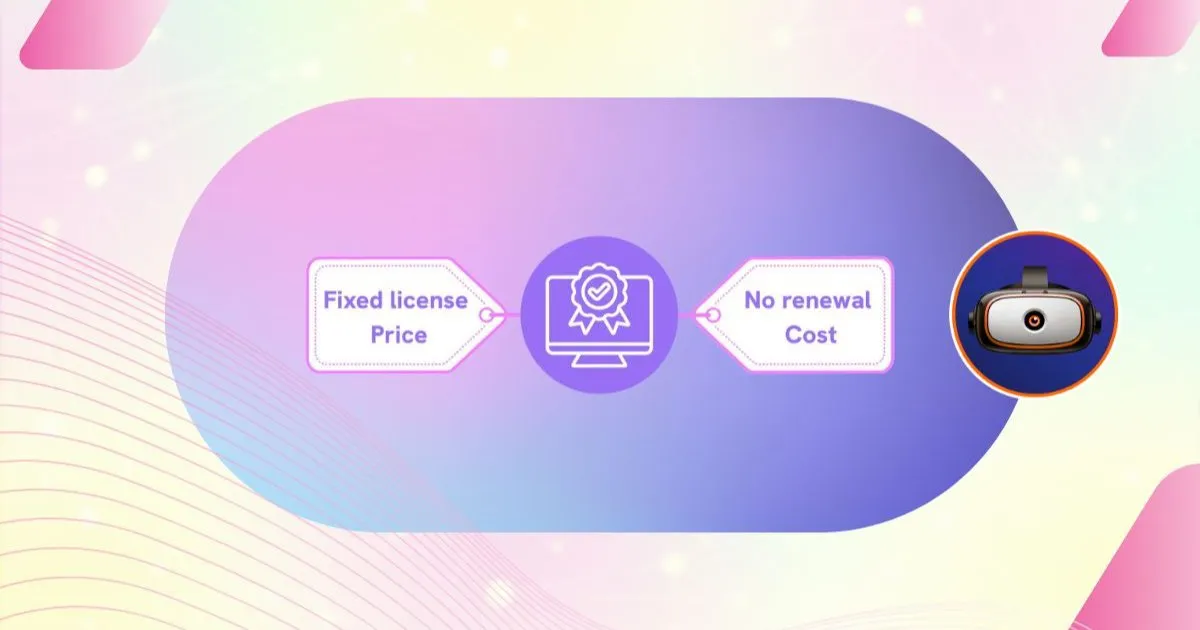
The annual subscription costs much less than twelve monthly payments; the monthly plan suits occasional or seasonal activity. Compare the plans.
✅ Takeaway
With OmnicastVR, you pay for the capacity you use at the same time, with all features included, on a monthly or annual subscription. The free version lets you validate your setup before choosing a plan.
4. Estimate the Cost of Your Own Fleet
Four questions are enough to size your budget:
- How many headsets do you run at the same time in a session? This sets your tier.
- How many control stations do you need? One licence per installation (PC, laptop or tablet).
- How many months a year do you train? This decides between monthly and annual.
- How much time do you spend today preparing and packing away the headsets? This is the hidden cost that centralized control removes.
With these answers, compare the offers on the pricing page, or start with the free version to test your setup.
✅ Takeaway
Calculate your total cost of ownership over several years, including staff time. Choosing a model based on simultaneous capacity, rather than on each device or each room, keeps your budget predictable as your fleet grows.