How to Cast Multiple VR Headsets Without an Internet Connection
No Wi-Fi, no 4G? Learn how to cast and control your VR headsets on a dedicated local network, so your field training and demos never depend on an internet connection.
Introduction: The VR Trainer's Nightmare in a Dead Zone
For VR trainers and demonstrators, the internet connection is the Achilles' heel. You arrive at an industrial site, a crowded conference hall or a rural venue, and the verdict is clear: the Wi-Fi is missing, weak or saturated.
The consequence is immediate: latency makes VR casting impossible and supervision grinds to a halt. Your immersive training is compromised by the reliability of someone else's network.
The solution is not to look for a more stable connection, but to do without it. This article explains how to cast VR headsets without internet thanks to a dedicated local network, the only real guarantee of success in the field.
It is part of our complete guide to managing multiple VR headsets. For training scenarios specifically, see also offline VR training in the field.
1. Why Classic VR Casting Needs the Internet (and Lets You Down)
Traditional casting methods, such as native headset casting or cloud-based manufacturer MDM platforms, rely on internet infrastructure to work.
The Pitfalls of Cloud Dependence
- Unavoidable latency: each video stream makes a round trip through external servers, creating a delay between the headset and the supervision screen. Without enough bandwidth, the stream freezes.
- No reliability: the session is at the mercy of an outage, an overly restrictive firewall (common in corporate environments) or an overloaded network.
- Data exposure: your training content travels through external servers, which raises questions of confidentiality and data sovereignty.
✅ Takeaway
Classic VR casting depends on the internet, which makes it unreliable for training or demos in dead zones or off-site. The only guarantee of stability is a closed local network.
2. The OmnicastVR Solution: Control and Supervision on a Local Network
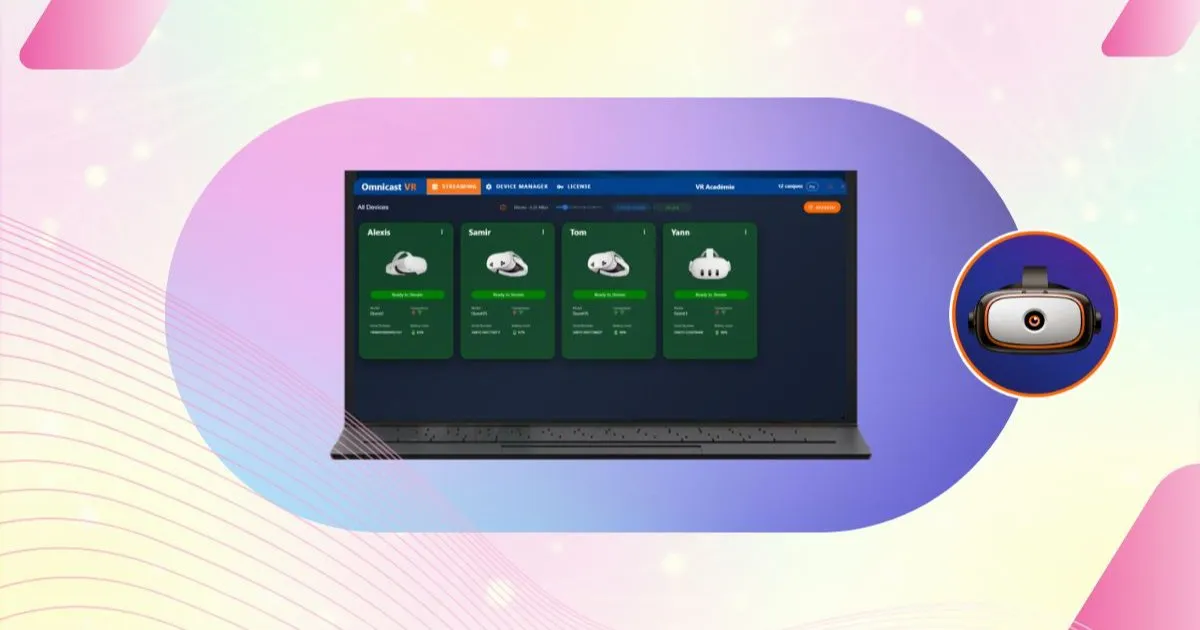
OmnicastVR solves the problem at the root by creating a fully autonomous working environment, built on a dedicated local network.
Because it runs on that local network, OmnicastVR delivers offline VR session control without any cloud dependence, a decisive advantage for secure training environments where data sovereignty and network independence are non-negotiable.
Total Autonomy on a Private Local Network
OmnicastVR uses a compact, dedicated Wi-Fi router to create its own private network, with no external connection (internet or 4G) required.
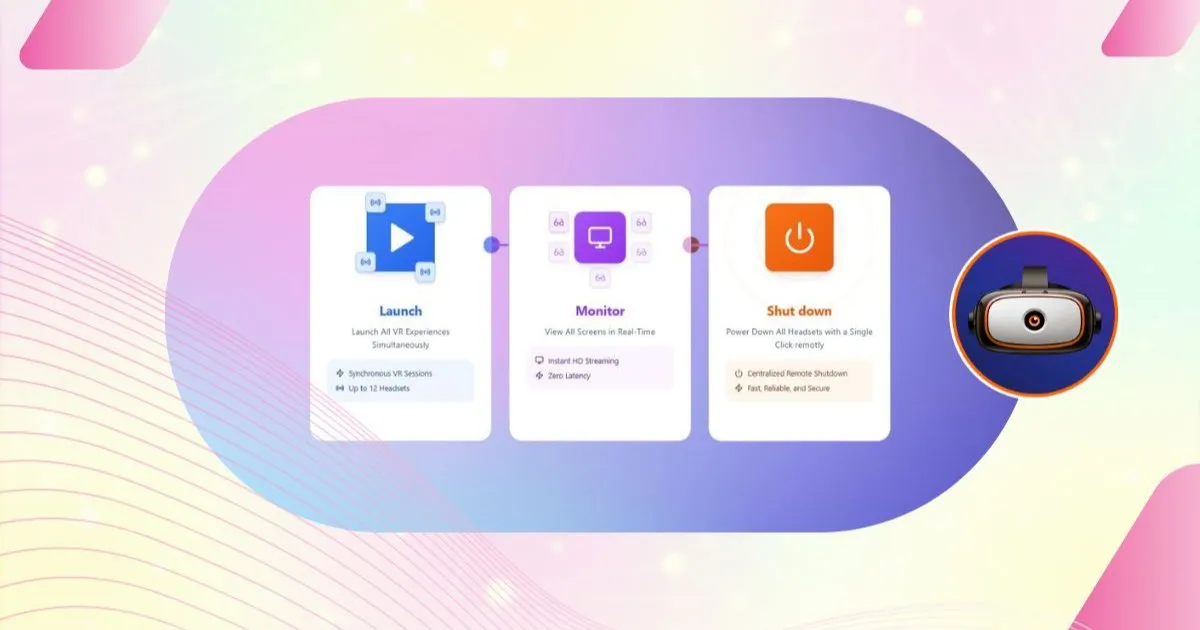
- Offline management: every control command (launch, shut down) and every stream travels only over this fast local network.
- Near-zero latency: the video feed between the headsets and the supervision screen is direct and optimized for short-range transfer. Performance stays constant, whatever the surroundings.
- Works anywhere: underground, in the middle of a field or behind a corporate firewall, OmnicastVR performs the same. It is the essential tool for the mobile VR trainer.
✅ Takeaway
OmnicastVR casts and supervises up to 16 headsets offline thanks to a dedicated local network, with near-zero latency and total autonomy in the field, even in dead zones.
3. Beyond Casting: the Whole Session Without Infrastructure
Working without the internet is not limited to casting. It covers the whole lifecycle of a VR session.
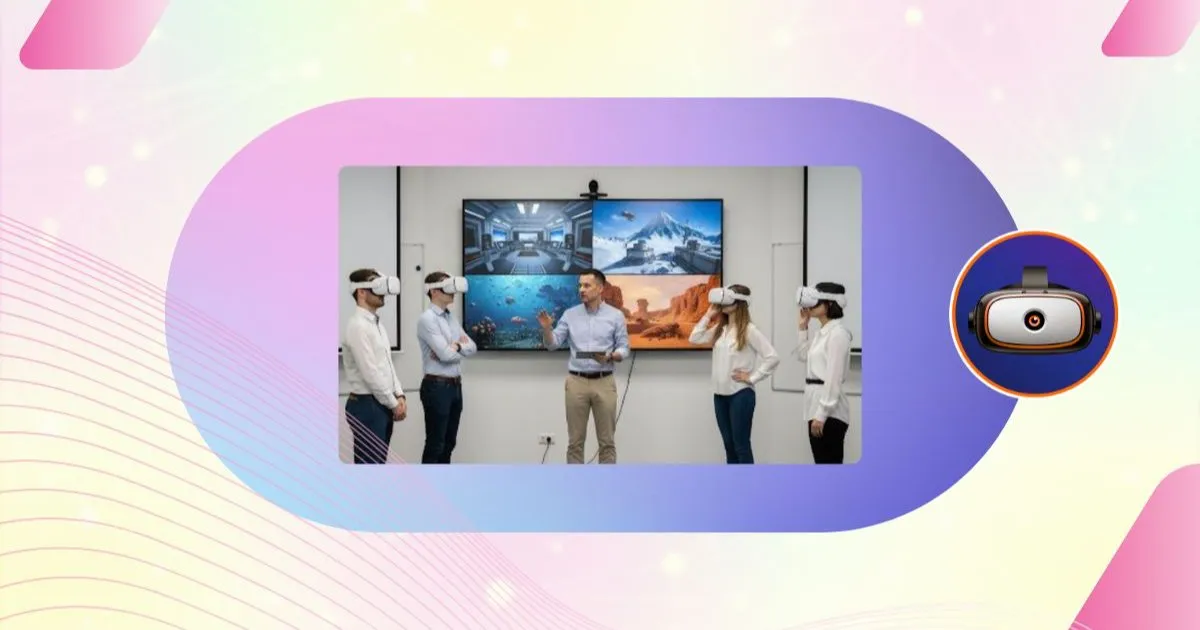
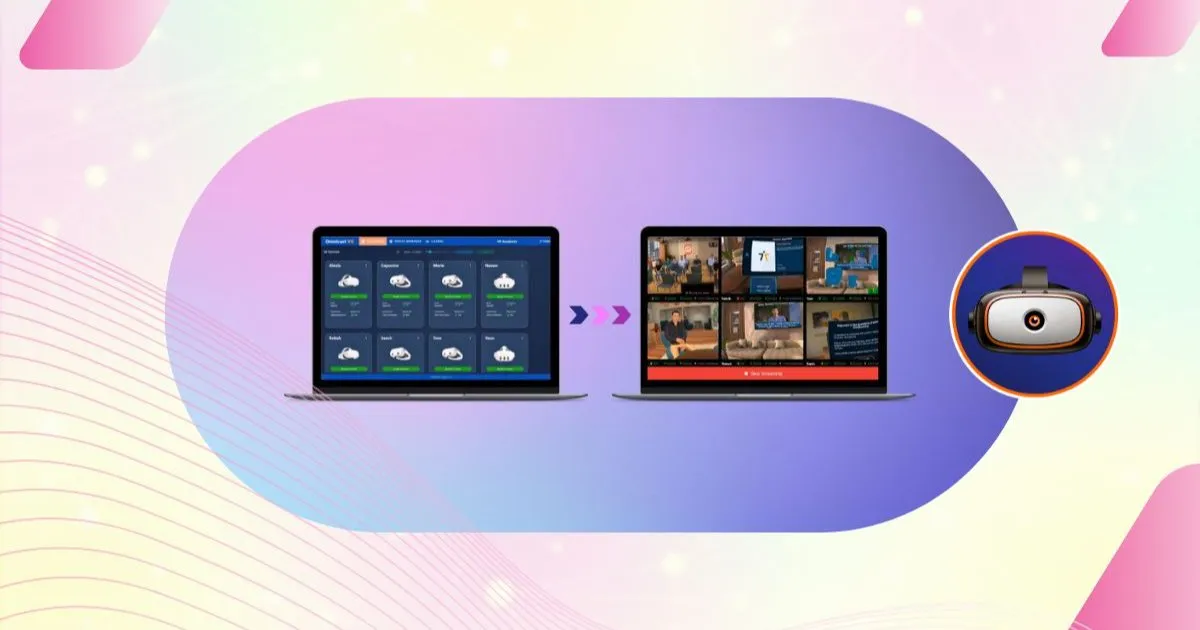
OmnicastVR's streaming features include real-time screen mirroring and synchronized app launch, all without internet access: ideal for remote sites, defense training or confidential corporate environments.
Time Saved on Mobile Deployments
- Offline APK installation: install new content on the headsets without wired infrastructure or a cloud connection.
- Reliable start and stop: one-click launch and shutdown of every headset work without any outside connection, which is crucial for a fast pack-up at the end of a session.
- Multi-brand flexibility: the local network lets you run a mixed fleet (Meta, Pico, HTC) without the usual network conflicts.
Because control and supervision always stay available, the quality of your training depends on your expertise, not on the state of the network. To build a complete kit for travelling trainers, read our article on a mobile VR training setup.
✅ Takeaway
OmnicastVR's autonomy simplifies mobile logistics:
- APK installation and control without an internet connection.
- Reliable multi-headset casting in the field.
- The go-anywhere solution for mobile demonstrators and trainers.