VR Training Logistics: Install, Launch and Shut Down in One Click
Setting up and packing away headsets eats into training time. See how to install, launch and shut down up to 16 VR headsets in one click, with or without internet.
Introduction: Logistics, the Real Time Thief in VR Training
Training time is precious, yet repetitive tasks eat into it: powering on headsets, navigating menus, launching the right application on each device, then shutting them down one by one.
Multiply these actions by 10 headsets and by every session, and you lose hours of effective work.
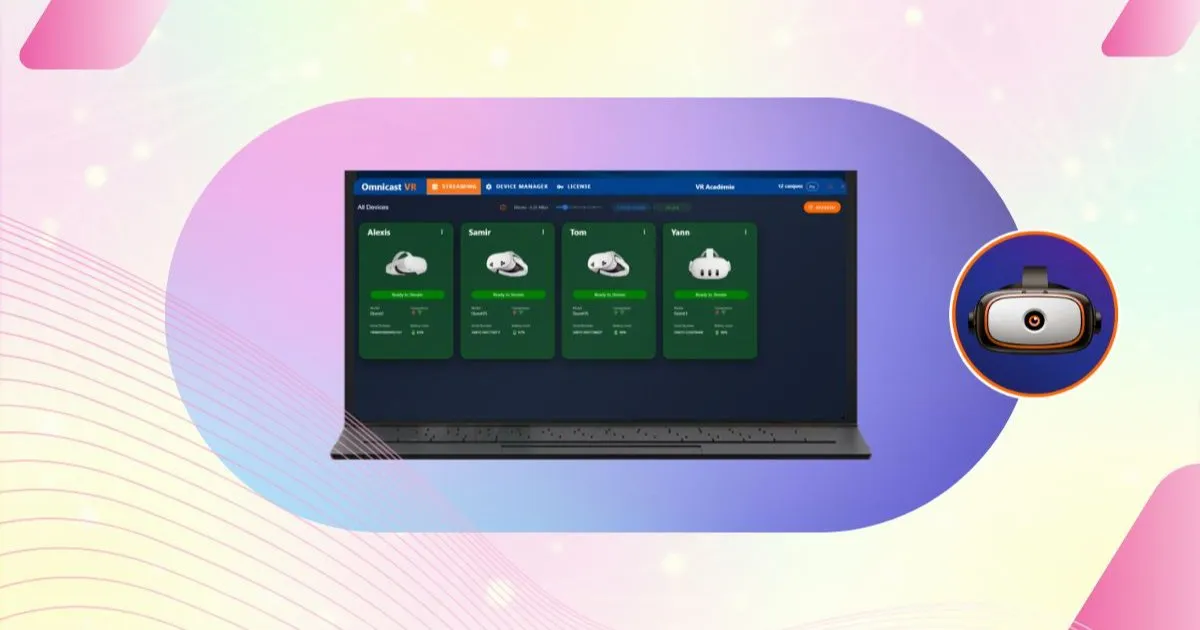
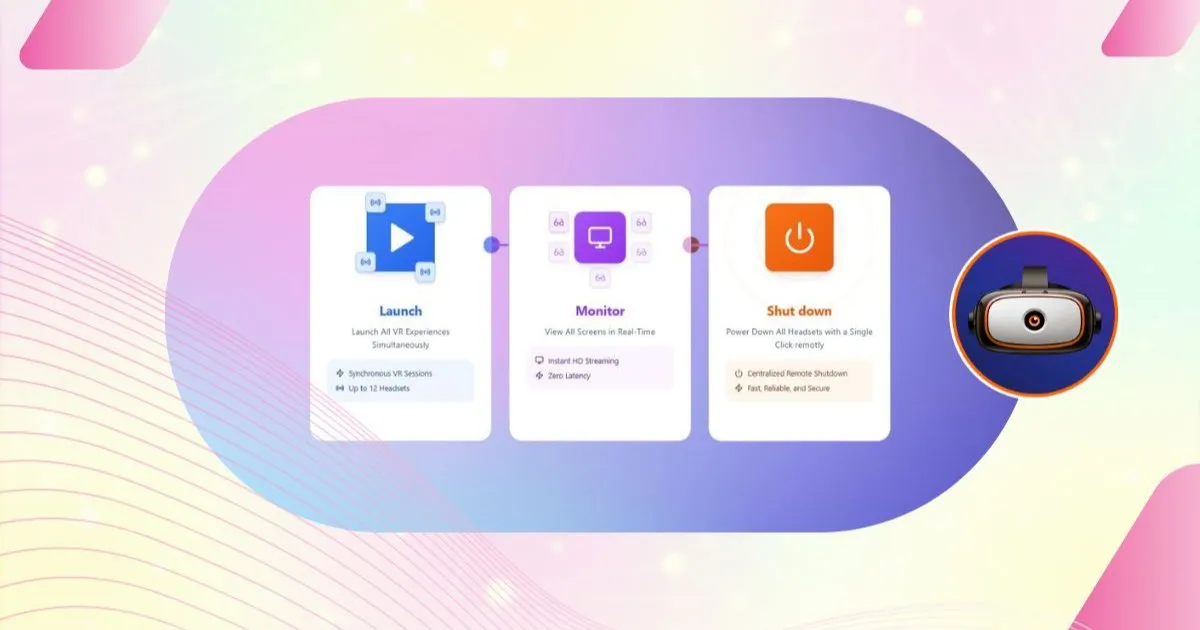
The answer to VR training logistics is centralized content management. OmnicastVR ends this slow, error-prone routine with a complete command chain: install, launch, stream and shut down in one click.
This article is part of our complete guide to managing multiple VR headsets. All the functions mentioned here are described on the OmnicastVR features page.
1. APK Installation: an End to Complex Deployment
Installing or updating experiences on a fleet of standalone headsets is usually tedious: done by hand, or with complex third-party tools (such as SideQuest) or heavy MDM platforms.
OmnicastVR includes an APK installer that pushes applications to several headsets in seconds, replacing manual installation and cutting deployment time from hours to minutes.
A Simple Built-in Installer
- Direct installation: send and install your APK files on one or several headsets, without cables or complex manufacturer interfaces.
- Content under control: make sure every headset runs the latest, correct version of the experience, and avoid content errors during the live session.
For the step-by-step procedure, see our tutorial on installing APKs on multiple VR headsets.
✅ Takeaway
The OmnicastVR APK installer centralizes content installation so your VR fleet is always ready. It works on its own, even without internet access.
2. Simultaneous Launch: the Secret of a Perfect Start
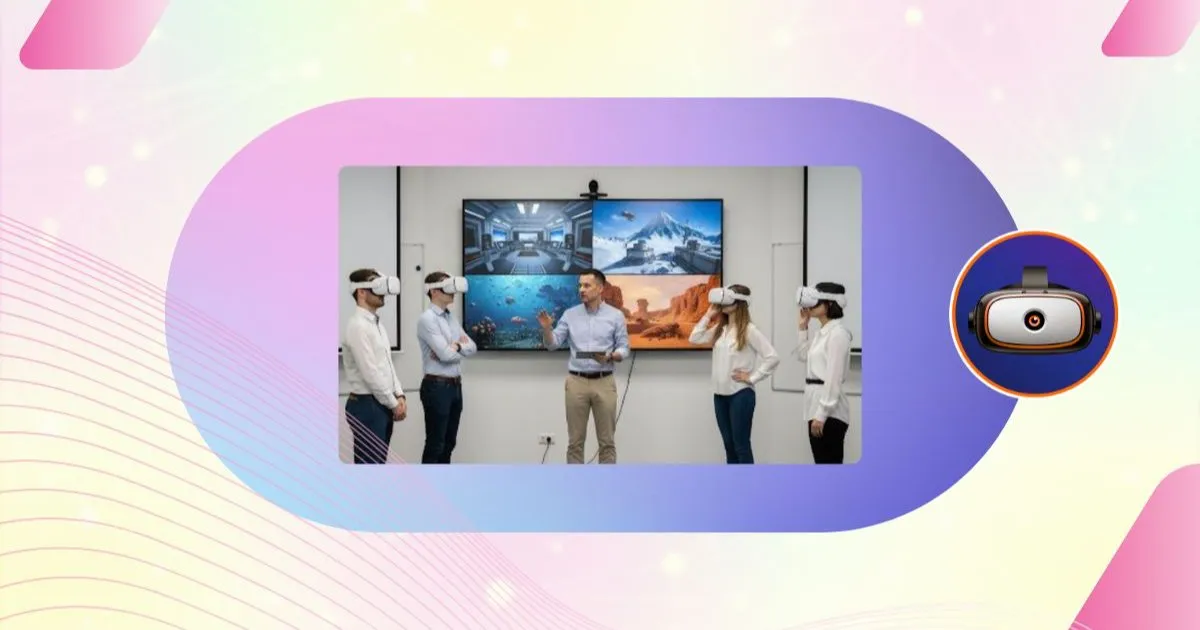
A group session only works if everyone starts at the same moment. A delay of a few seconds breaks concentration and forces the trainer to step in.
A Smooth Session Start
- One-click launch: select the experience and launch it remotely on the whole group. No more handling each headset.
- No startup errors: switch straight to streaming to check visually that every headset has launched the right application.
This control at startup means effective training time starts from the very first minute. See also our tutorial on launching a VR app on multiple headsets.
✅ Takeaway
Simultaneous launch is the key management function for trainer efficiency: a fast, error-free start on every headset at once.
3. Remote Shutdown: Time Saved at the End of the Session
The end of a session is often the most chaotic moment: learners disengage while the trainer handles pack-up and power management.
Install, launch, streaming and remote shutdown are all included in every OmnicastVR Direct Access plan, from 5 to 16 headsets, on a monthly or annual subscription. See plans and pricing.
Power Down 2 to 16 Headsets in One Click
- Power management: reboot the headsets for a quick changeover, or power them off completely to save battery.
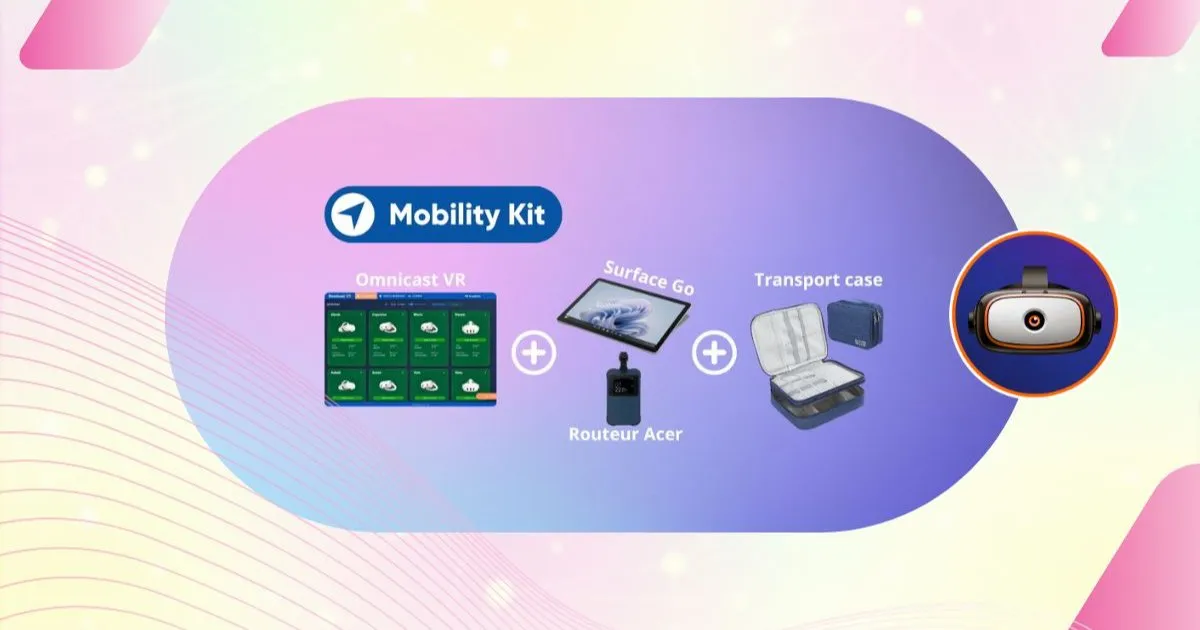
- Practical on the move: especially useful for mobile deployments and transport cases, where reaching the physical buttons is awkward or slow.
Managing the end of the session this way saves valuable time and leaves your hardware ready for the next use. The procedure is detailed in our remote shutdown tutorial.
✅ Takeaway
Remote shutdown reboots or powers off every headset in one click: a major time saver and better battery management at the end of each session.