Mobile VR Training: A Setup That Works Anywhere
Turn any venue into a VR training room. Learn how travelling trainers and demonstrators control and stream several headsets without depending on the host's network.
Introduction: The Logistical Challenge of Mobile VR
The strength of VR training is that it can be delivered right where the learners are. But moving a fleet of standalone headsets (Meta Quest, Pico) raises a logistical and technical question: how do you guarantee group supervision and content management when you depend on the host's infrastructure?
The truth is that most tools fail without a stable connection. A mobile VR training setup built around OmnicastVR removes that constraint. Designed for travelling VR trainers and sales demonstrators, it keeps your sessions running wherever you are.
This article is part of our complete guide to managing multiple VR headsets. To compare the ready-to-use hardware options, see our VR training kits.
1. Why Mobile Training Needs Its Own Network
Relying on the host's network for VR supervision is the biggest risk when you travel. OmnicastVR solves this by building the network infrastructure directly into your mobile kit.
A Turnkey Mobile Setup
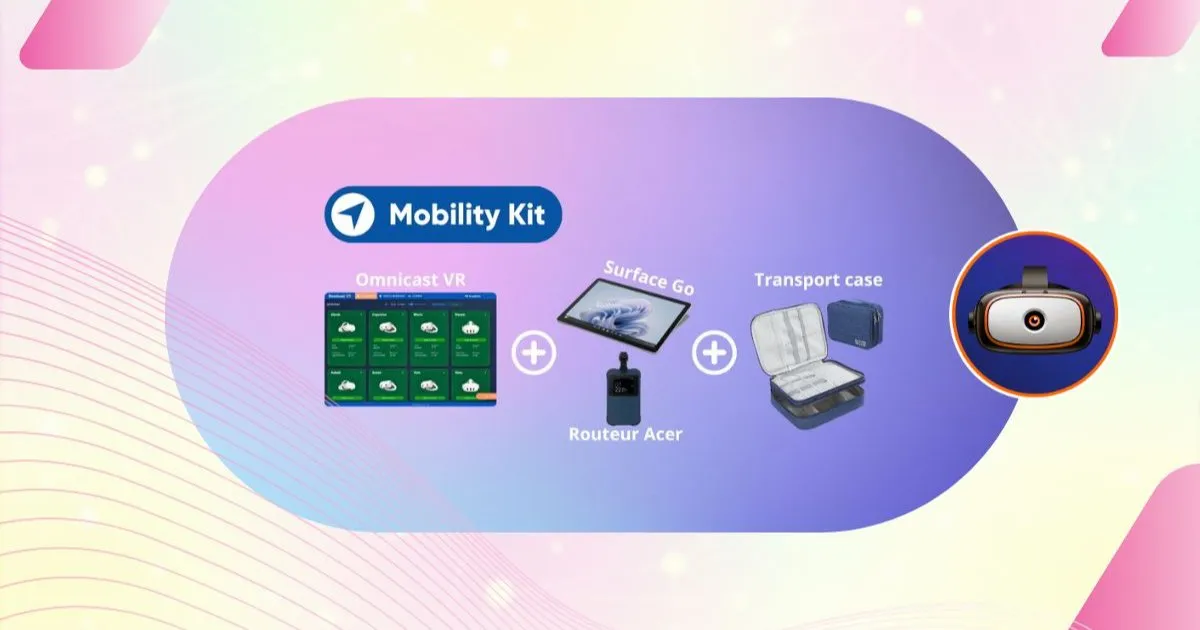
OmnicastVR is the core of hardware and software kits designed for autonomy. These kits create a fully self-contained working environment:
- Tablet kit: a Microsoft Surface tablet (for the control interface) paired with a compact Wi-Fi router that instantly creates your dedicated local network.
- Connected case or XR kiosk: rugged solutions such as the Ino VR Connected Case or the VR Academie XR Kiosk integrate OmnicastVR for secure transport and fast deployment.
Because they work offline, these kits stay reliable in the field, even where there is no infrastructure at all. Learn more about casting VR headsets without internet.
✅ Takeaway
Mobile VR training requires autonomy. With its own hardware and software (Surface tablet kit with router, case or XR kiosk), the setup no longer depends on external networks and keeps your sessions reliable and secure, even without infrastructure.
2. Efficient Control, From the Case to the Demo
A travelling VR trainer needs simple, fast logistics. OmnicastVR turns setup time into training time.
Control on the Move
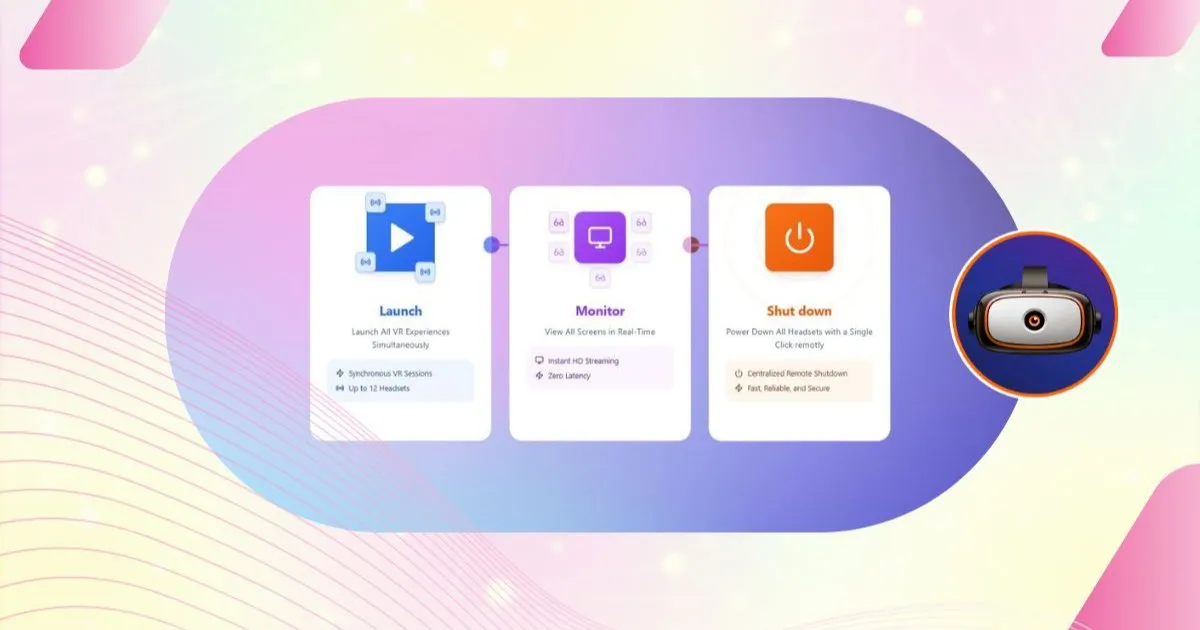
OmnicastVR runs directly on the Surface tablet, so the whole control chain (install, launch, shut down) is quick to deploy:
- Simple APK installation: install or update applications on all your headsets without the client's internet connection.
- Fast, synchronized launch: start the experience on every headset in one click from the tablet, for a smooth, professional start.
- Central shutdown: at the end of the session, power off all headsets remotely to speed up pack-up and save battery.
These functions save a lot of logistics time, so the demonstrator can focus on the client rather than the hardware. The full workflow is detailed in our article on VR training logistics.
✅ Takeaway
A mobile setup simplifies logistics for the travelling VR trainer:
- Management and streaming run from the Surface tablet.
- One-click start, stop and content management.
- From the case to a running session in minutes.
3. A Powerful Tool for Live Sales Demonstrations
For demonstrators, OmnicastVR is more than a management tool: it is a sales asset that boosts the impact of the presentation.
Supervision and the "Wow" Effect
- Precise guidance: with low-latency streaming from the headsets, the demonstrator guides prospects precisely and highlights key features at the exact moment they experience them.
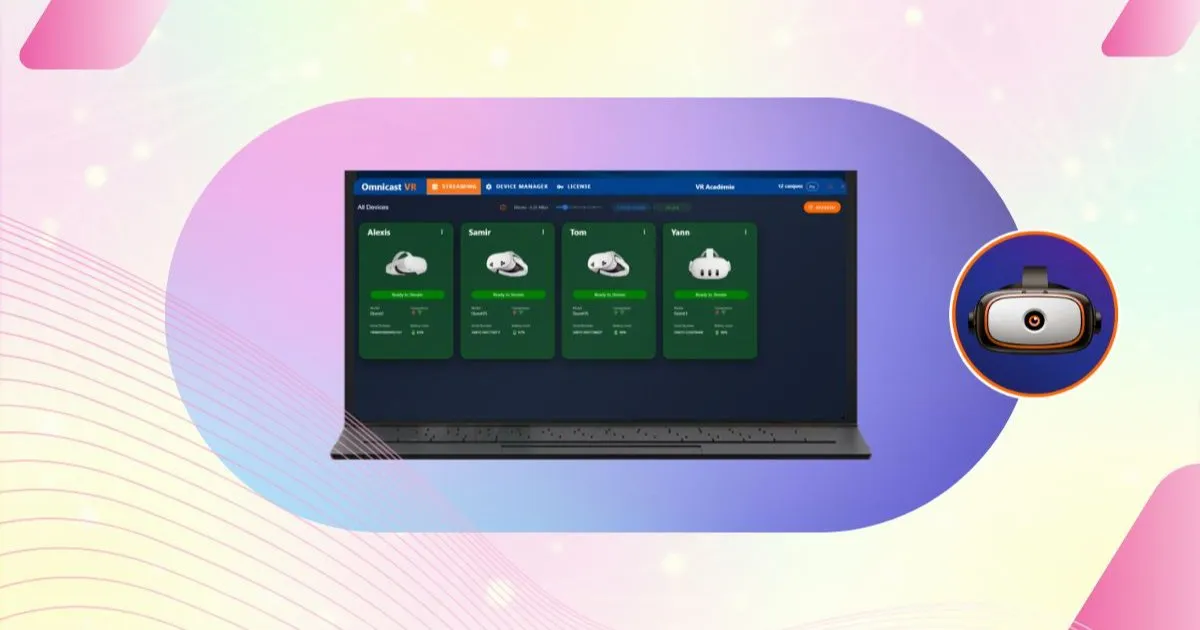
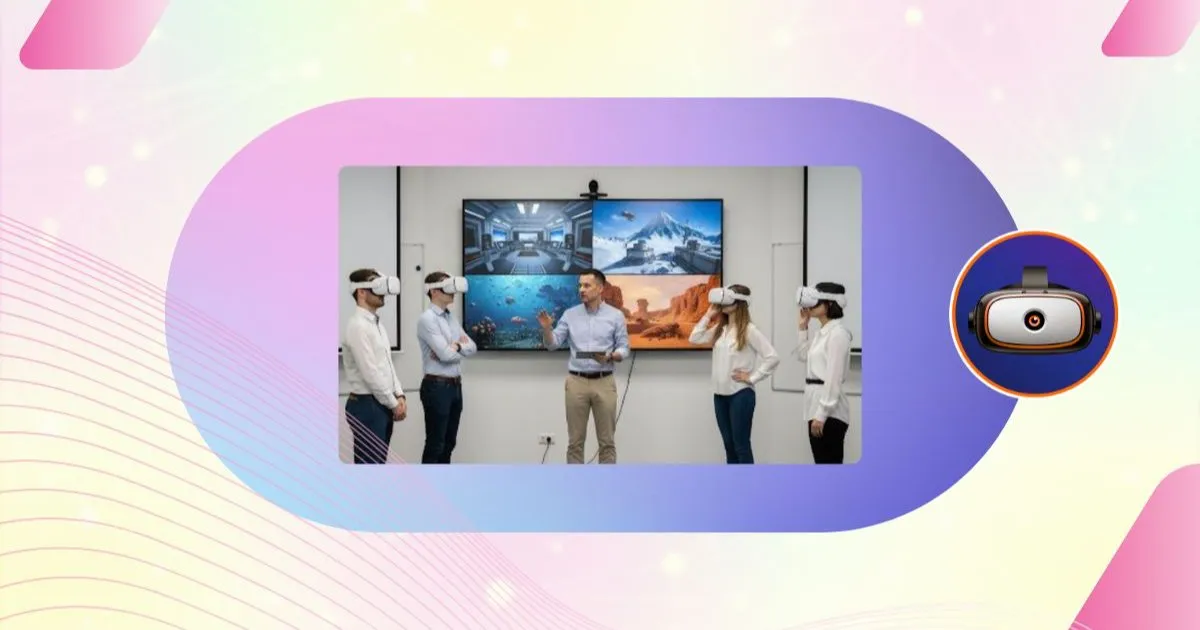
- A visual event: projecting several headset screens on a monitor turns the demo into a show for the audience, which boosts engagement and recall.
- Multi-brand: the tool manages Meta, Pico and HTC Vive headsets at the same time, whatever hardware the client wants to try. See our features page.
A mobile OmnicastVR setup presents your VR expertise at its best, never compromised by an uncertain network.
✅ Takeaway
For sales demonstrators, OmnicastVR is a business asset:
- Low-latency streaming for precise client guidance.
- A visual event thanks to the multi-headset display.
- Reliable performance, even during the most critical demos.