Manage Meta Quest, Pico and HTC Headsets from One Interface
End fragmentation! Discover how Omnicast VR unifies the Control, Launch, and Streaming of your Meta Quest, Pico, and HTC headsets simultaneously. The universal solution for heterogeneous fleets.
Introduction: The Complexity of Mixed VR Fleets
Many organizations own fleets of standalone VR headsets from different brands (Meta Quest, Pico, HTC, etc.). A mixed fleet is often the result of successive hardware purchases or pricing decisions. But managing, updating and supervising these devices with separate manufacturer tools quickly becomes a logistical nightmare.
Each brand comes with its own management interface, casting procedure and settings. The answer is unification: OmnicastVR lets you manage and stream all your multi-brand headsets from a single interface.
This article is part of our complete guide to managing multiple VR headsets. To see every control and streaming function, visit the OmnicastVR features page.
1. Tool Fragmentation: The Problem of a Mixed VR Fleet
Manufacturer-specific tools and single-brand casting solutions waste time, reduce productivity and increase the risk of errors.
The Hidden Cost of Fragmentation
- Multiplied procedures: the trainer has to master two or three different procedures to launch the same content, which complicates logistics and staff training.
- No group supervision: casting tools are often single-brand, so you cannot supervise the whole group when your training room uses a mixed fleet.
- Higher risk of errors: during control tasks (APK installation, content launch, see our article on VR training logistics), switching tools for each headset type multiplies mistakes.
✅ Takeaway
Managing a mixed VR fleet with separate manufacturer tools wastes logistical time and prevents simultaneous group supervision. Unification is the key to productivity and ROI.
2. OmnicastVR: One Control and Streaming Tool for Every Brand
OmnicastVR was designed to work across brands, giving you total flexibility without compromising performance.
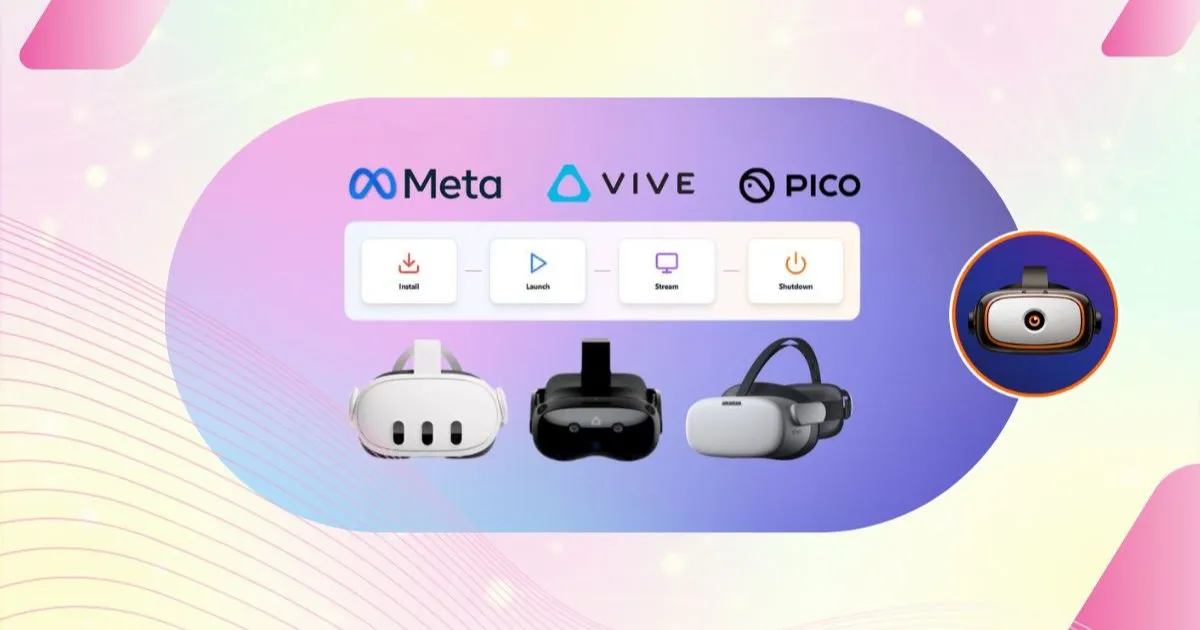
Whether you deploy Meta Quest, Pico or HTC Vive headsets, OmnicastVR delivers multi-brand headset control from one dashboard, so you no longer switch between vendor-specific tools.
A Single Interface for All Headsets
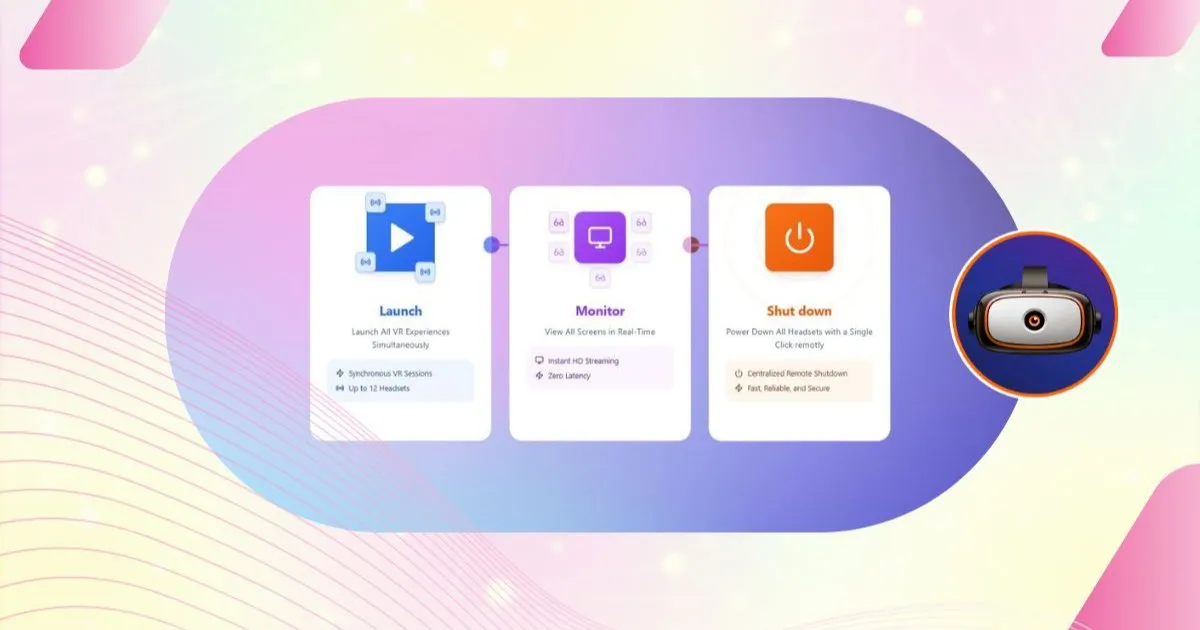
- Unified control: use every control function (install, launch, shut down) from one interface on any headset, whether it is a Meta Quest, a Pico or an HTC.
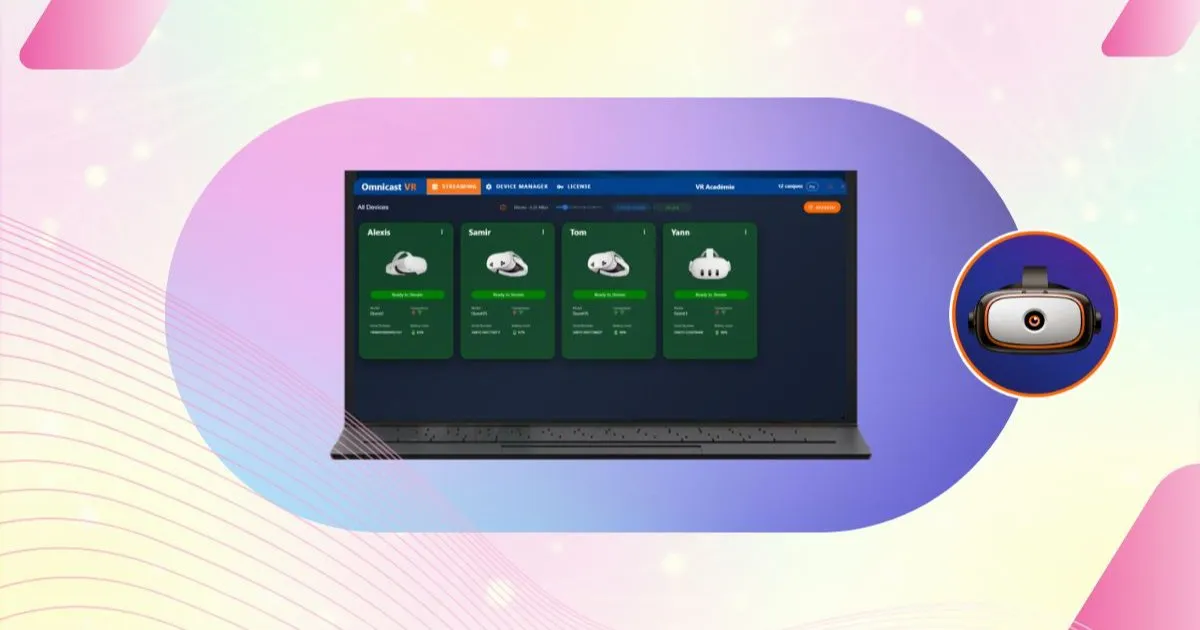
- Simultaneous multi-brand streaming: display the screens of headsets from different brands on the same monitor at the same time, thanks to the dedicated local network.
- Purchasing freedom: because the software works with every brand, your next headset purchases are no longer dictated by software compatibility. Choose the hardware that fits your needs and budget.
✅ Takeaway
OmnicastVR offers multi-brand compatibility:
- Control (installation, launch) unified in a single interface.
- Real-time streaming of Meta, Pico and HTC headsets side by side.
- Freedom to choose your hardware and a better ROI.
3. The Teaching Advantage of Multi-Brand Streaming
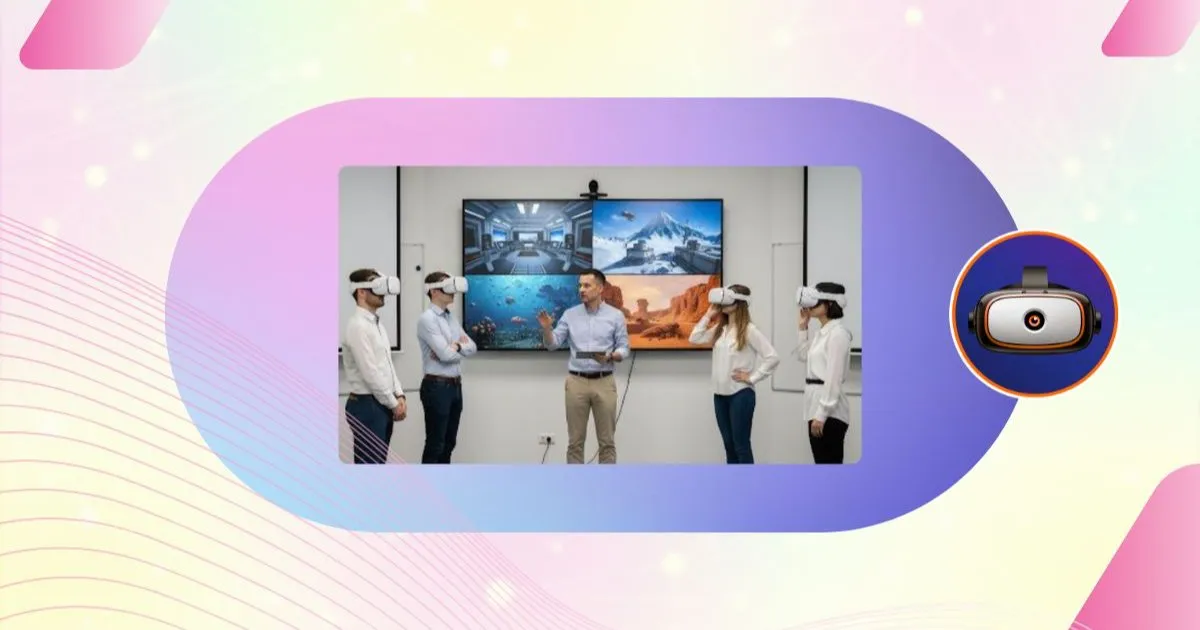
In a VR training room, seeing every participant at once, whatever their headset brand, lets the trainer focus on teaching.
Ready to simplify your multi-brand fleet? Compare our plans: pricing depends on the number of simultaneous headsets, never on their brand.
The Trainer's Simplified Workflow
With OmnicastVR in a mixed-brand room, you can:
- Launch the experience on all headsets (Meta and Pico) in one click.
- Check on the streamed screens that every headset is in sync, whatever the brand.
- Guide learners precisely without worrying about which headset they are wearing.
The result: faster sessions, fewer logistical errors and more effective learning. To see how this works during a live session, read our article on guiding VR learners in real time.
✅ Takeaway
Multi-brand management simplifies the trainer's workflow: controlling, launching and streaming mixed headsets at the same time guarantees a synchronized session without logistical errors.