Advanced Streaming Launch - Omnicast VR Tutorial
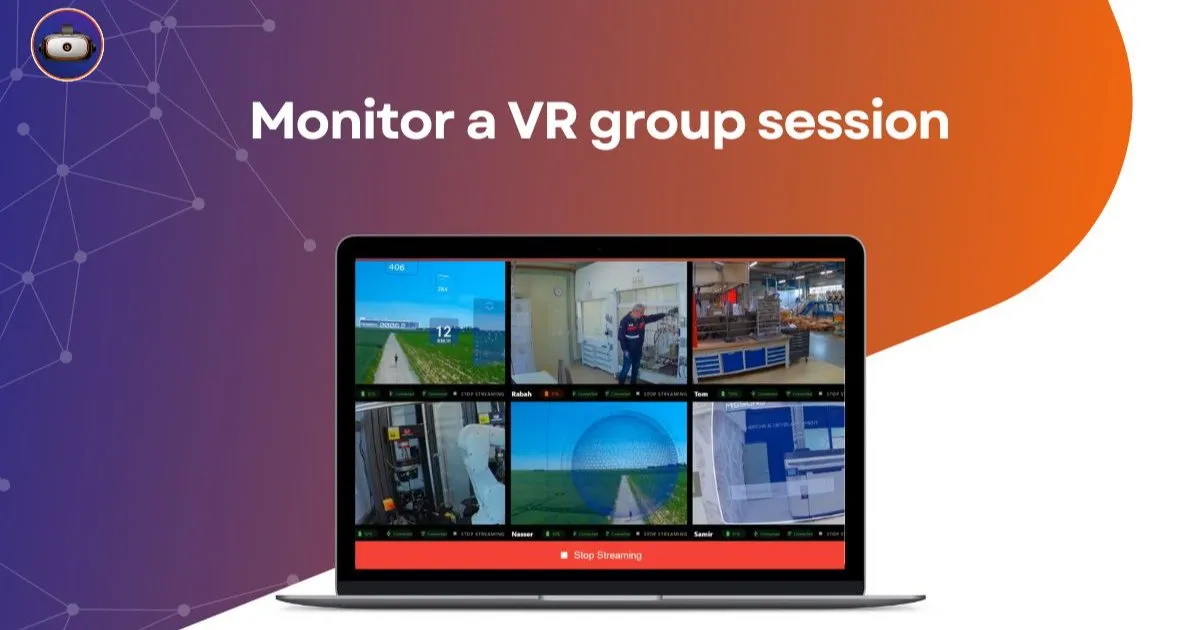
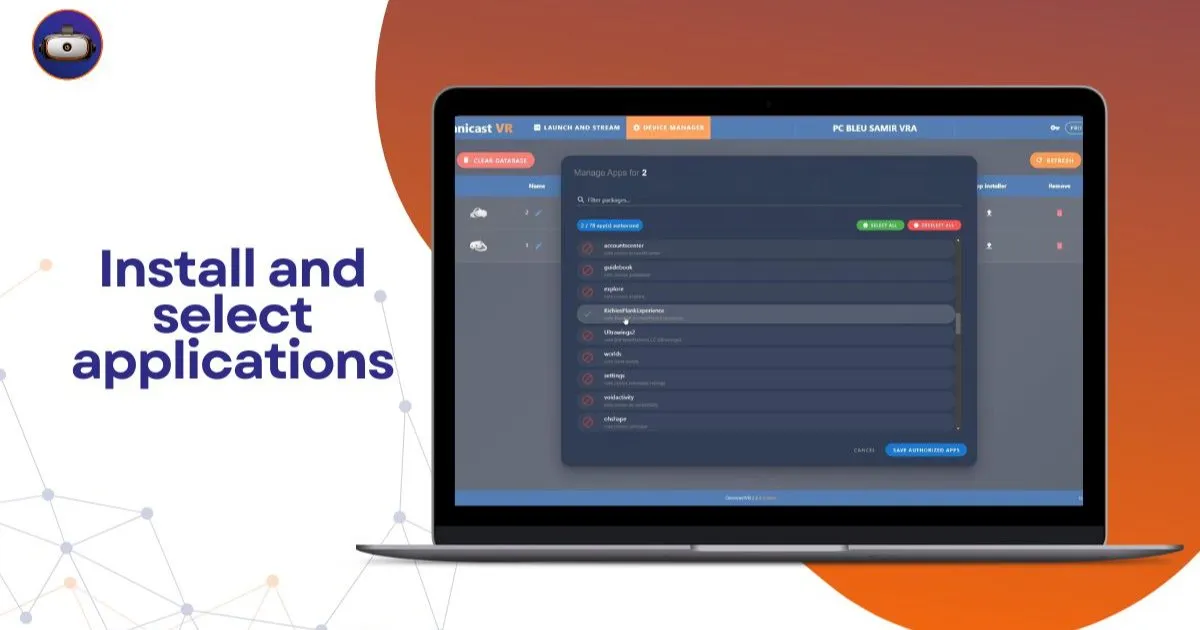
Omnicast VR: Launch Streaming on 4 Headsets + Adjust Video Quality 🎥 Welcome to this new introductory tutorial for Omnicast VR! In this video, VR Académie shows you how to launch streaming on 4 VR headsets simultaneously and adjust the image quality (bitrate) based on your needs and hardware.
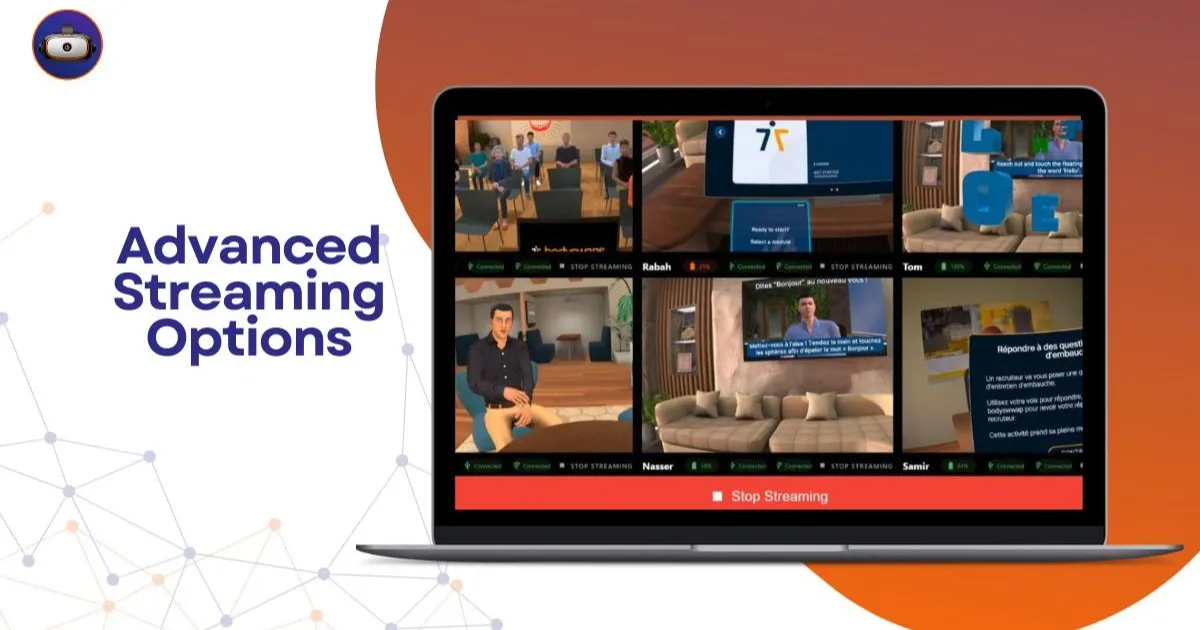
Managing visual clarity and fluid screen feedback is a major challenge for facilitators of immersive corporate sessions. Display cut-offs or pixelated images instantly destroy the credibility of your educational intervention with trainees. Learning how to configure VR streaming bitrate gives you the keys to stabilize your local infrastructure and optimize learner comfort in 2026. 🚀
In brief: This technical video guide details how to adjust semantic transfer rate (bitrate) to balance the fluidity and resolution of your streams. OmnicastVR allows you to calibrate the bitrates of each device for lag-free streaming of up to 16 VR headsets simultaneously on a simple local network.
🔄 How to configure VR streaming bitrate for your headsets simultaneously
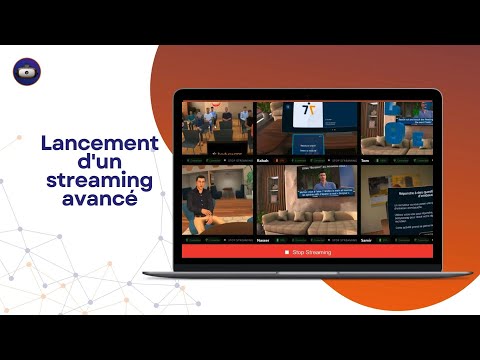
Controlling multiple video streams in real time requires fine-tuned management of your local router's bandwidth. Modifying the bitrate value (expressed in Mbps) directly from the control interface allows you to regulate the amount of data sent by each computer device. An excessively high bitrate on a standard network infrastructure will saturate the access point, causing immediate stuttering.
To find the perfect balance, you must adapt this semantic parameter to the power of your supervision computer and the quality of your router. Slightly lowering the individual stream guarantees absolute display stability when you connect four, eight, or sixteen devices in the same room. This technical flexibility ensures perfect pedagogical continuity, regardless of the physical constraints of your workshop.
How to optimize visual fluidity without an internet connection?
The secret to seamless display lies in exclusively retrieving streams within an independent closed network. OmnicastVR operates autonomously on local Wi-Fi, protecting your sessions from bitrate losses associated with global factory connections. Field trainers thus have complete autonomy to conduct their exercises without fearing a general site-wide outage.
What method should be used to control a group of learners without latency?
Reducing display latency is essential to prevent motion sickness in your trainees. Adjusting the bitrate uniformly or individually allows for a fluid control mosaic to monitor every action in real time. Our central control panel consolidates these settings, saving you tedious per-device manipulations.
📊 Comparison table: Impact of Bitrate on your local infrastructure
This technical table helps you calibrate your streaming settings according to your fleet size and educational objectives:
| Bitrate Level | Image Quality | Bandwidth Impact | Fleet Stability | Recommended Use |
|---|---|---|---|---|
| High Bitrate | Maximum resolution, sharp details | Very high Wi-Fi demand | Ideal for 1 to 4 headsets max | VIP demonstrations or complex CAD reviews |
| Medium Bitrate (Standard) | Excellent balance of sharpness/fluidity | Controlled network consumption | Stable for up to 8 to 10 headsets | HSE training, fire drills, or logistics |
| Optimized (Economical) | Slight loss of sharpness, very fluid | Very low network footprint | Perfect for up to 16 headsets | Large groups, mass synchronized sessions |
This table demonstrates the importance of an agile adjustment interface to adapt your equipment to the realities of each session. To validate the initial pairing of your equipment before calibrating your bitrates, consult our advanced streaming tutorial. For physical access configuration, refer to our guide on Omnicast VR ADB connection.
👁️ Simple alternative to complex MDMs for your video streams
Heavy fleet management solutions rely on remote cloud servers, which restrict the performance of your internal networks. Our tool breaks this dependency by concentrating all computing power within your classroom. A simple alternative to complex MDMs. Fluid supervision designed for the field, far from IT gas plants.
View the screen of 16 VR headsets simultaneously
Thanks to optimized transfer streams, monitoring an entire group no longer requires sacrificing visual quality. The display adapts to your network configuration to maintain a constant refresh rate. View the screen of 16 VR headsets simultaneously. Ideal for guiding your students without latency and validating their professional actions live.
A universal remote control without hardware modification
Respecting the integrity of your equipment is an absolute priority to reassure your IT department. Control your headsets via a simple local Wi-Fi. Nothing to install on your VR headsets. Stream the screen of your Meta Quest, Pico, and HTC Vive headsets without any constraints. The firmware remains strictly original, preserving factory warranties.
🎯 Integrator's field feedback: "At VR-Academie.fr, our Novalab entity boasts over 10 years of field expertise and thousands of animated sessions. During a large-scale deployment of 16 Meta Quest headsets for a training center, video streams stuttered due to thick concrete walls. By applying our tips, we simply had to configure VR streaming bitrate to an intermediate value from the local interface to restore perfect fluidity and synchronize application launches with a single click."
🚀 Master the technical environment to enhance your training
Mastering video stream settings radically transforms the experience for your employees in the workshop. Fluid screen feedback allows the trainer to anticipate errors, refine their support, and secure learning paths. You gain operational serenity while demonstrating impeccable technical expertise to your clients and principals.
To delve deeper into the administration of your immersive equipment, consult our comparative file to find out whether to choose OmnicastVR or an MDM for your VR headsets. Also, discover our complete guide detailing how OmnicastVR empowers VR training in business. To plan for equipping your field trainers, access our OmnicastVR pricing guide now.
❓ Frequently asked questions about VR bitrate optimization
How to configure VR streaming bitrate efficiently in a group?
For a group of more than 8 headsets, adjust the bitrate to an intermediate value from the central tab of our software. This ensures fluid streaming of the screen mosaic via your local Wi-Fi. It's the field VR solution for controlling a group of learners with ease.
Does a low bitrate harm the student's learning quality?
No. Modifying the bitrate only changes the video stream sent to the trainer's supervision PC. The learner retains the full native resolution and fluidity of their application within their headset, without any alteration to their immersive experience.
What equipment brands are compatible with this setting?
Our software architecture is completely agnostic and unified for the professional market. You can modify the bitrate, launch your sessions, and simultaneously administer mixed fleets of Meta Quest, Pico, or HTC Vive headsets without network constraints.