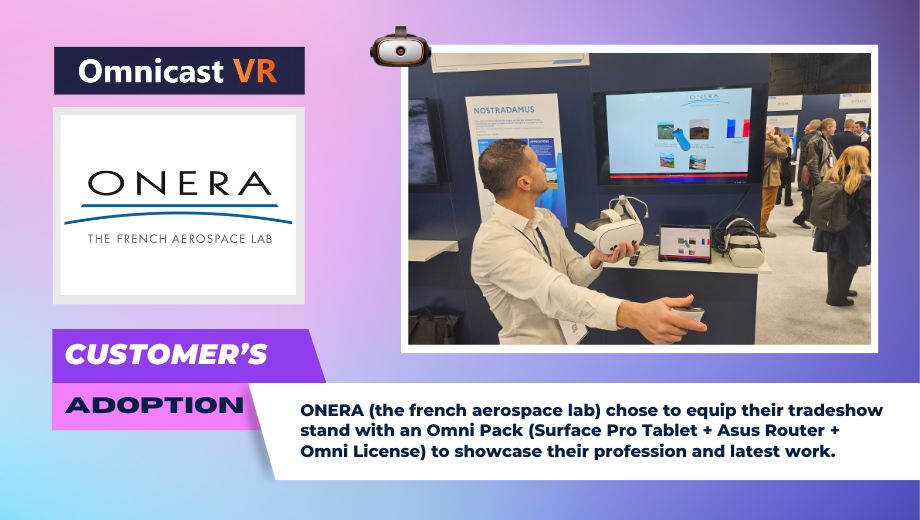
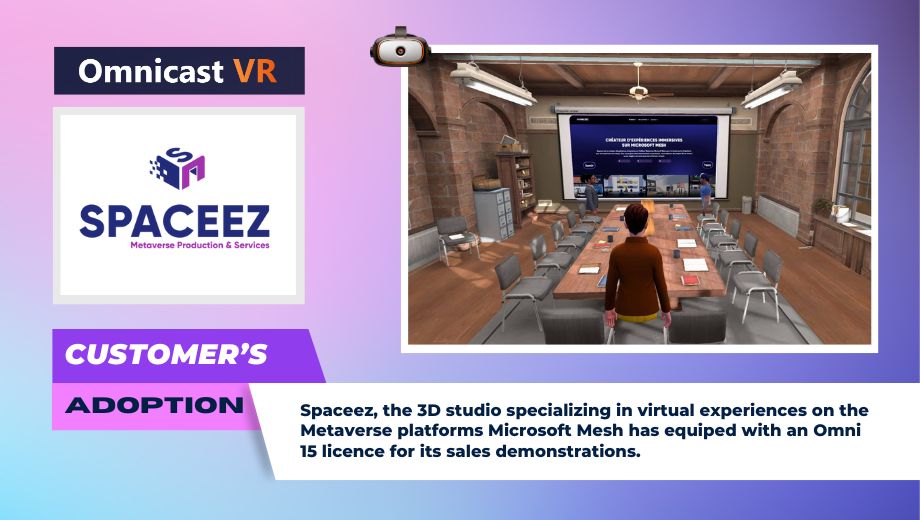
All the features to pilot and supervise your VR headsets
Discover All the Features That Make Omnicast VR the Most Powerful VR Management and Streaming Solution
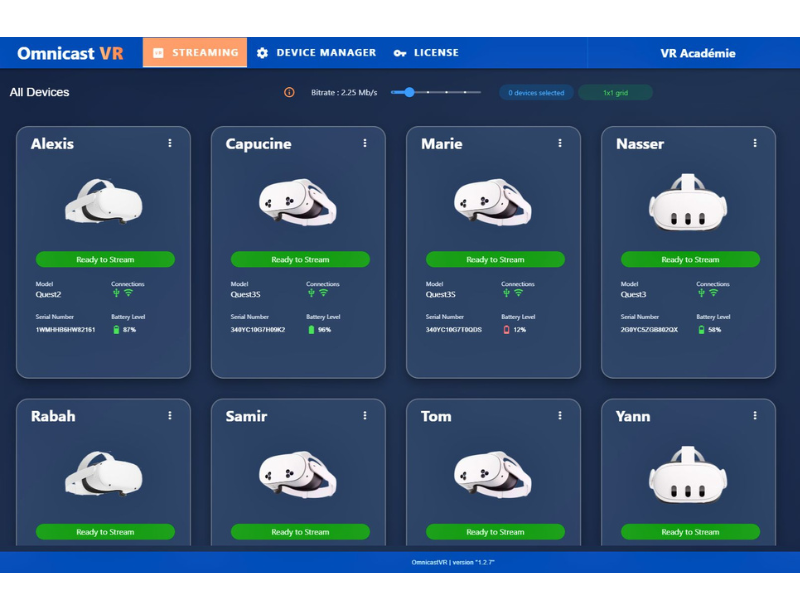
OmnicastVR is a Windows software for real-time supervision and control of VR headsets. It lets you view up to 16 headsets simultaneously, launch applications in sync, install APKs remotely and control your entire fleet from a single interface. Works with or without internet.
Launch All
Stream View
Install APK
Power Off
Connected Headsets
6/8
Quality Image
Max 10MB
Licence Pro
Omni 8
Launch all apps
Synchronous Sessions
Launch your content individually (headset-by-headset) or across all headsets simultaneously to facilitate a perfectly synchronous VR session.
Streaming Your Headsets
Guide Your Users
Visualize the screen feeds from your VR headsets, supporting up to 16 simultaneous devices. The viewing experience is optimized by the automatic sizing of your control screen.
Power Down Headsets
Time Savings
Rename, restart, and power off headsets simultaneously or individually. Includes a Battery Control Module.
Install APKs
Logistical Efficiency
Install your APKs directly onto your headsets, eliminating the need for external deployment solutions.
Technical specifications of the VR supervision software
Cutting-edge technology for optimal VR experience
Up to 10 Mbps
Bitrate Management
Adaptive high-quality streaming
WiFi 6/6E
WiFi Protocol
Ultra-fast and stable connection
Single License
Activation Key
Simplified installation
Windows 10/11
Operating System
Standard PC compatible
Universal VR Headset Compatibility
Compatible with all autonomus VR headsets on the market powered by Android XR
Monitoring Features
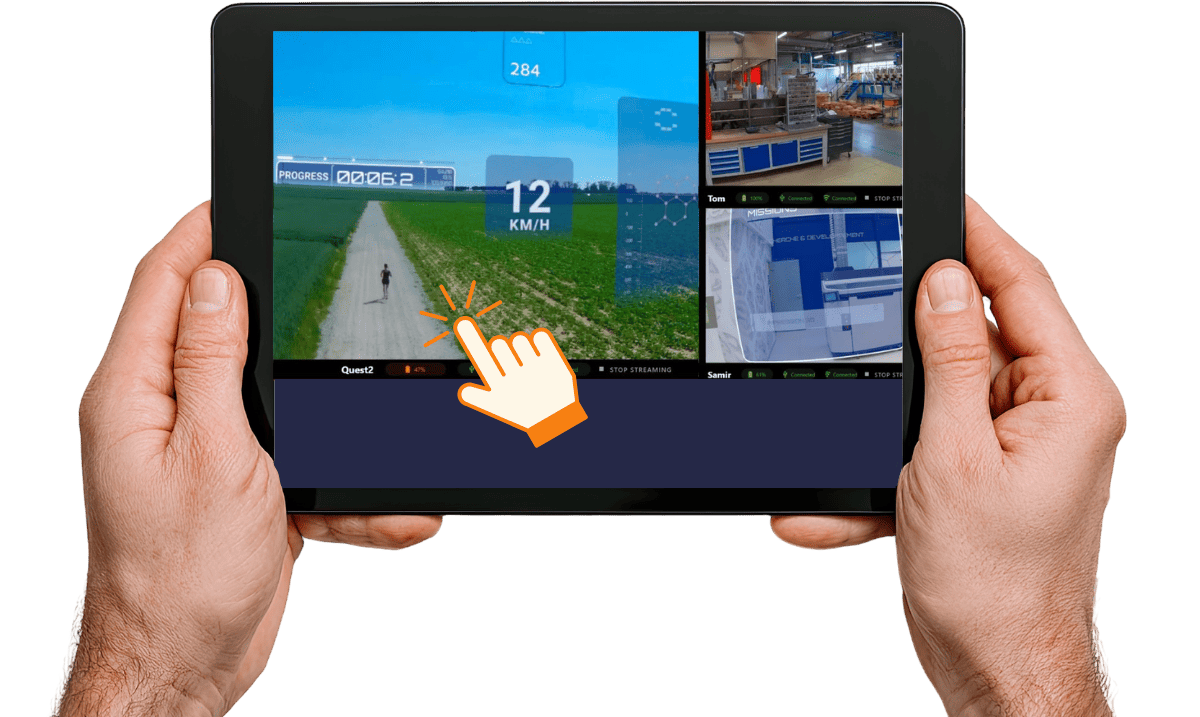
Automatic display optimization according to the number of headsets to be streamed.You can now zoom in on each individual headset stream
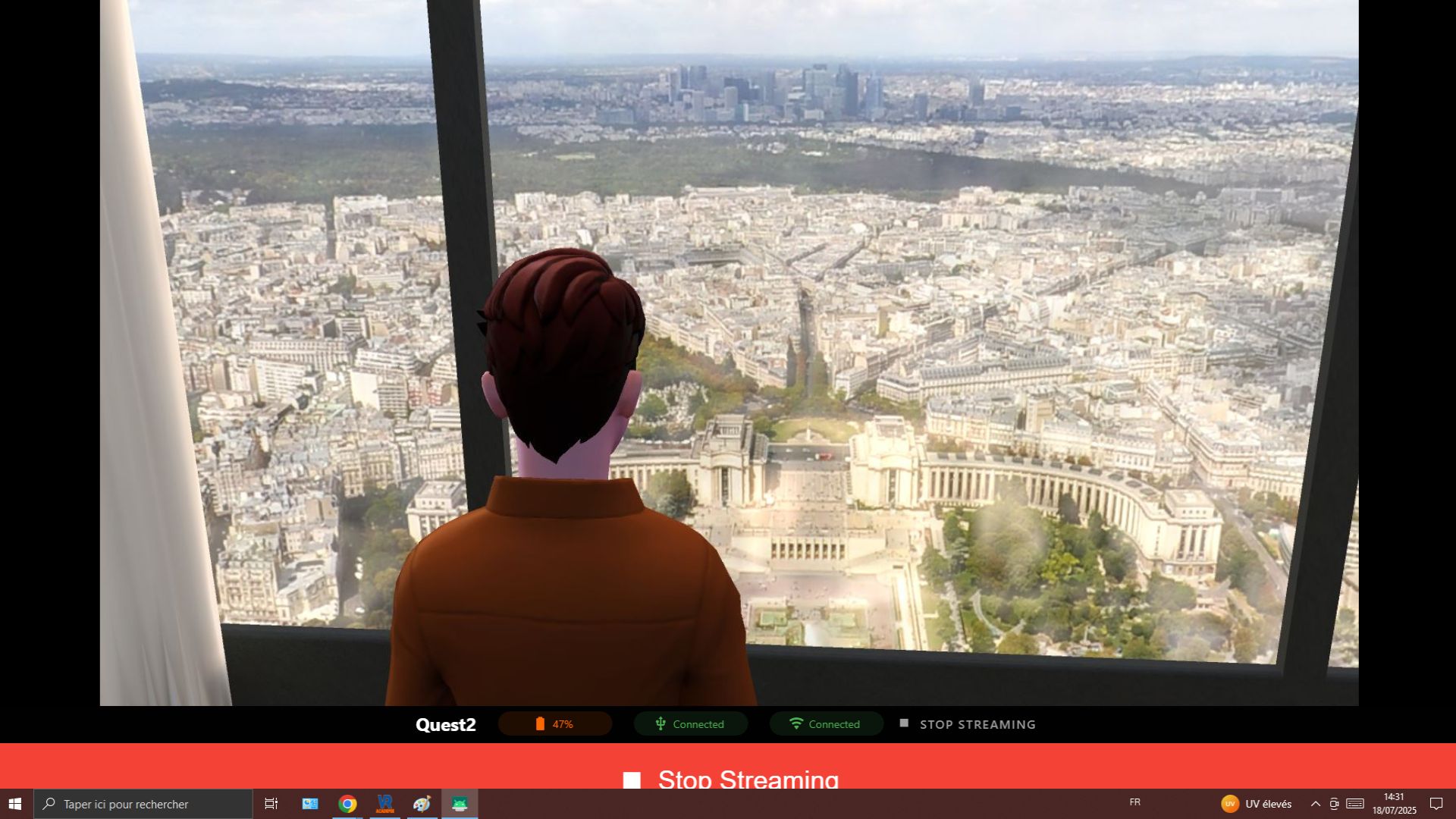
Focus Mode
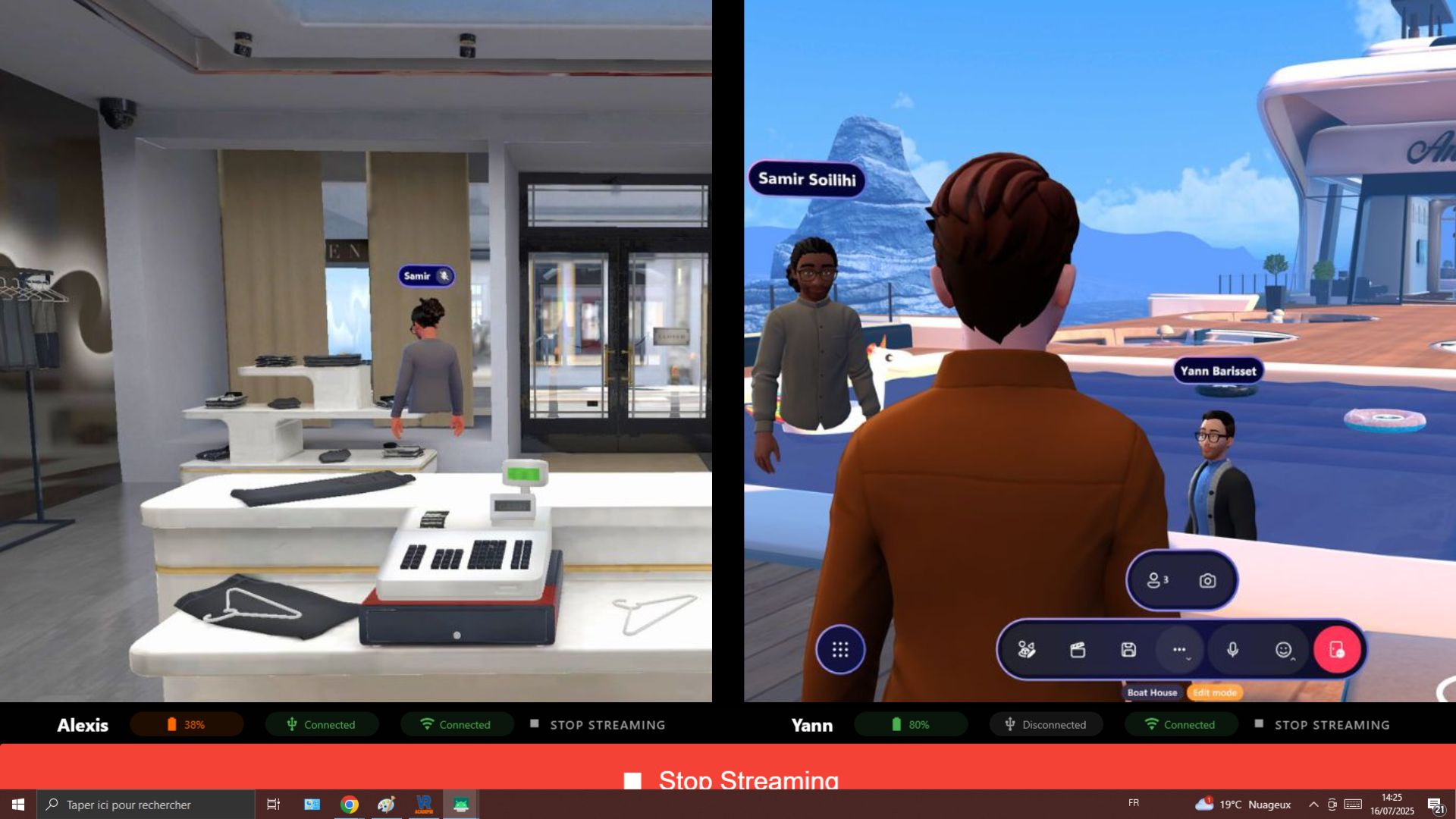
Comparison Mode
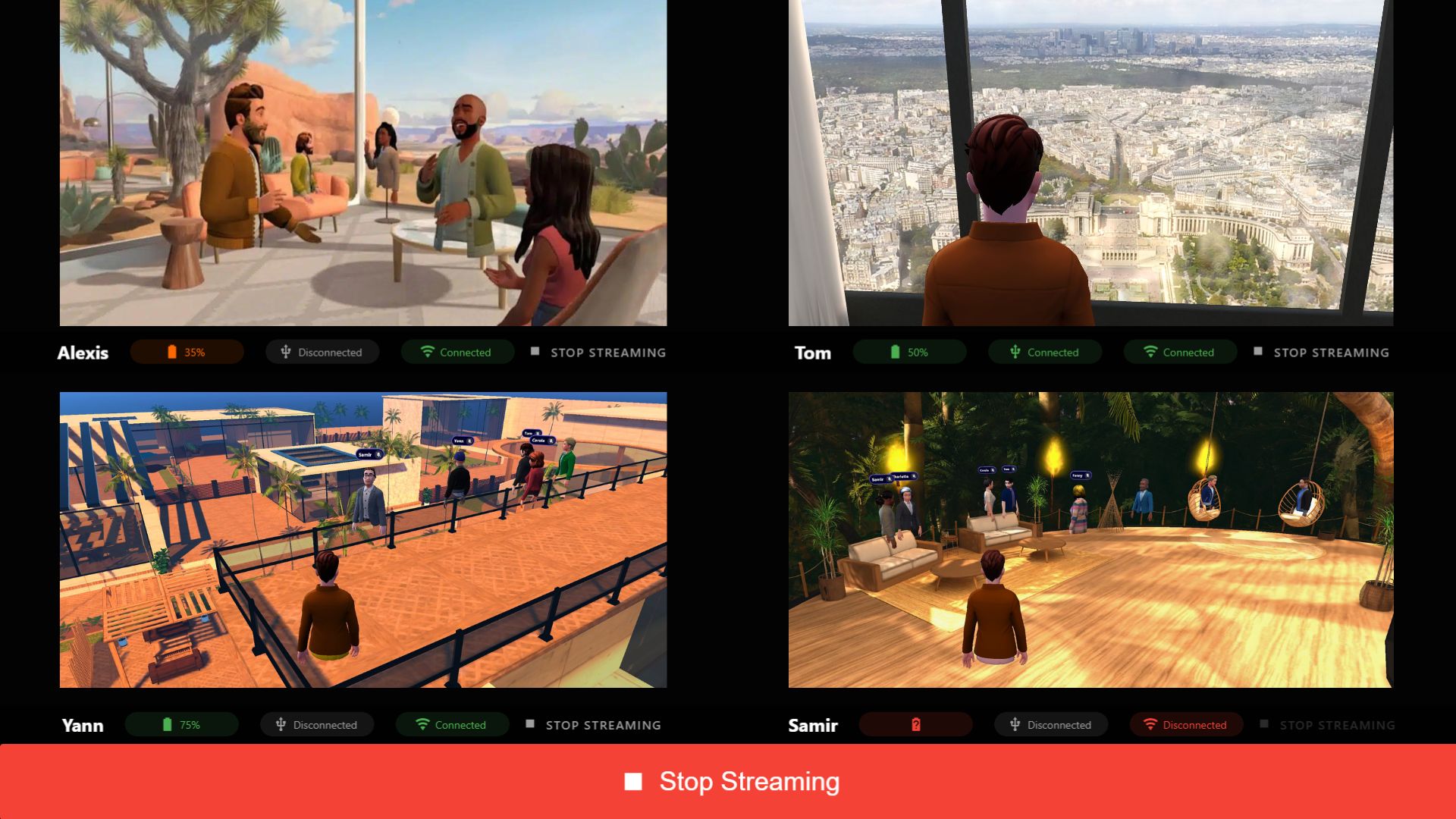
Group Mode
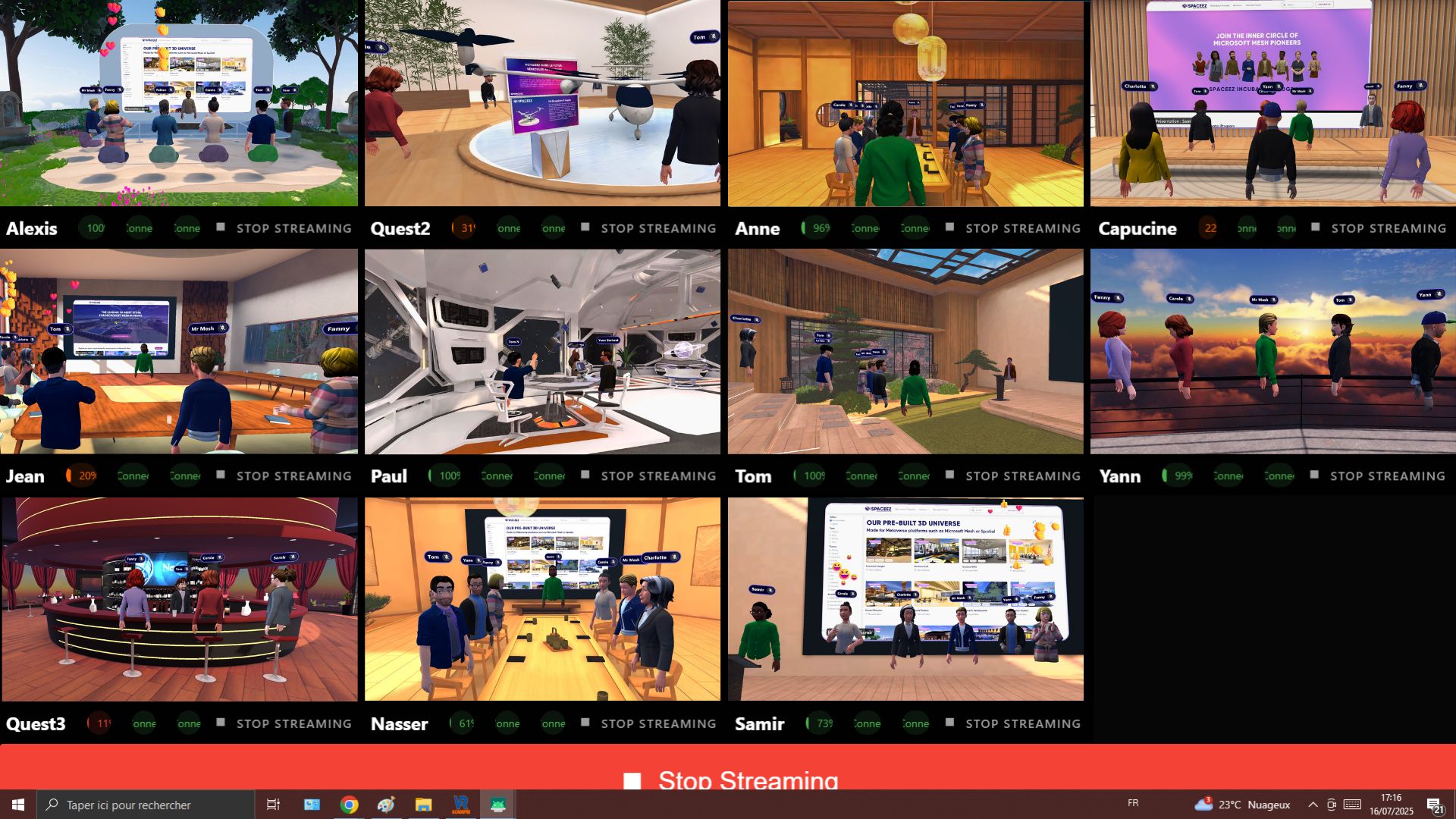
Supervisor Mode
Control Features
Control all your headsets from a centralized interface
Battery Level
Real-time monitoring
APK Installer
Install Your APKs Directly onto Your VR Headsets
APPs Launcher
Launch your content across a single headset or all headsets simultaneously to facilitate synchronous VR session.
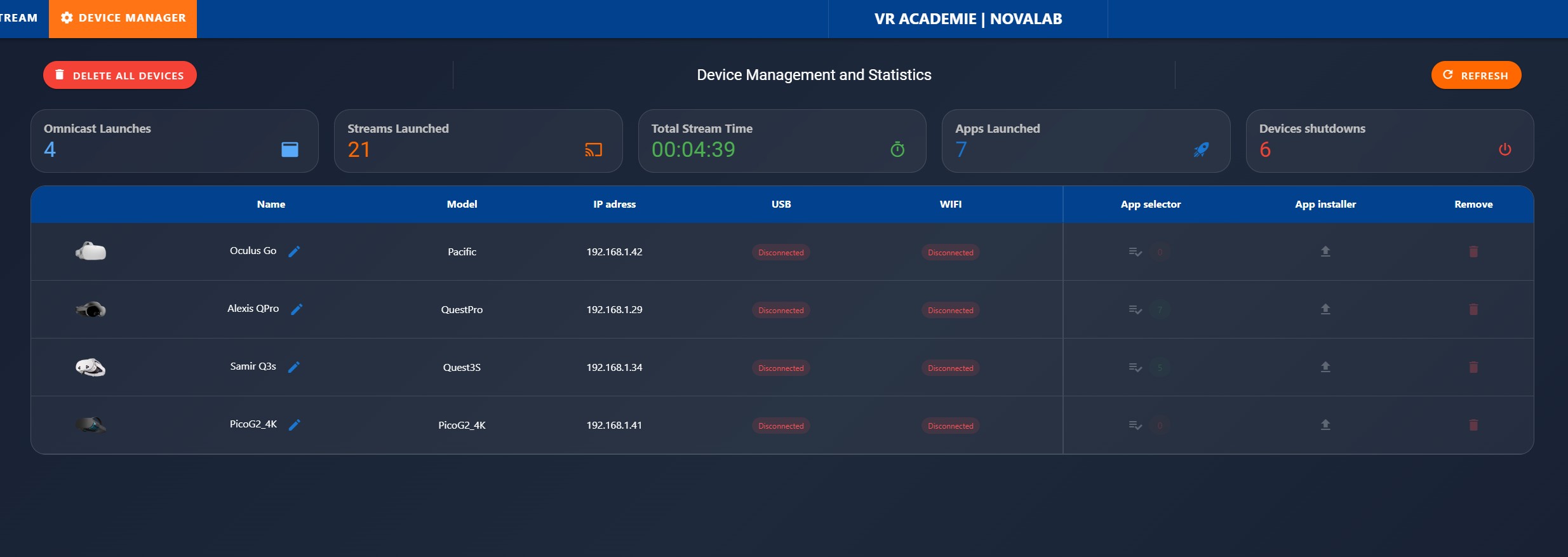
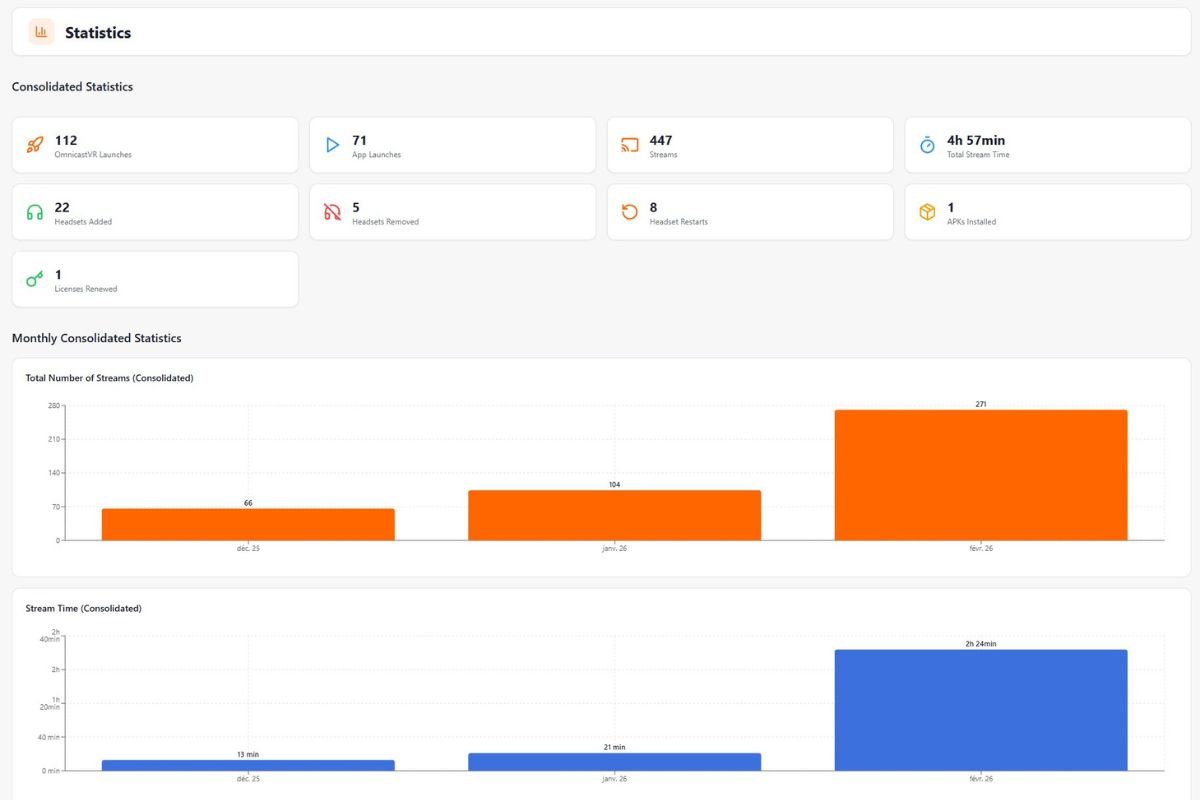
Analytics dashboard for VR training sessions
Analyzing your session statistics performed with Omnicast VR.
Windows installation & VR license security
The flexibility of client software with its online license activation system.
Local Software Installation
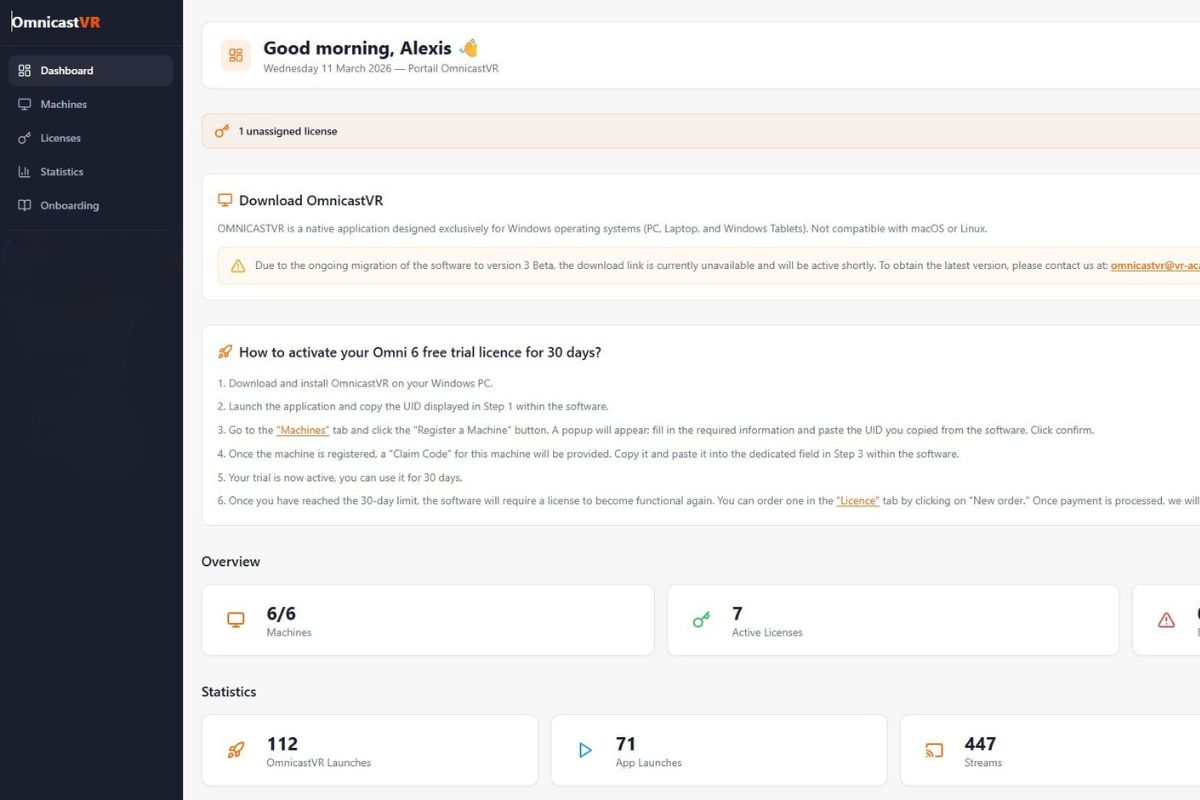
Omnicast is not a Software as a Service (SaaS) solution. The installation is performed on-premises directly on the client's computer.
Pro License Per-Device Activation
Each license can be ordered online through the activation portal. Once activated, simply assign it to your machine (Desktop, Laptop, or Tablet).
Data Privacy
The OMNICASTVR software has been designed to minimize data collection. No video stream, image, or screenshot is sent, stored, or processed on our cloud servers.
Automatic Updates
Updates are delivered to you automatically the moment you connect your computer to the internet.
VR headset × OmnicastVR feature compatibility
Compatibility matrix of the main control and supervision features for supported standalone VR headsets.
| Feature | Meta Quest 2 | Meta Quest 3 / 3S | Meta Quest Pro | Pico 4 / 4 Enterprise | Pico G3 | HTC Vive Focus 3 / Vision |
|---|---|---|---|---|---|---|
| Real-time screen streaming | ✅ | ✅ | ✅ | ✅ | ✅ | ✅ |
| Synchronized app launch | ✅ | ✅ | ✅ | ✅ | ✅ | ✅ |
| Remote APK installation | ✅ | ✅ | ✅ | ✅ | ✅ | ✅ |
| Remote power off / reboot | ✅ | ✅ | ✅ | ✅ | ✅ | ✅ |
| Automatic Wi-Fi reconnection | ✅ | ✅ | ✅ | ✅ | ✅ | ✅ |
| Offline mode (no internet) | ✅ | ✅ | ✅ | ✅ | ✅ | ✅ |
| Max headsets in parallel | 16 | 16 | 16 | 16 | 16 | 16 |
Technical questions about OmnicastVR features
Specifications, compatibility, security and real-world limits.
They trust us
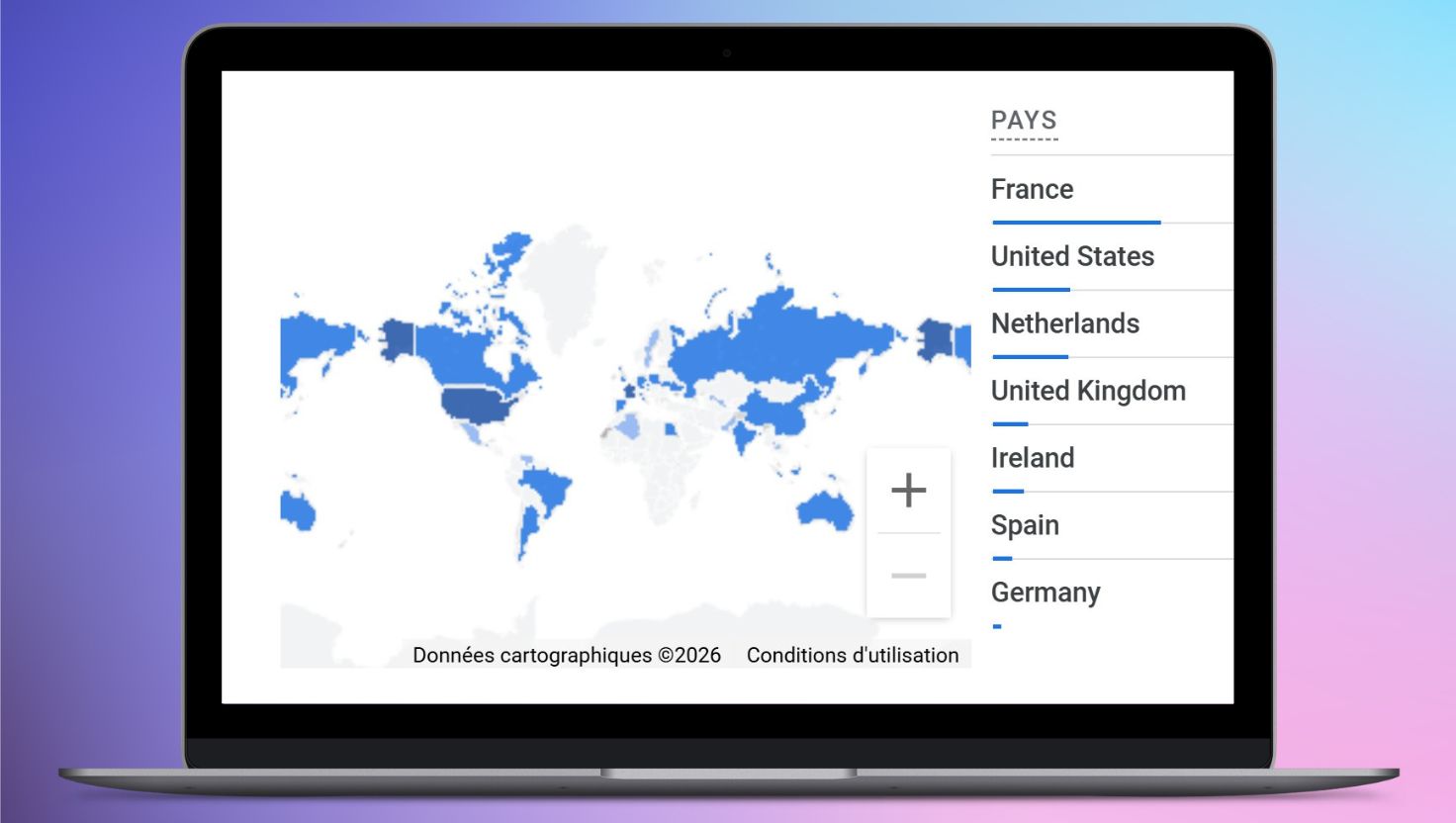
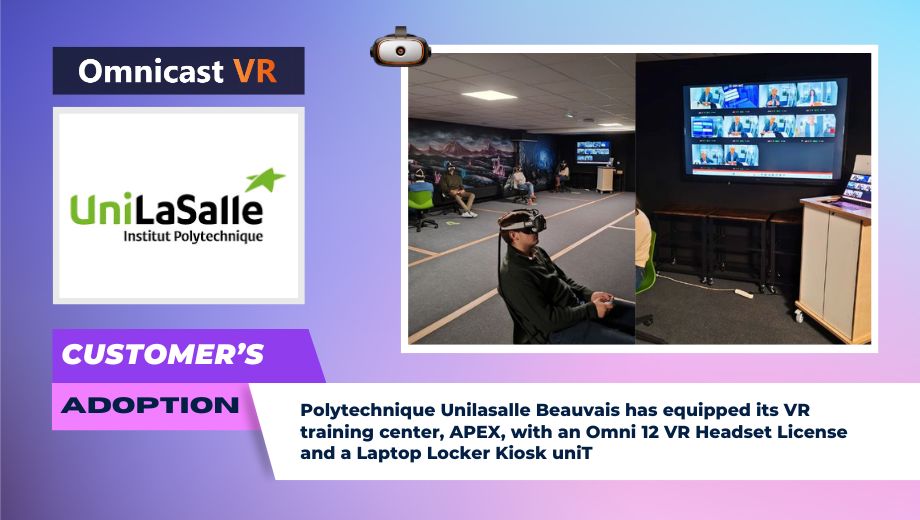
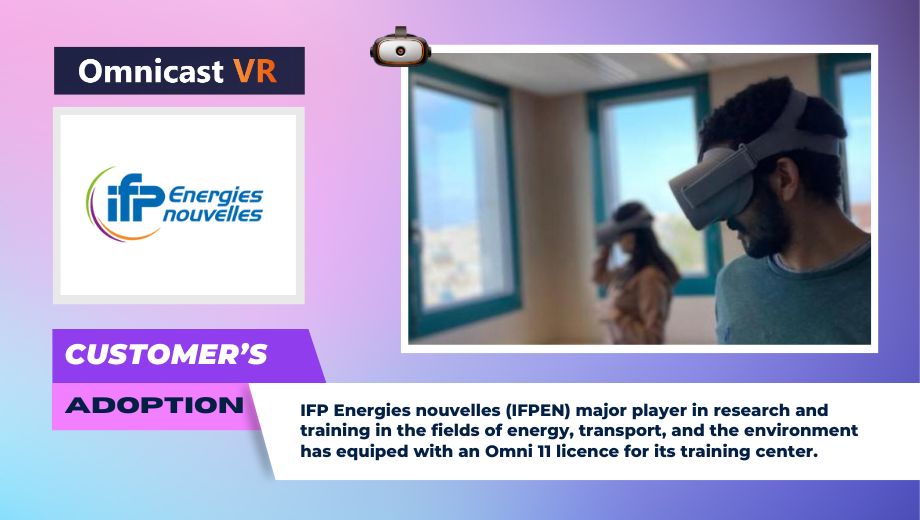
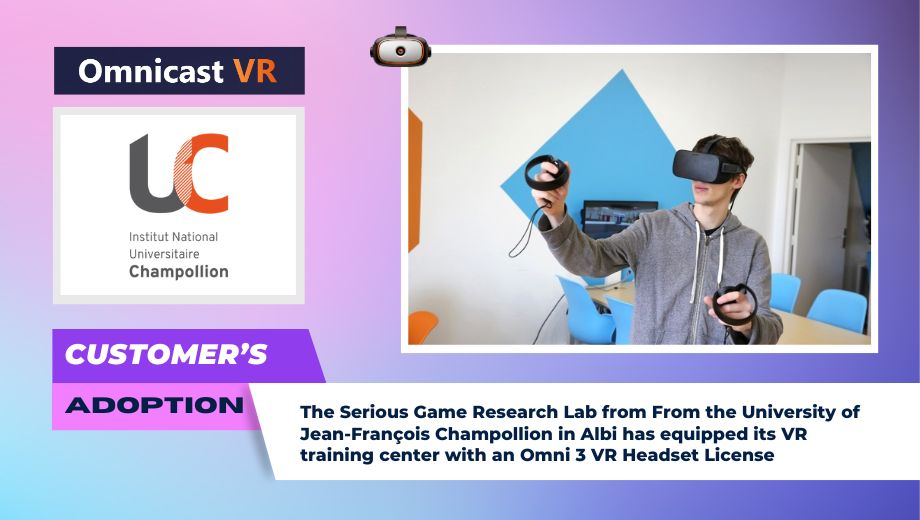
Join the dozen of organizations worlwide that already trust Omnicast VR for their immersive training.