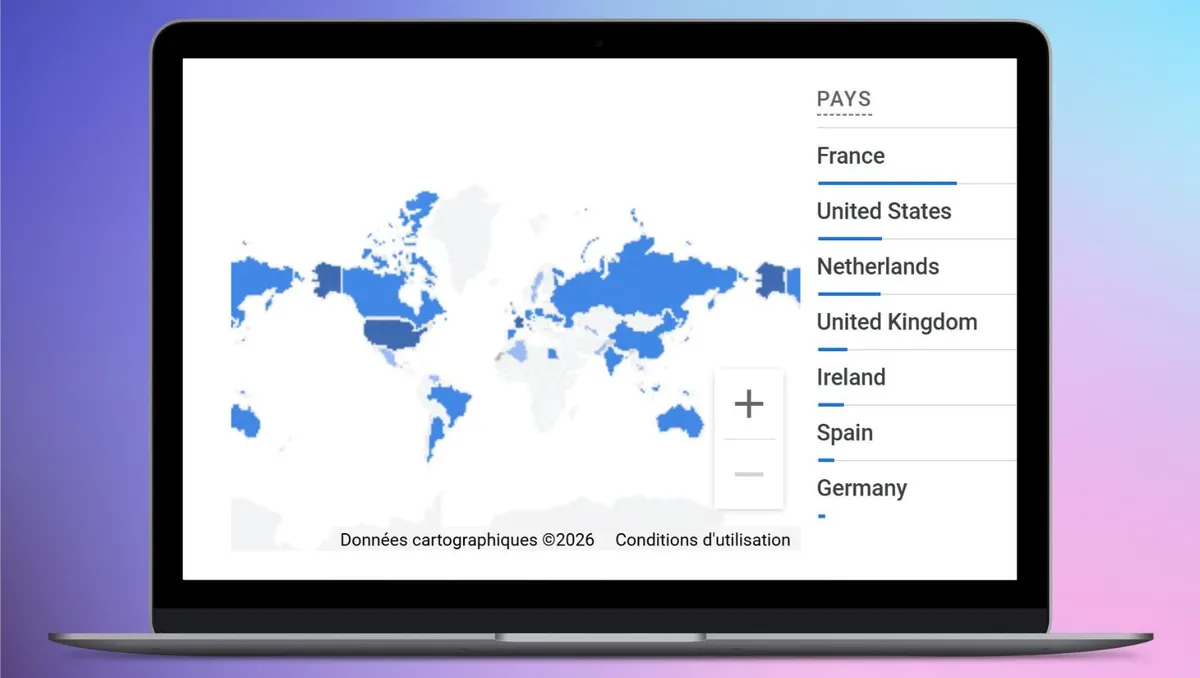
Download OmnicastVR — Free VR supervision software
Options de licence disponibles
Pro License: Up to 6 simultaneous VR headsets
Get 30 days of free trial
Once the trial period expires, all features will be deactivated. If you wish to continue, you can order a Pro License directly through the client portal.
Stop Waiting to Simplify Your Operations!
Launch
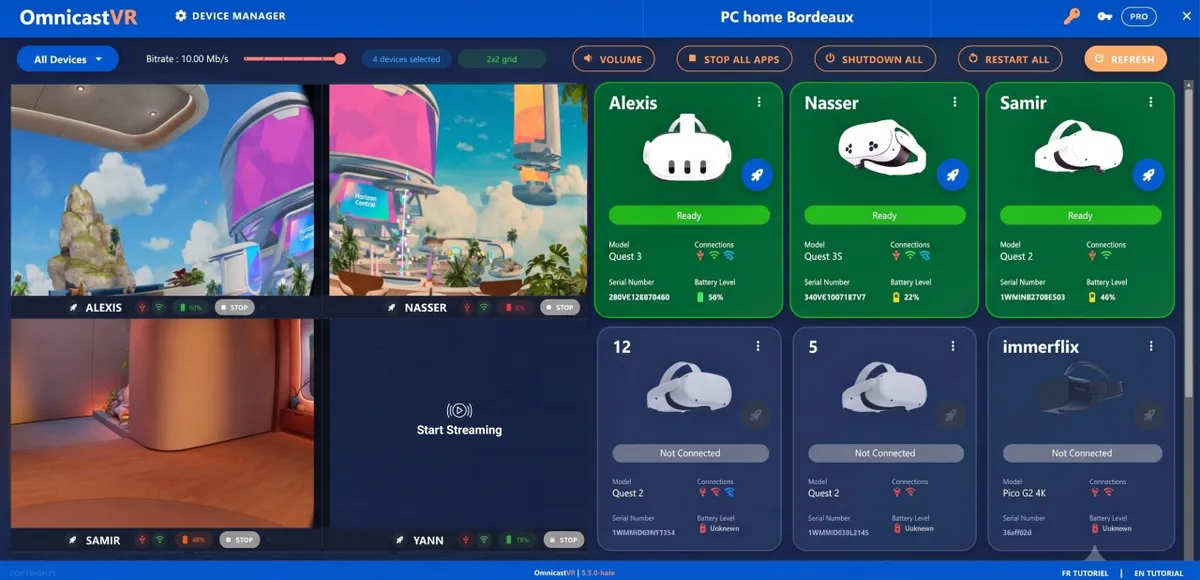
Launch All VR Experiences Simultaneously
Monitor
View All V headsets Screens in Real-Time
Shut down
Power Down All Headsets with a Single Click remotly
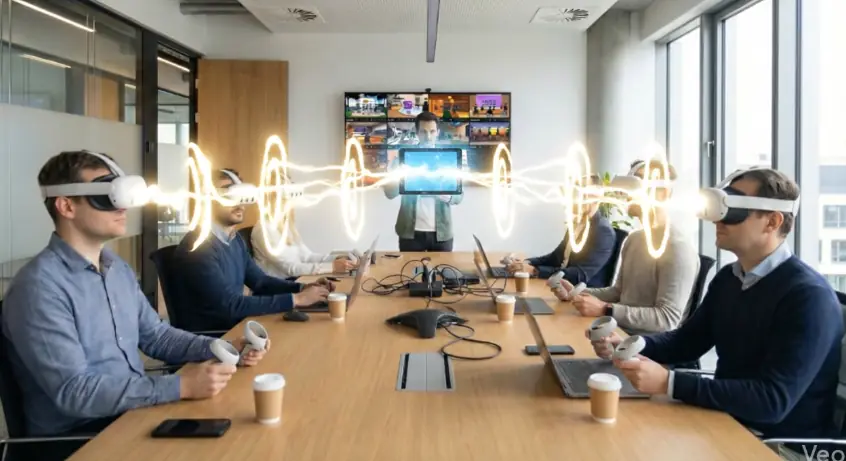
Your Trial Version Includes the Full Suite of Features
A complete platform to manage your VR experiences
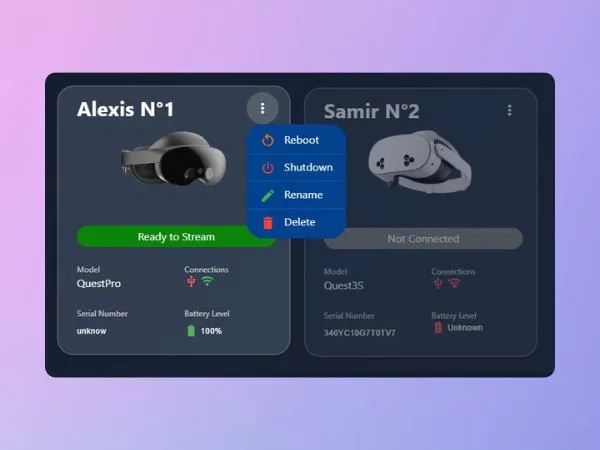
Centralized Control Module
Rename, restart, and power off headsets simultaneously or individually. Includes a Battery Control Module.
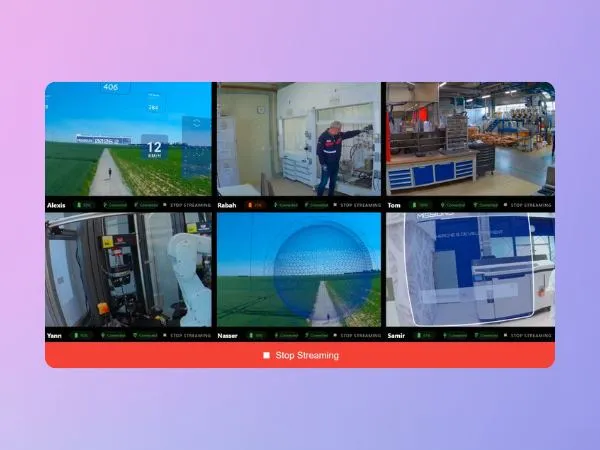
Optimized VR Streaming
Visualize the screen feeds from your VR headsets, supporting up to 16 simultaneous devices. The viewing experience is optimized by the automatic sizing of your control screen.
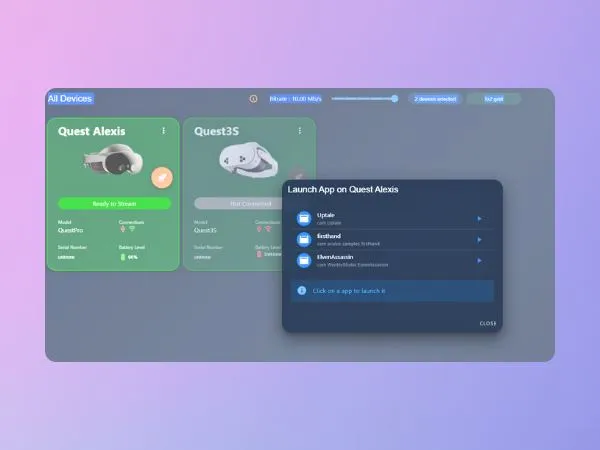
Content Deployment Module
Launch your content individually (headset-by-headset) or across all headsets simultaneously to facilitate a perfectly synchronous VR session.
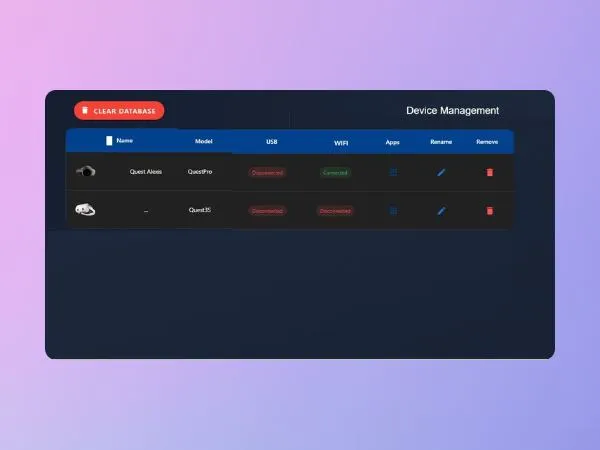
APK installer
Install your APKs directly onto your headsets, eliminating the need for external deployment solutions.
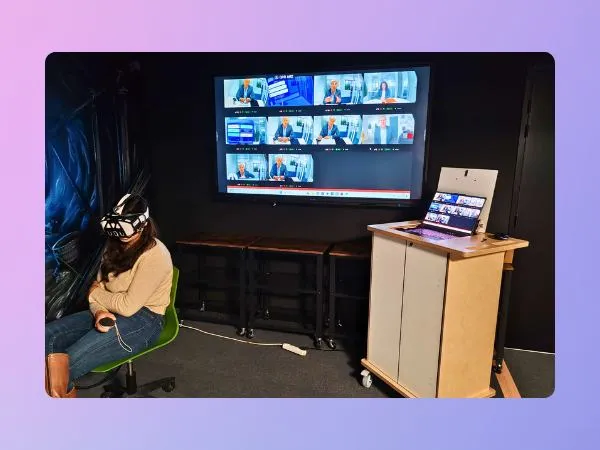
Local WiFi Connection
Local network operation without Internet dependency for a stable and secure experience.
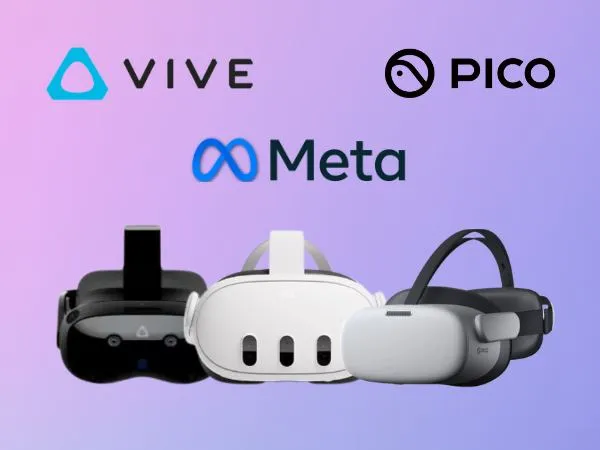
Compatible with All Major VR Brands
Compatible with Meta Quest, Pico, HTC Vive and other standalone VR headsets on the market.
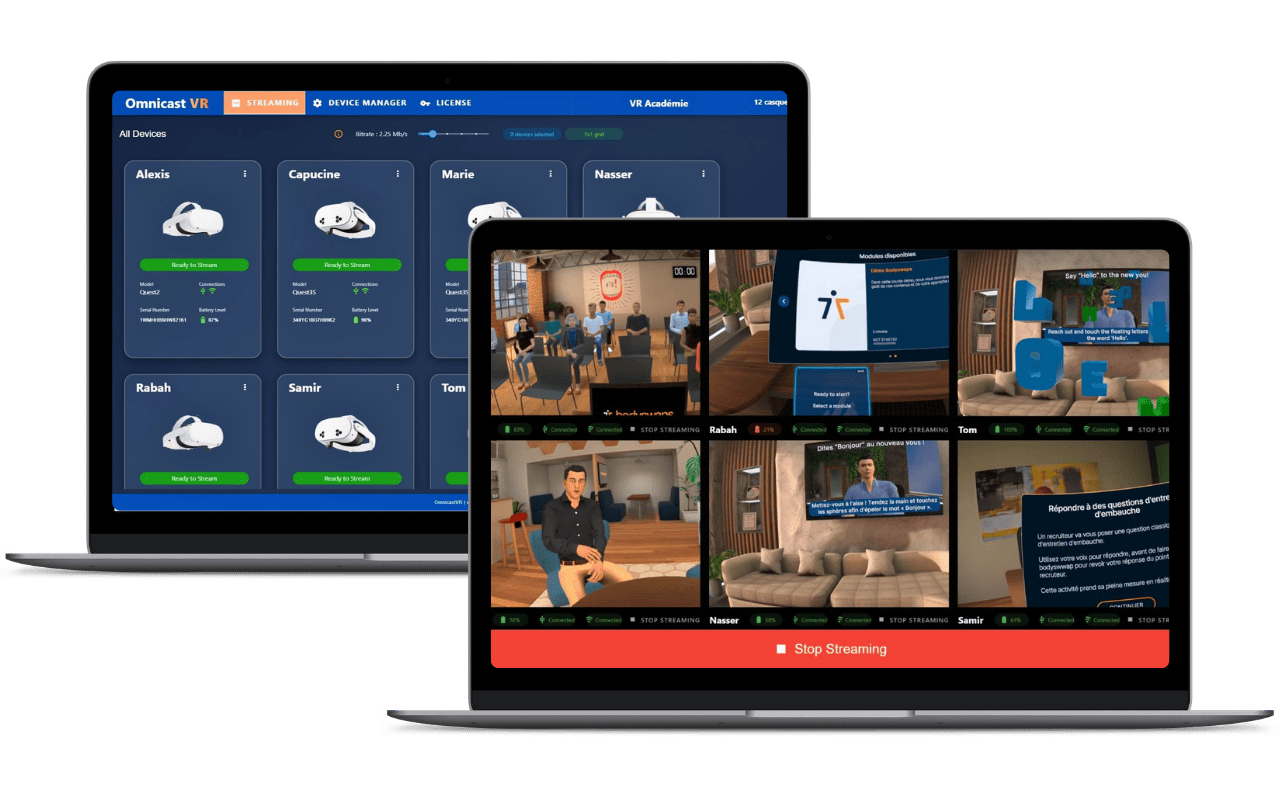
Discover Omnicast VR in action
Click to see the demo
Frequently asked questions about downloading OmnicastVR
Installation, activation, compatibility and 30-day Pro trial — everything you need to know before downloading.