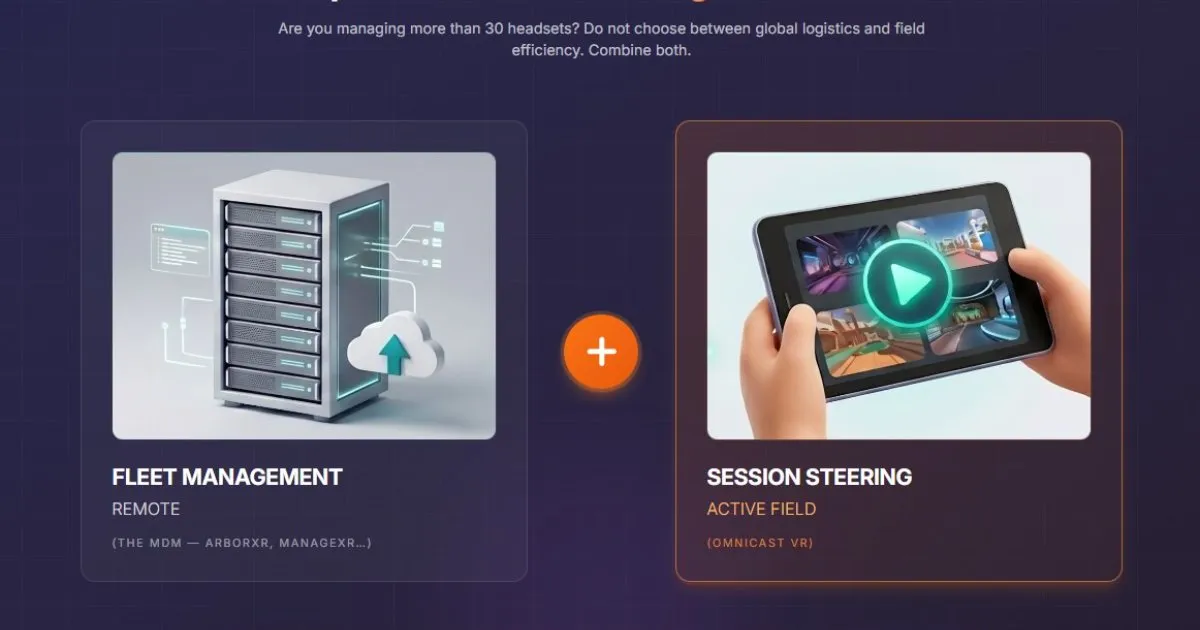
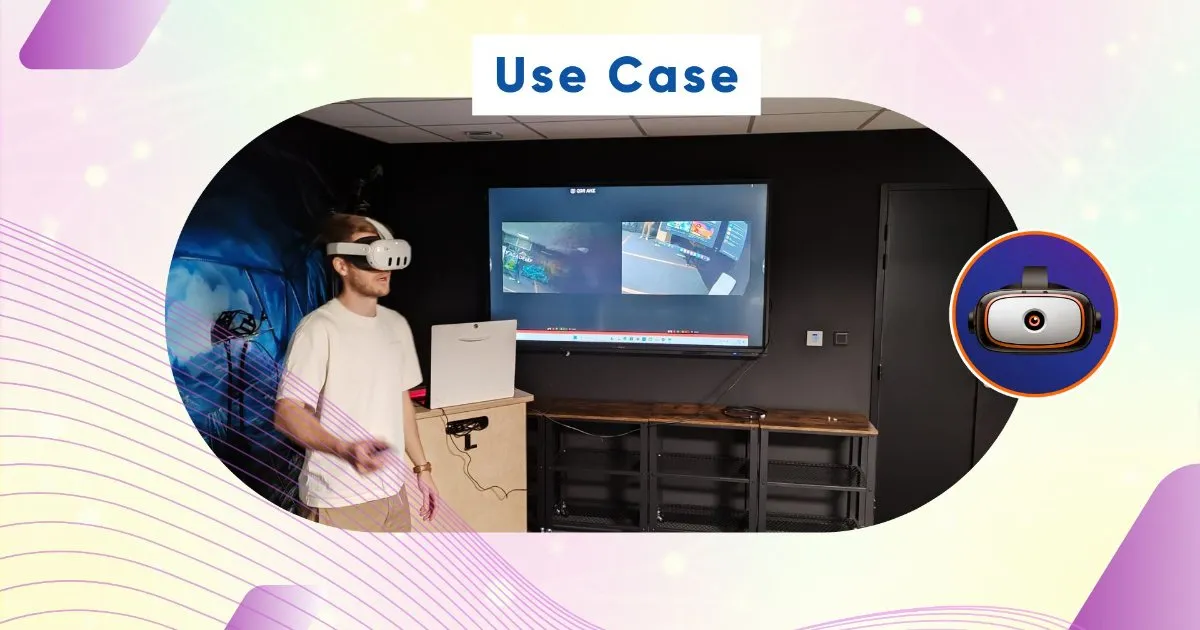
Ditch Unstable Wi-Fi: How OmnicastVR Frees Up Mobile VR Training in the Field
Mobile VR Trainers: Stop Relying on the Internet! OMNICASTVR software gives you total autonomy. Supervise up to 12 headsets simultaneously in the field, even without Wi-Fi, using our local mode and our turnkey Mobility Kit. Ideal for EHS, QHSE, and Construction training.
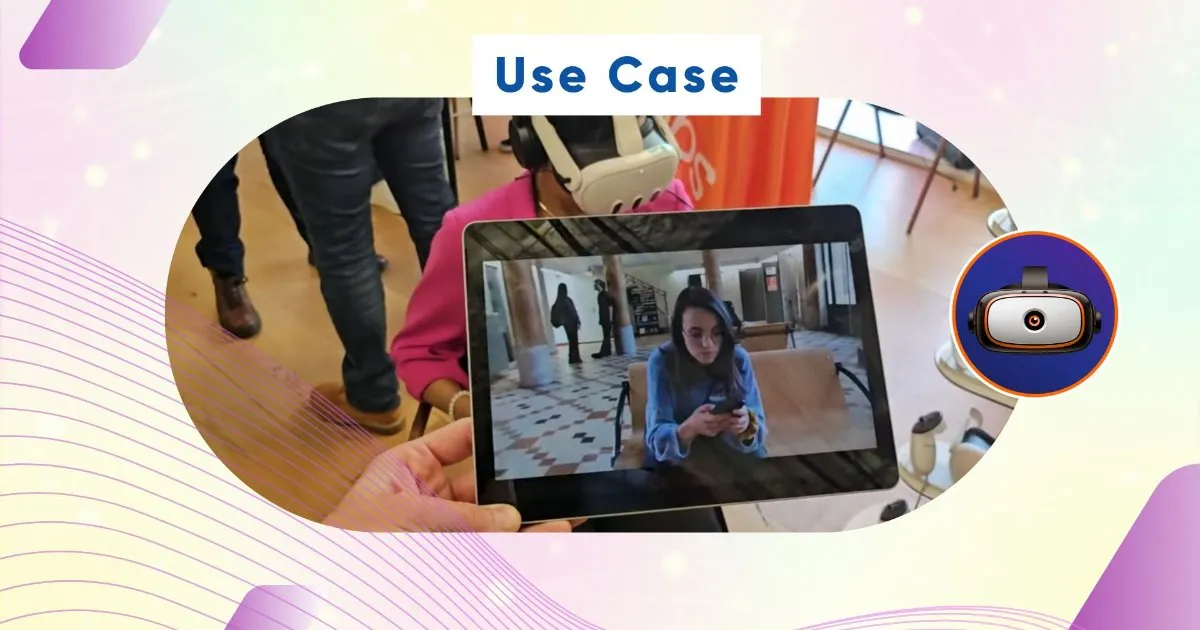
:Boost Your Mobile VR Training with OMNICASTVR Software: Uncompromised Freedom
The Challenge of Offline VR Training
Virtual Reality (VR) is emerging as the most effective training tool, particularly for simulating critical scenarios directly in the field (construction sites, factories, remote locations). However, a major obstacle persists: the dependence on network infrastructure.
Training on the go means facing environments where the Wi-Fi connection is weak, unstable, or even non-existent. How can the quality of supervision and the fluidity of the experience be maintained when the instructor cannot see their learners' screens? Traditional casting solutions often rely on the internet, nullifying the advantage of decentralized training.
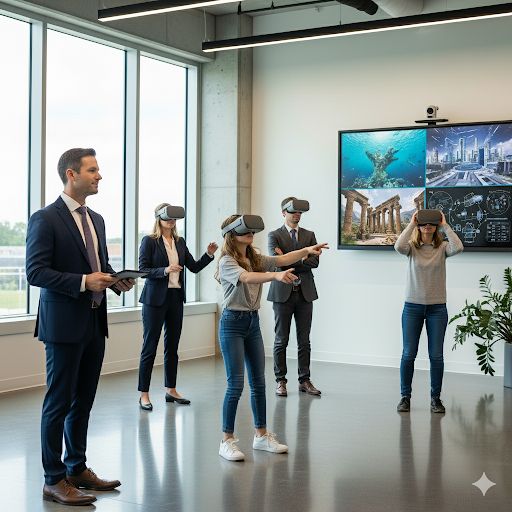
OMNICASTVR: The Software Engineered for Autonomy
OMNICASTVR was specifically developed to break this constraint. Our software is the ideal solution for professionals who demand the same quality of supervision in the field as in a dedicated training room.
Local Mode Operation: Power Without the Internet
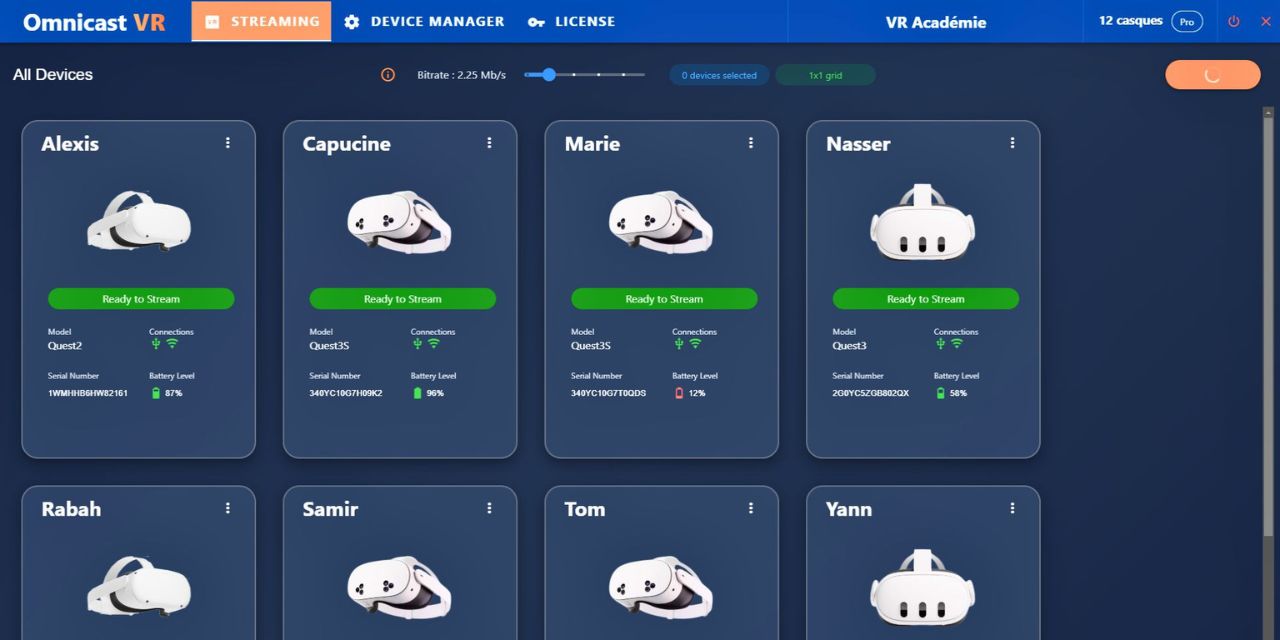
The core of the OMNICASTVR promise lies in its local mode. The software creates a private, secure, and high-performance network between the instructor's computer (the supervisor) and the headsets, without ever requiring internet access.
• Total Autonomy: No need to depend on a client's, site's, or remote area's Wi-Fi network.
• Data Security: Data remains local, ensuring maximum confidentiality.
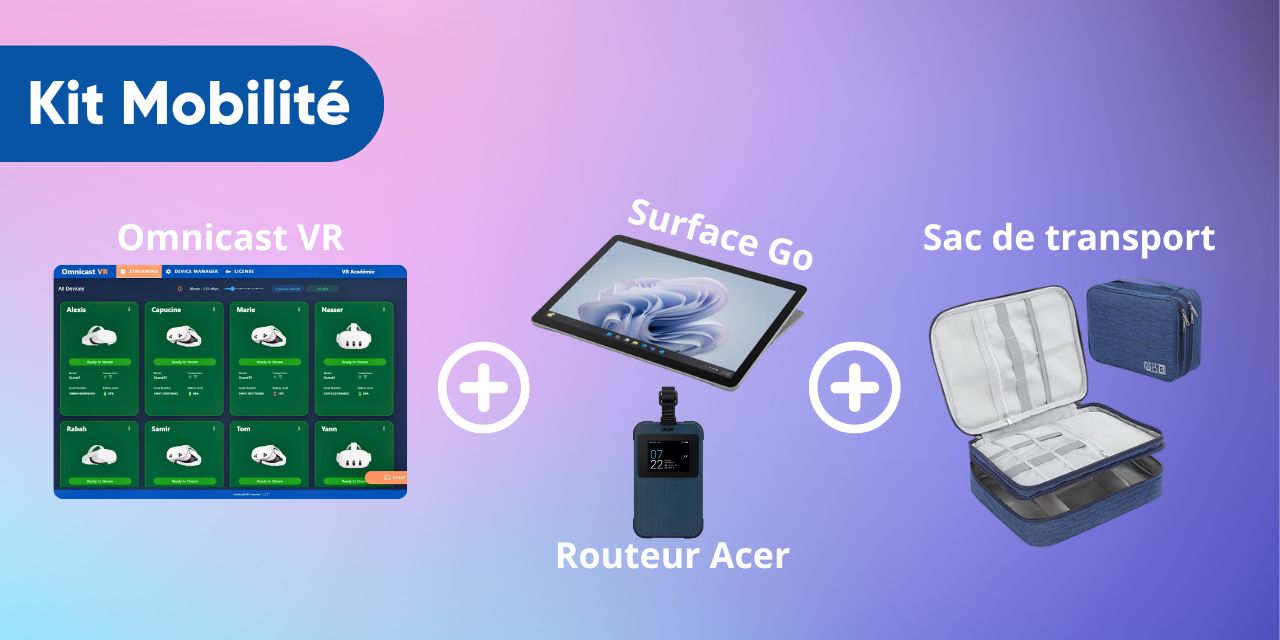
Introducing the OMNICASTVR Mobility Kit (Hardware + Software)
To guarantee a turnkey experience and immediate efficiency, OMNICASTVR offers a pre-configured hardware kit, ideal for travel. Say goodbye to wasting time setting up your equipment before each session!
This kit is your "Supervision Suitcase": simple, reliable, and ready to use for all your field training needs.
OMNICASTVR is the Ideal Solution for These Mobile Trainers
OMNICASTVR meets the real-time, disconnected environment supervision needs of a wide range of training specialists.
Critical and Technical On-Site Training
These sessions often take place in areas where the network is non-existent or not prioritized, making OMNICASTVR's autonomy essential.
• VR EHS Trainers (Environmental Health and Safety)
• VR QHSE Trainers (Quality, Health, Safety, Environment)
• VR Construction (BTP) Trainers (for machinery handling, working at heights safety, etc.)
•Soft Skills and CSR TrainingEven when mobile, supervising soft skills requires validating learners' behavior and reactions without network dependence.
• VR Psychosocial Risk (RPS) Awareness Trainers
• VR Management and Leadership Trainers
• VR Diversity and Inclusion Trainers
• VR CSR Trainers (Corporate Social Responsibility)
• VR Soft Skills Trainers (Communication, stress management, etc.)
Tangible Benefits for the Mobile Instructor
Adopting OMNICASTVR in your mobile training strategy brings immediate and measurable advantages.
Efficient and Responsive Supervision
The instructor regains complete control over the session, as if they were in a dedicated room. The ability to simultaneously visualize the screens allows them to:
• Verify that learners are in the correct place within the scenario.
• Quickly identify incorrect manipulation or a critical error.
• Intervene verbally (via mic) or physically, with certainty about the learner's progress.
Reliability and Time Savings
By eliminating network issues, you maximize effective training time.
• Zero Interruptions: Sessions are no longer broken up by untimely disconnections.
• Less Maintenance: The system is simple, stable, and requires minimal configuration. You spend less time troubleshooting and more time training.
Conclusion: VR is Finally Free
Mobile VR training should no longer be synonymous with technical compromises. With OMNICASTVR and its Mobility Kit, you bring the efficiency of your training room out to the field.
No internet and no subscription, you gain autonomy, reliability, and performance.
Are you ready to unlock the full potential of your on-site VR training?Rédigez votre article ici... Utilisez la barre d'outils pour formater votre texte.