VR Use Cases — Training, simulation & events with OmnicastVR
Discover how OMNICASTVR transforms VR training, demos, and events. Display up to16 headsets simultaneously, with no internet and no subscription.
5 articles in this category
OmnicastVR is a Windows multi-headset VR streaming software that transforms VR training, product demos and events. It drives up to 16 Meta Quest, Pico or HTC headsets simultaneously from a single PC, with no internet and no subscription, over local Wi-Fi. Covered use cases include professional VR training, higher education, medical simulation (teaching hospitals, nursing schools), industrial safety (energy, construction, transport) and events (trade shows, road-shows, museums).
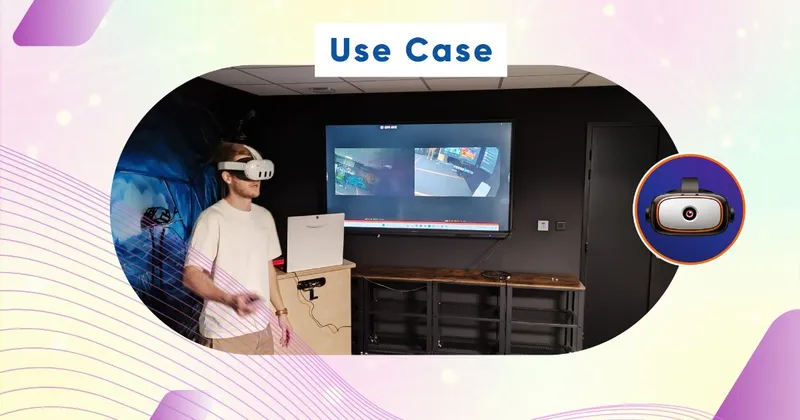

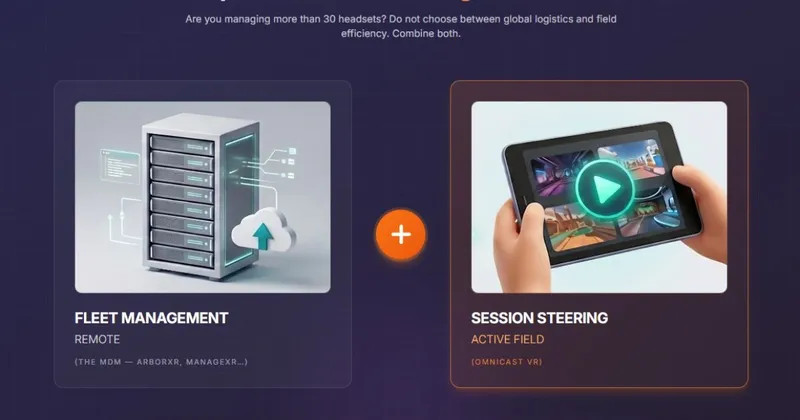
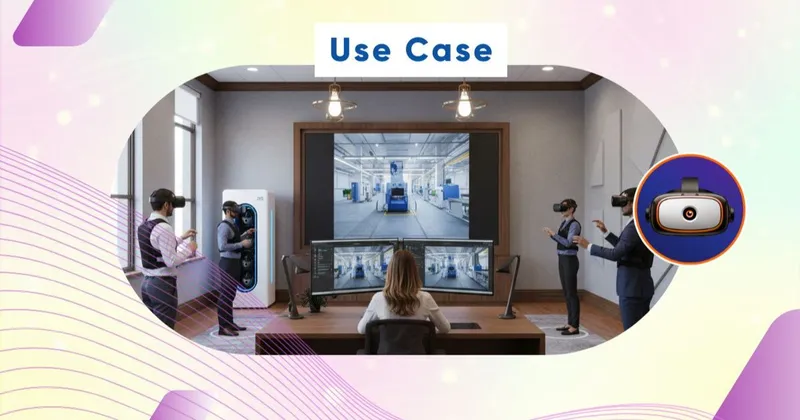
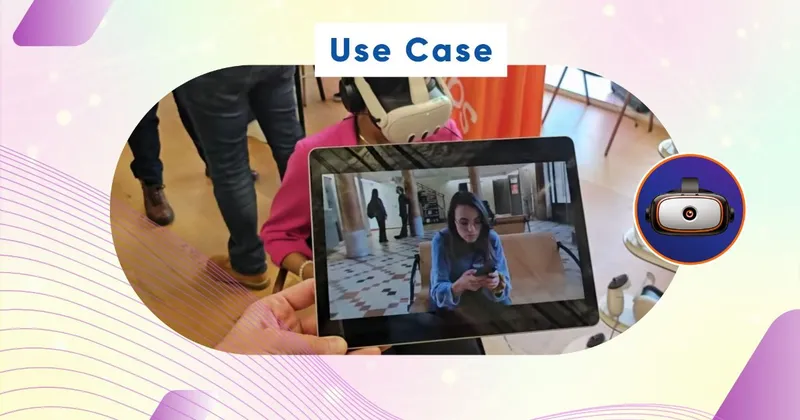
VR use cases by industry
Five main families of use: professional VR training (CFA, OPCO, continuing-education bodies), medical VR simulation (teaching hospitals, nursing schools, medical faculties), industrial VR safety (energy, construction, transport, chemistry), VR events (trade shows, road-shows, brand activations) and collective drills for defense and law enforcement.
Collective immersive training
Immersive training in collective mode is Omnicast VR's historical core target: the trainer launches, pauses and comments the experience for 4 to 16 learners simultaneously, with frame-by-frame synchronization across headsets and a screen-mirror mode for debriefing.
Compatible hardware
All use cases presented here are compatible with Meta Quest, Pico, HTC and any other Android standalone VR headset. The solution runs on a standard Windows PC and a dedicated Wi-Fi network, with no internet dependency for streaming.
Do you recognize your line of work in one of these VR use cases? Go further with our complete guides to structure your deployment, our step-by-step tutorials for hands-on onboarding, and the list of measured business benefits reported by our clients.
To go further, consult our pricing grid. Our team supports you from initial sizing to production rollout and replies within 24 business hours.