VR Fire Training: Remote Control of 10 Headsets Simultaneously
Control 10 VR headsets for HSE fire training without internet. OmnicastVR: local, synchronized, and zero-downtime supervision. Discover how.


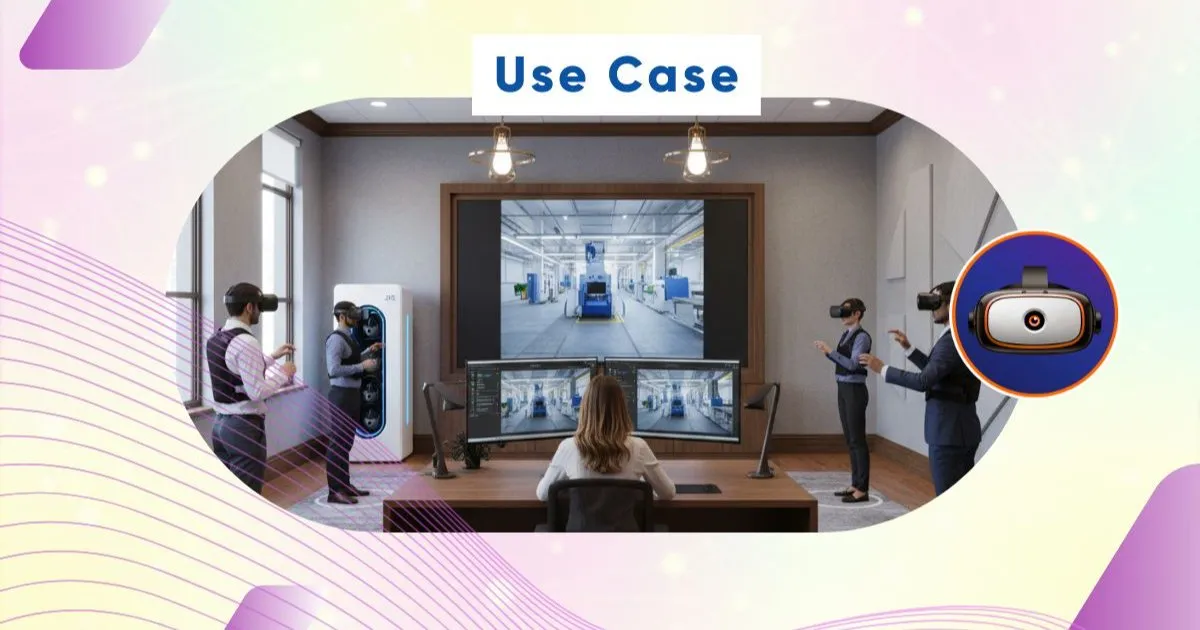
🔥 Organizing a safety drill or VR fire training in a company involves many logistical challenges. With a group of 10 learners equipped with VR headsets, the trainer often finds themselves helpless in the field.
🧑🏫 How can you instantly check that each employee is performing the correct actions in front of virtual flames? How do you ensure no one is stuck due to a technical bug or a black screen?
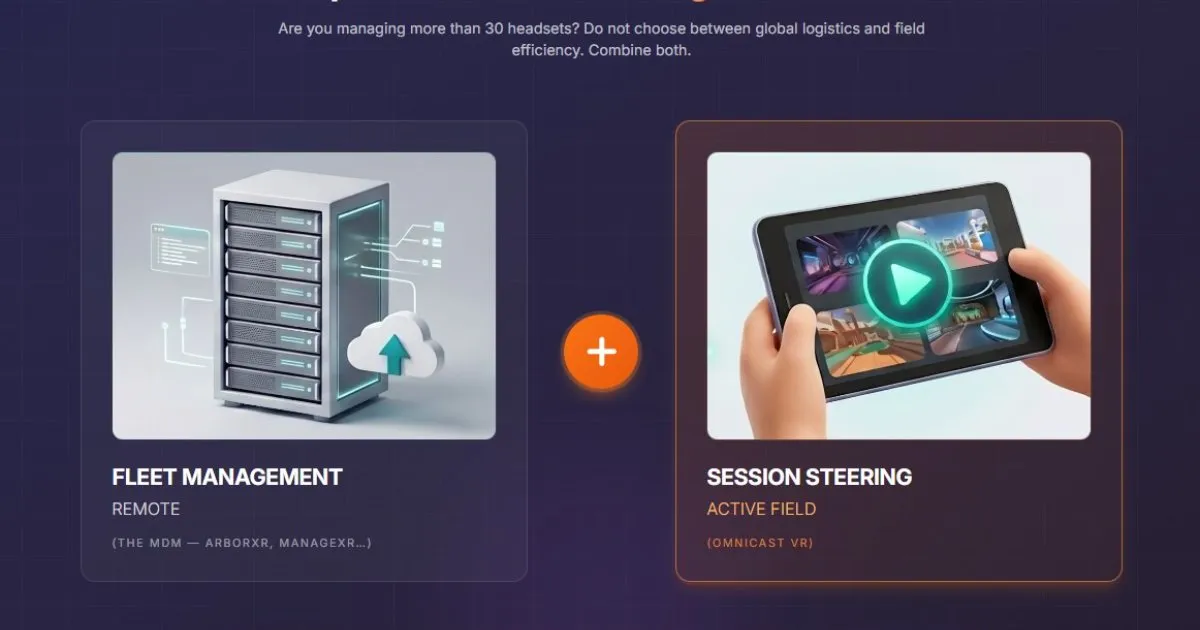
🛠️ Classic fleet management tools, designed for network administrators and cloud-dependent, unnecessarily complicate the task. In the field, the priority remains pedagogy and the safety of operations. Our field VR solution for controlling multiple VR headsets with ease definitely removes these IT barriers.
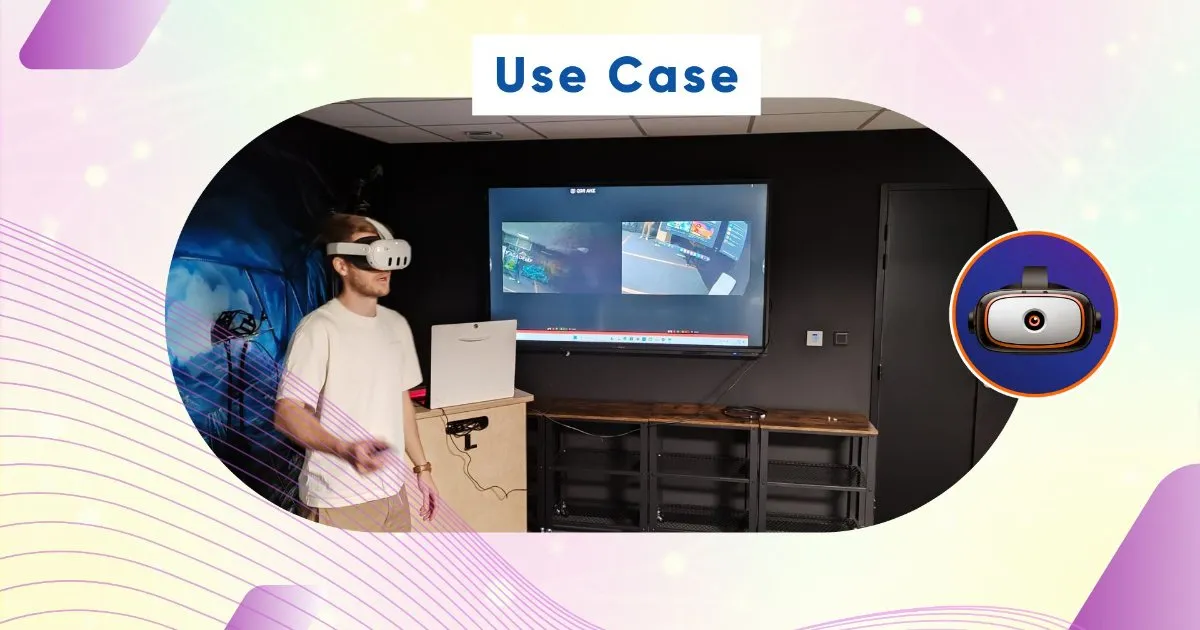
In short: To lead a VR fire training for 10 learners simultaneously, the ideal method is to use local control software. OmnicastVR allows you to stream the screen feedback from each VR headset in real time to a single PC without an internet connection, simplifying pedagogical guidance.
🛡️ VR Fire Training: The Pitfalls of Corporate Wi-Fi in HSE Sessions
Exercises are often deployed directly on company premises or in a logistics warehouse. On-site, the internet network is either non-existent or ultra-secure by IT, blocking device access. Conventional management solutions collapse without a permanent connection to their distant cloud servers.
Streaming 10 simultaneous video feeds immediately saturates the bandwidth. The result is predictable: unbearable latency and VR headsets disconnecting in the middle of virtual extinguisher operation.
Designed for field trainers, not IT, our system bypasses this complex setup. To understand the flaws of these cloud architectures, discover our OmnicastVR vs. MDM comparison for VR headsets.
❓ How to supervise multiple VR headsets without an internet connection?
To succeed in your large-scale session, you need to isolate your infrastructure. By using a dedicated, independent local Wi-Fi router, your control computer communicates directly with the 10 VR headsets. No data leaves the room, and no internet access is required.
You gain Absolute Control over your VR Sessions. Anywhere! This ensures that no untimely software update will disrupt the safety exercise at launch. Apply our guide to streaming multiple VR headsets without internet now.

👀 Have Eyes Everywhere: The Secret to Successful Pedagogical Guidance
In occupational safety and health, the right to make mistakes is part of learning. Preventing the learner from developing bad habits is crucial. See the screens of 16 VR headsets simultaneously. Ideal for guiding your students without latency. OmnicastVR supports up to 16 simultaneous VR headsets — for your session of 10, this provides comfortable headroom.
If a learner uses the wrong type of extinguisher for an electrical fire, you spot it instantly on your control screen. You can correct their action immediately by voice. This method radically transforms the effectiveness of our use cases for VR training and events.
❓ What is an alternative to MDM for controlling Meta Quest headsets in training?
Traditional enterprise management tools require modifying device systems and installing complex software overlays. For an HSE training organization, this maintenance is a daily IT burden. OmnicastVR is a simple VR MDM alternative designed for field trainers, not IT departments. Seamless supervision designed for the field, operational in seconds.
Control your VR headsets via simple local Wi-Fi. Nothing to install on your VR headsets. Stream the screens of your Meta Quest, Pico, and HTC Vive headsets without any constraints. The VR headsets remain as they were delivered, simplifying the daily management of your hardware and integrating perfectly during a quick onboarding.
🎯 Integrator's field take: "During a fire safety intervention for a major logistics player, we had to train 10 operators simultaneously in an isolated storage area. The warehouse's Wi-Fi network rejected Meta Quest headset connections due to internal IT security reasons. By installing a simple local Wi-Fi router and our interface on a laptop, the trainer was able to launch the fire extinguishing application with a single click on all 10 VR headsets. The 2-hour session ran without any lag, allowing for perfect visual supervision of each evacuation procedure."
📊 Technical Comparison: Cloud Management vs. Field Supervision
To choose the most suitable infrastructure for your training, here is a comparison of the two technological models for your headset fleet:
| Operational Constraints | MDM and Cloud Solutions | OmnicastVR (Local Supervision) |
|---|---|---|
| Internet connection required | Mandatory (Constant risk of stream interruption) | Not needed (100% local Wi-Fi and offline) |
| Installation on VR headsets | Application overlay and mandatory APK per device | Zero installation (VR headsets remain standard) |
| Cost and Economic Model | Billing as a monthly subscription per VR headset | Priced per fleet, not per headset (Free up to 2 headsets, Direct Access from 5 to 16 headsets, monthly or annual) |
| Ease of Use | Complex IT configuration designed for technicians | Instant (Designed for trainers: plug in, control) |
| Video Cast Latency | High and dependent on corporate bandwidth | Almost none (Direct stream via dedicated local router) |
❓ Is it possible to launch a VR application on 16 VR headsets at the same time?
Yes, and it's essential to maintain group dynamics for 10 trainees. Control your sessions: launch your apps synchronously and power off the VR headsets with one click. All learners start the fire exercise at precisely the same moment.
At the end of the session, the trainer shuts down the entire fleet from their screen, thus avoiding unnecessary battery drain between two training sessions. To equip your teams, you can explore our comprehensive offer, including software and hardware, on our OmnicastVR pricing page.
💬 Frequently Asked Questions about VR Fire Training
How to control 10 VR headsets for corporate VR fire training?
OmnicastVR software consolidates the video feedback from your 10 VR headsets onto a single PC screen in real-time via local Wi-Fi. You supervise everyone's actions and launch applications simultaneously across your entire fleet with one click, without individual manipulation.
Does the software work if the company prohibits internet access?
Yes. The system uses a closed local Wi-Fi network independent of the company's infrastructure. No data traffic leaves your room, ensuring total security and compliance with IT department guidelines.
Can Meta Quest and Pico VR headsets be mixed for a fire exercise?
Yes. The interface acts as an agnostic universal remote control. You can simultaneously control and stream from VR headsets of different brands during the same HSE training session.