Use cases: VR headset supervision and control for training
Professional training, medical simulation, higher education, events: supervise your group VR sessions, with or without internet.
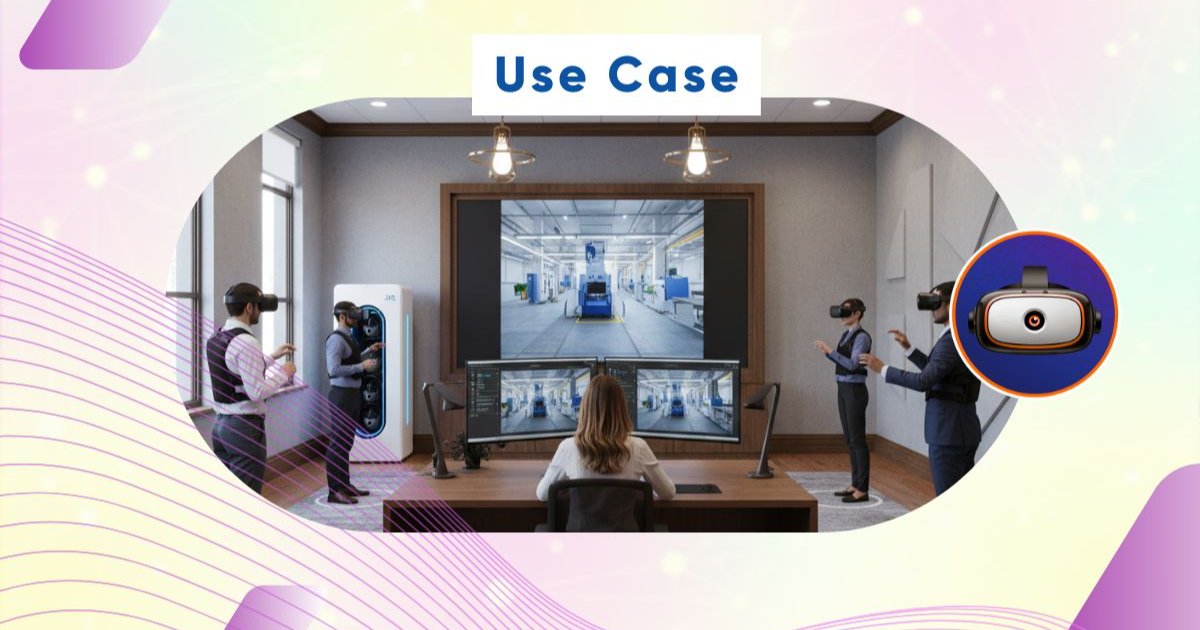
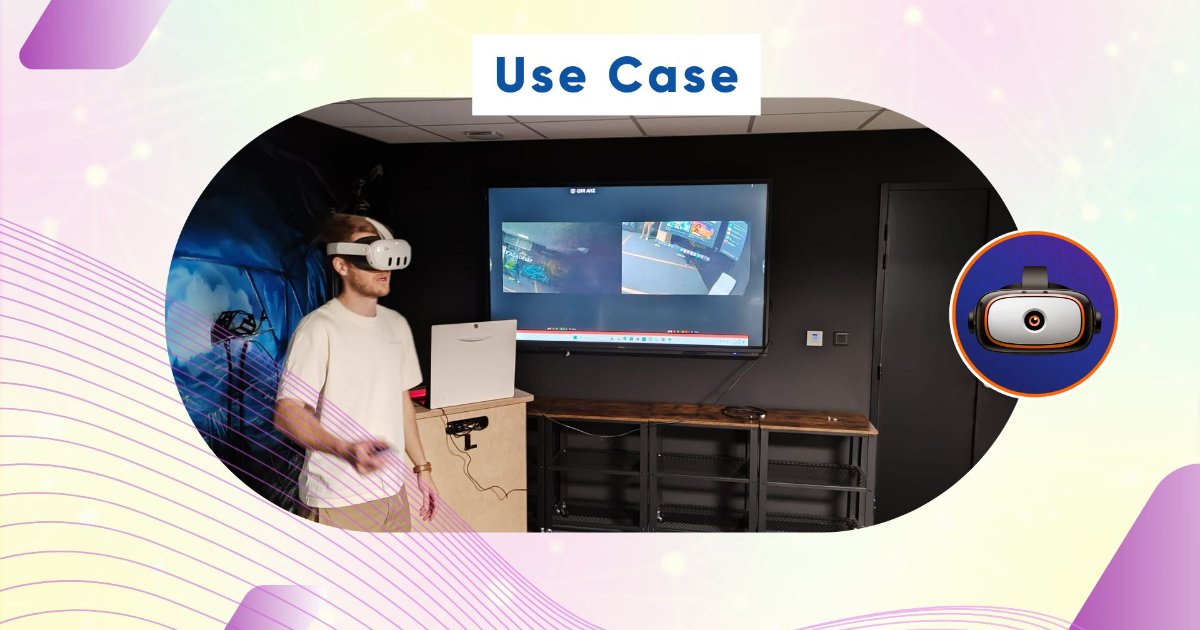
01Fixed-Room Operating
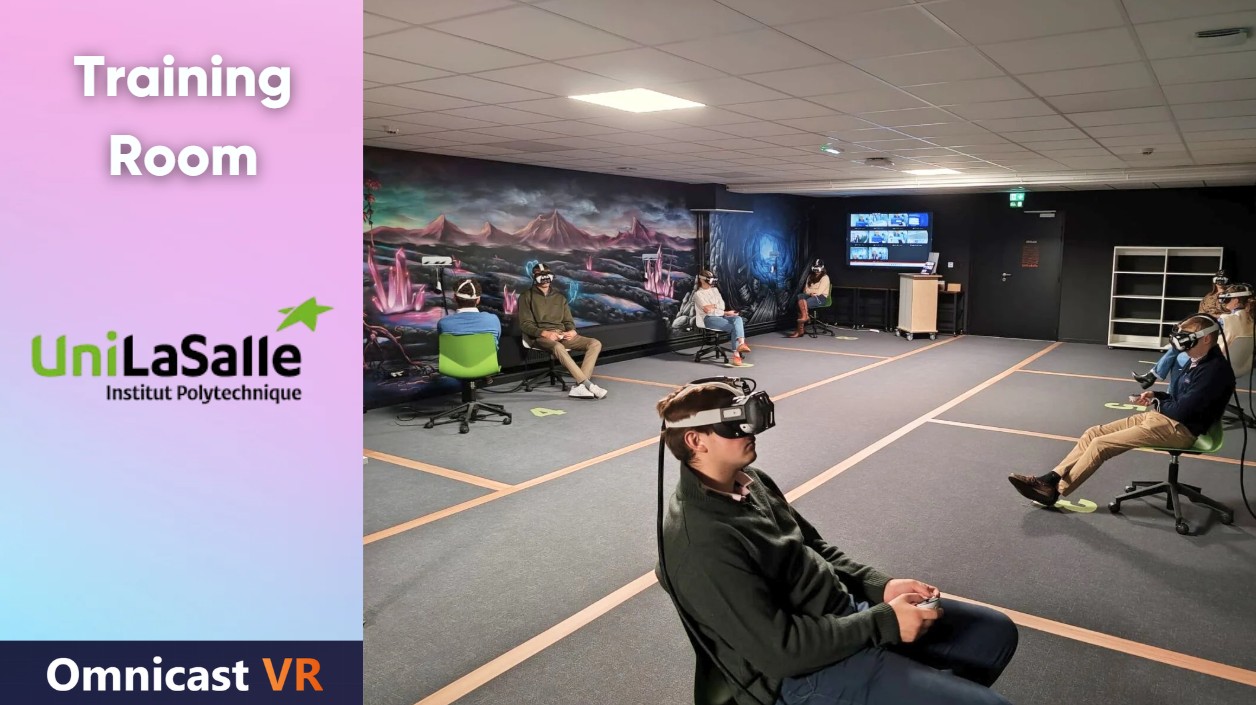
02Sales Demonstrations
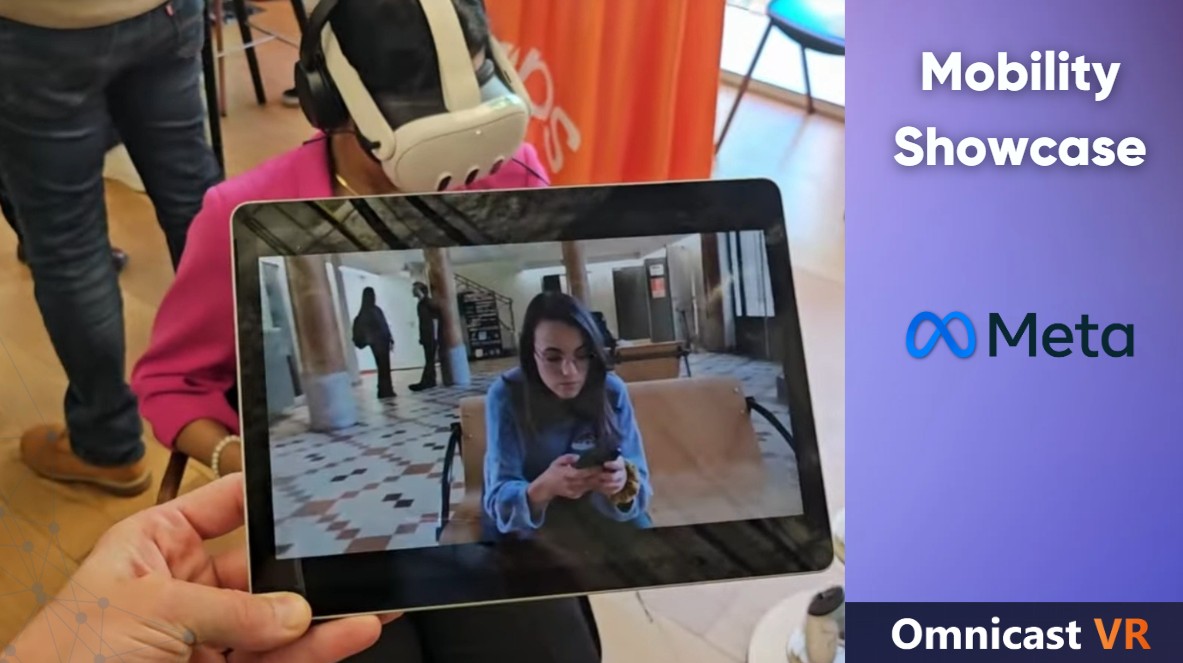
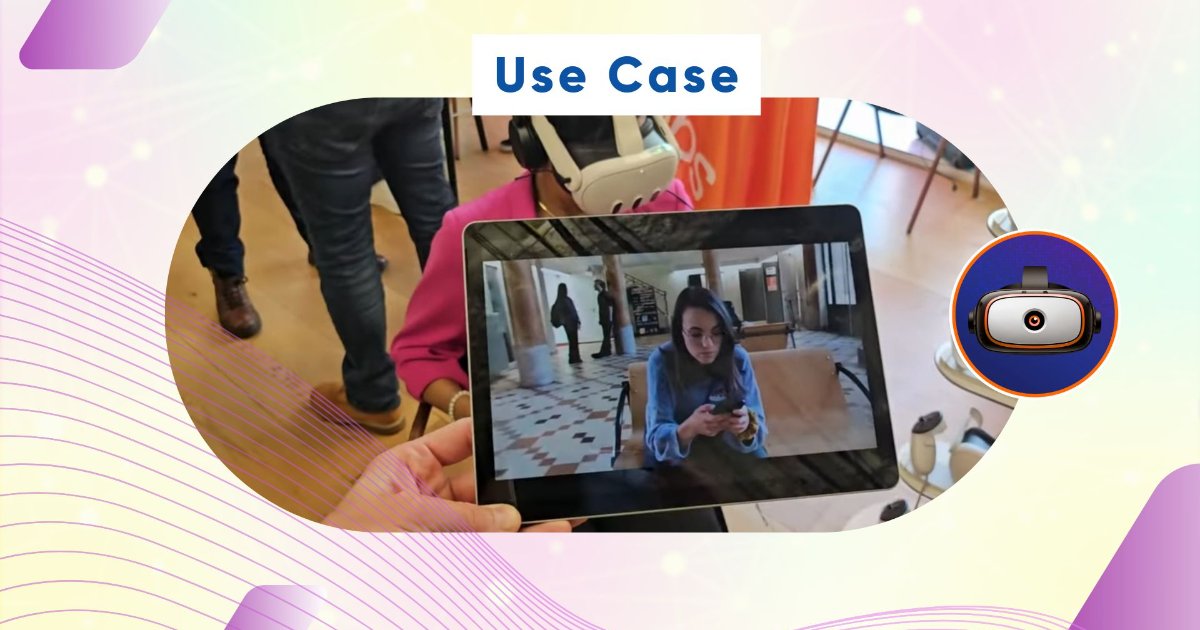
03Control at a Professional Trade Show
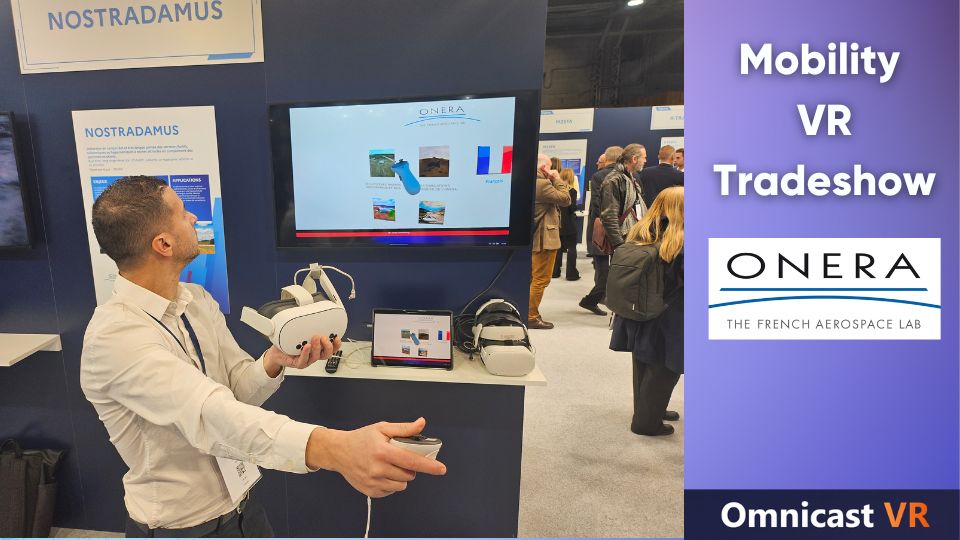
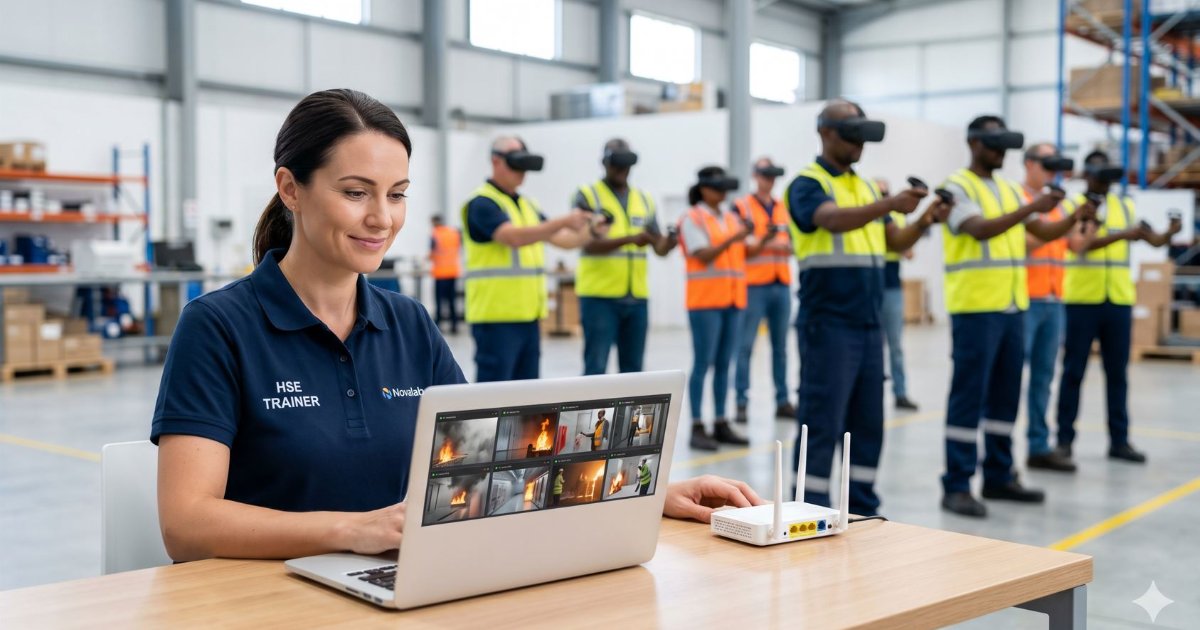
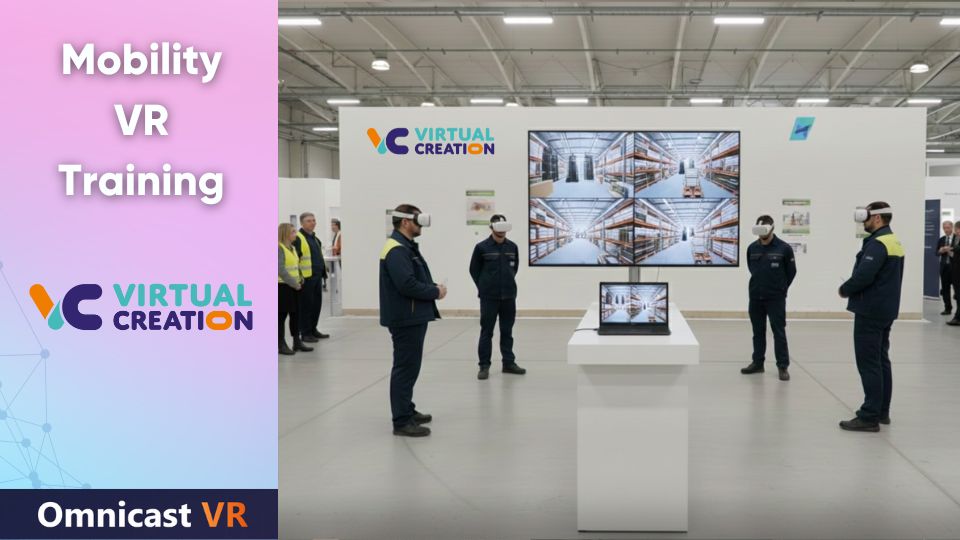
04Monitoring Your Mobile VR Training
OmnicastVR is a software for supervising and controlling VR headsets in groups, used in professional training (fire, safety, industry), medical simulation, higher education and events. It works with or without internet, in fixed rooms or on the move, and controls up to 16 VR headsets simultaneously from a single PC.
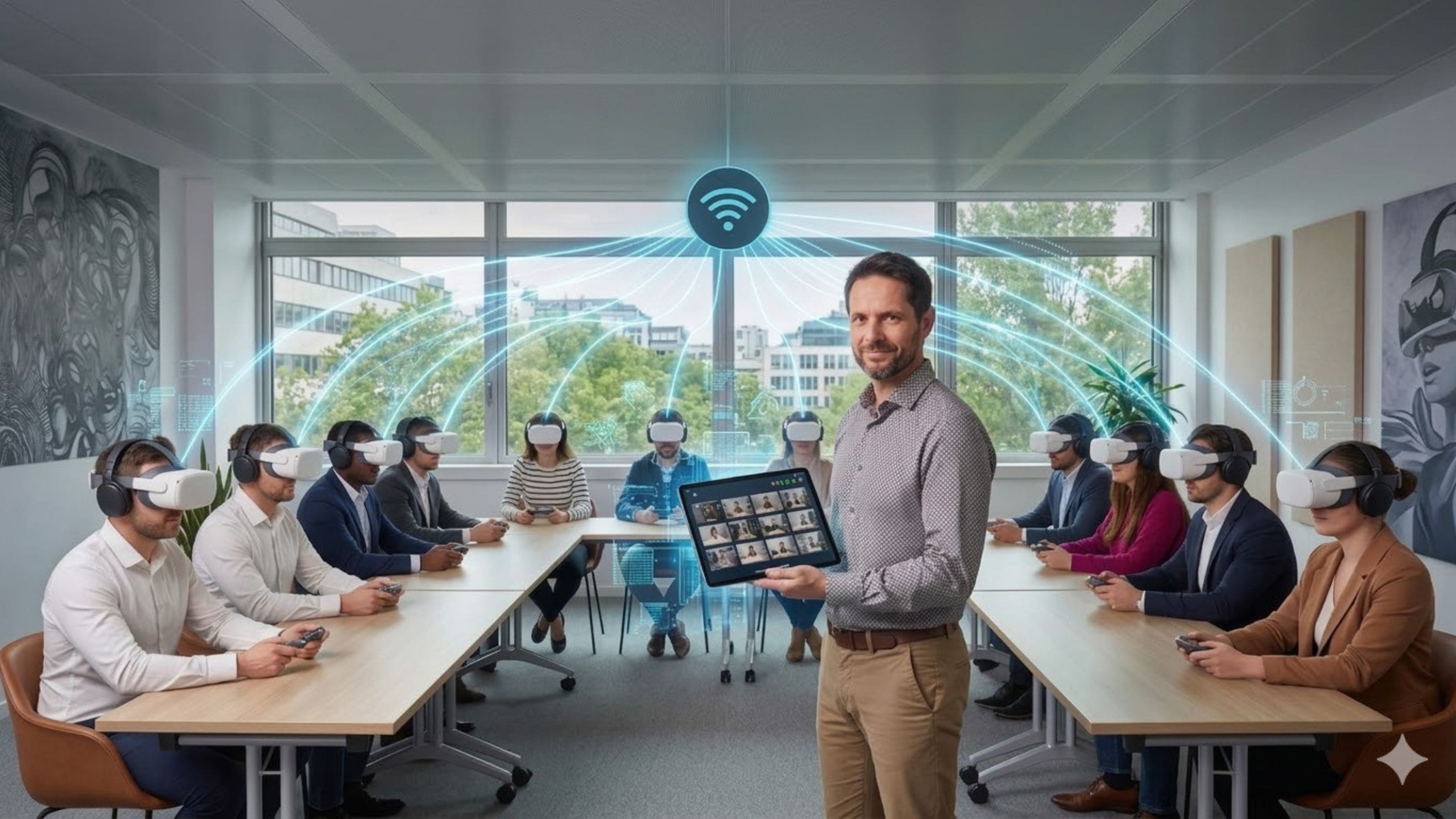
The frontline solution to supervise group VR sessions with total ease
A VR supervision solution tailored to every training sector
Gaining real-time visibility into what your participants are doing—without the internet, whether you're in a mobile setup or a fixed room—changes everything.
Immersive Education
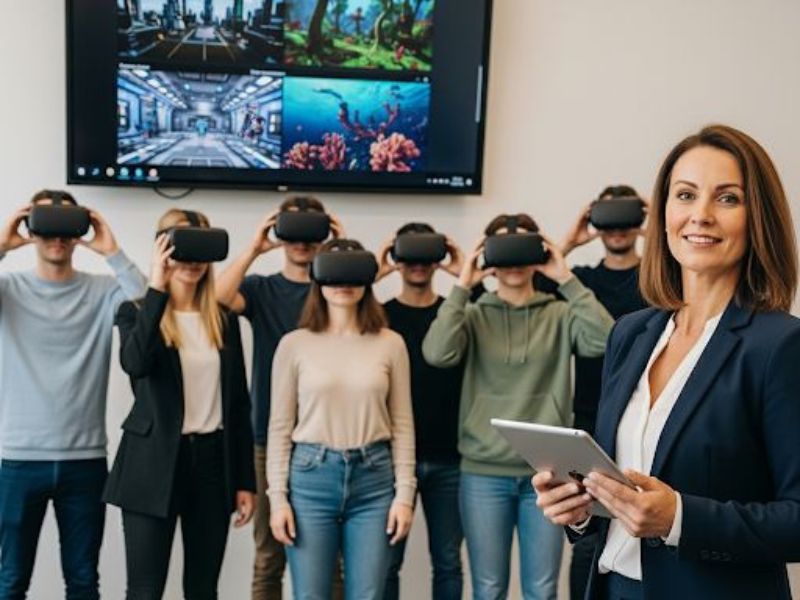
In the immersive education sector, OMNICASTVR is the extension of the teacher's dashboard. It allows for maintaining tot...
Professional Training in a Fixed Room
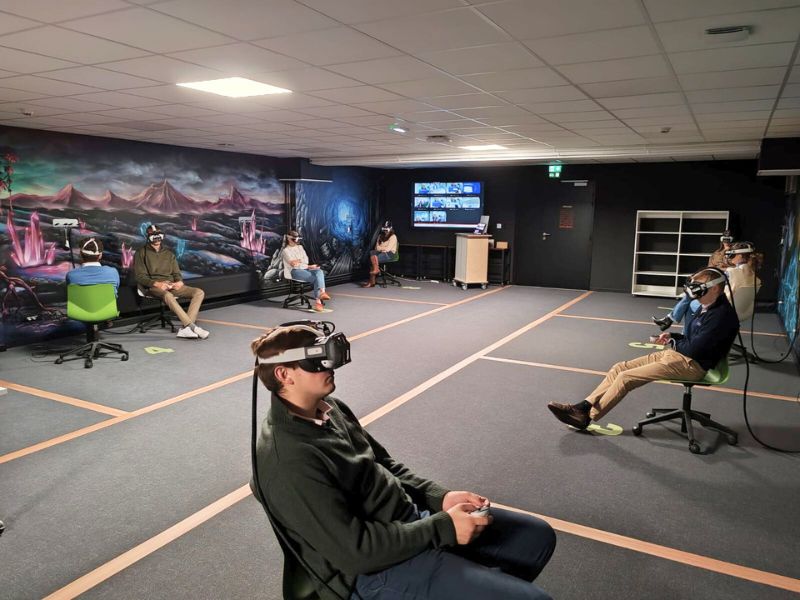
For professional training in a fixed setting, OMNICASTVR guarantees technical reliability and group fluidity. The challe...
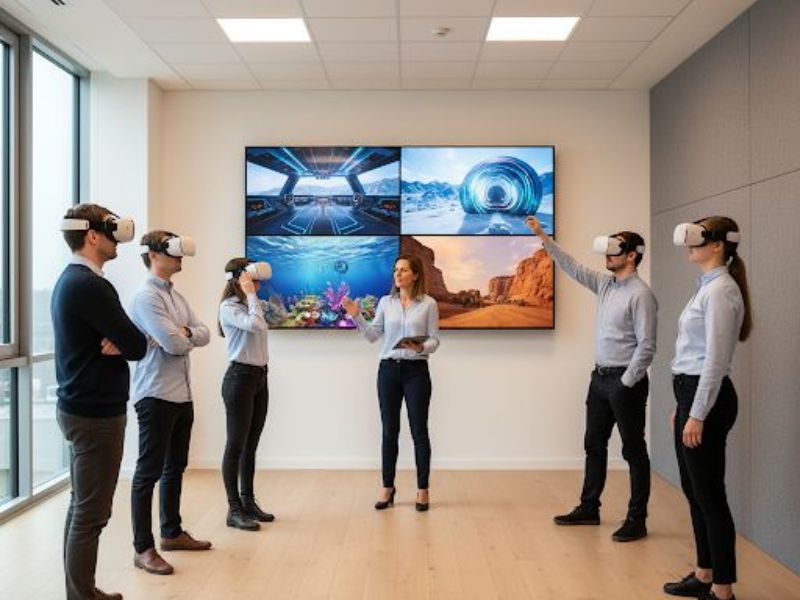
Mobile VR Trainers
Mobile VR trainers are field professionals who demand maximum flexibility and autonomy. OMNICASTVR is their all-terrain ...
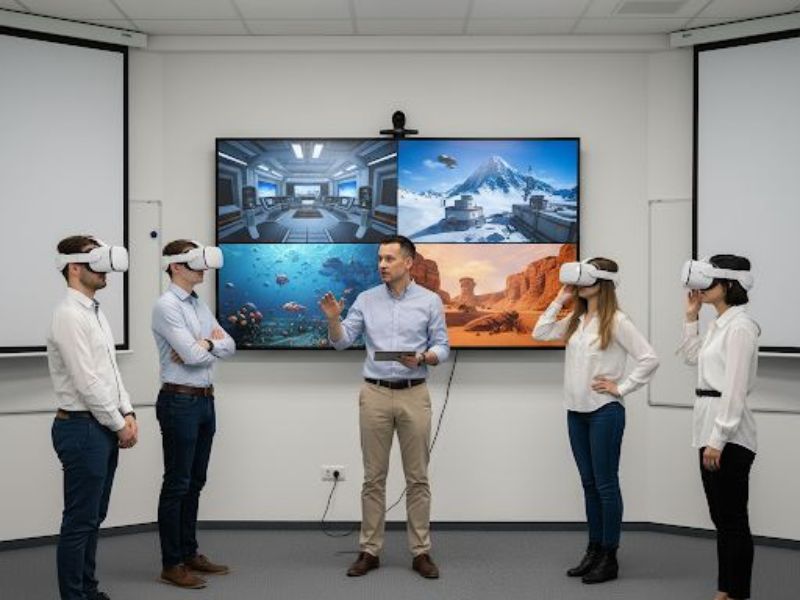
VR Awareness Workshops
For VR awareness workshops, the goal is to quickly immerse a large number of people. OMNICASTVR simplifies group supervi...
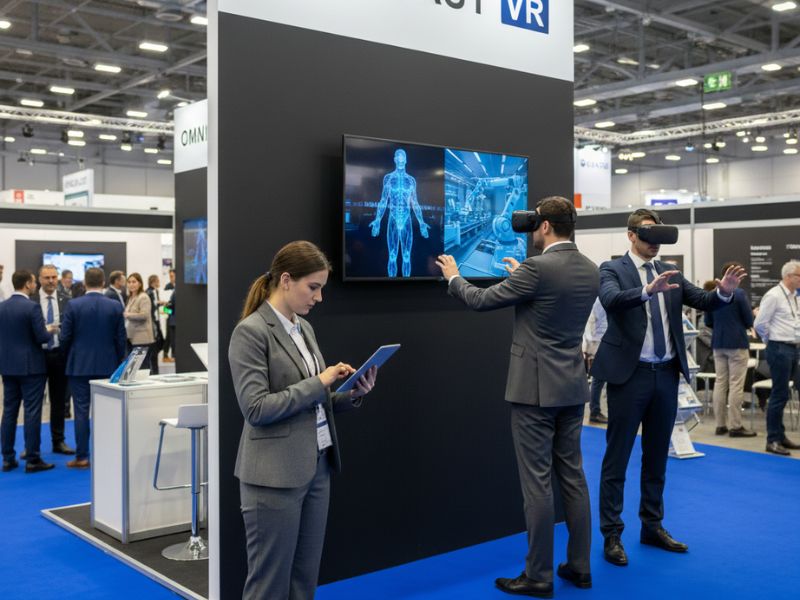
Event Promotion at Trade Shows
At a trade show or event, timing and impact are king. OMNICASTVR transforms your booth into a managed and reliable attra...
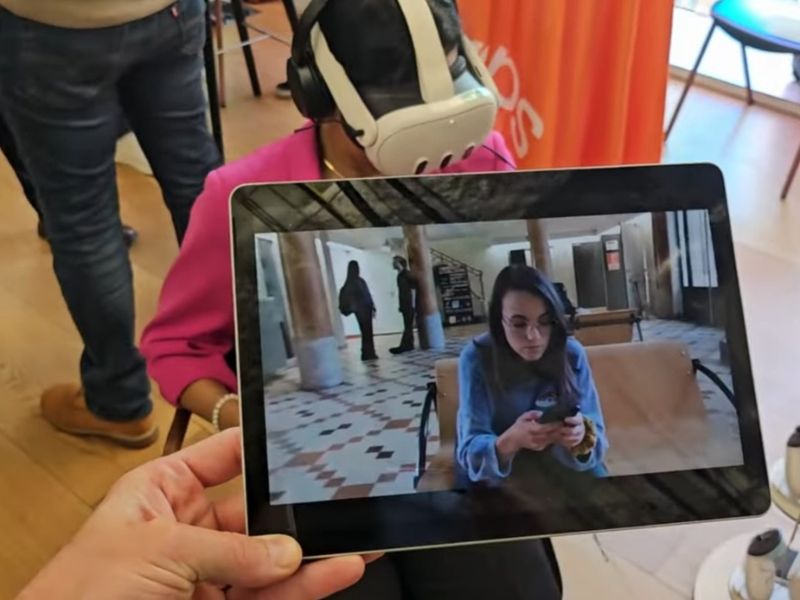
On-the-Go Client Demonstrations
During an on-site client demonstration, every moment matters for your company's image. OMNICASTVR guarantees flawless, p...
Forget the technicalities, control your VR headsets with ease.
Restore the joy of guiding learners to your trainers.
Ultra-fast setup
Plug and play.
Save precious time on every session. A single USB-C cable is all you need to take control.
- Nothing to install on the headsets
- No accounts to create
- No admin rights required
- No complex configuration
- Plug in, you're ready.
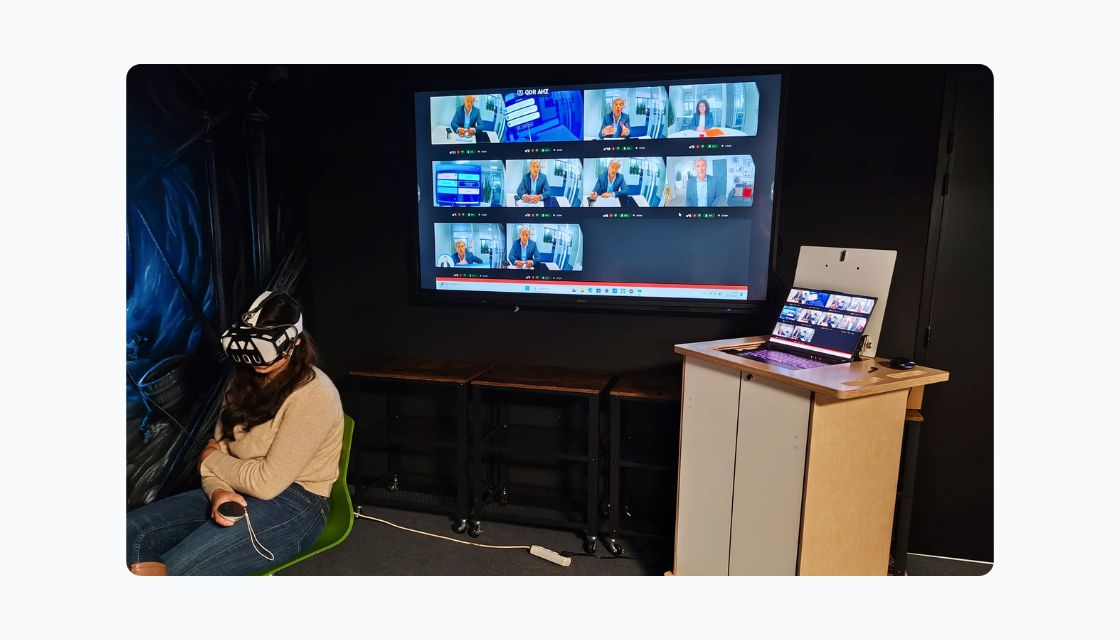
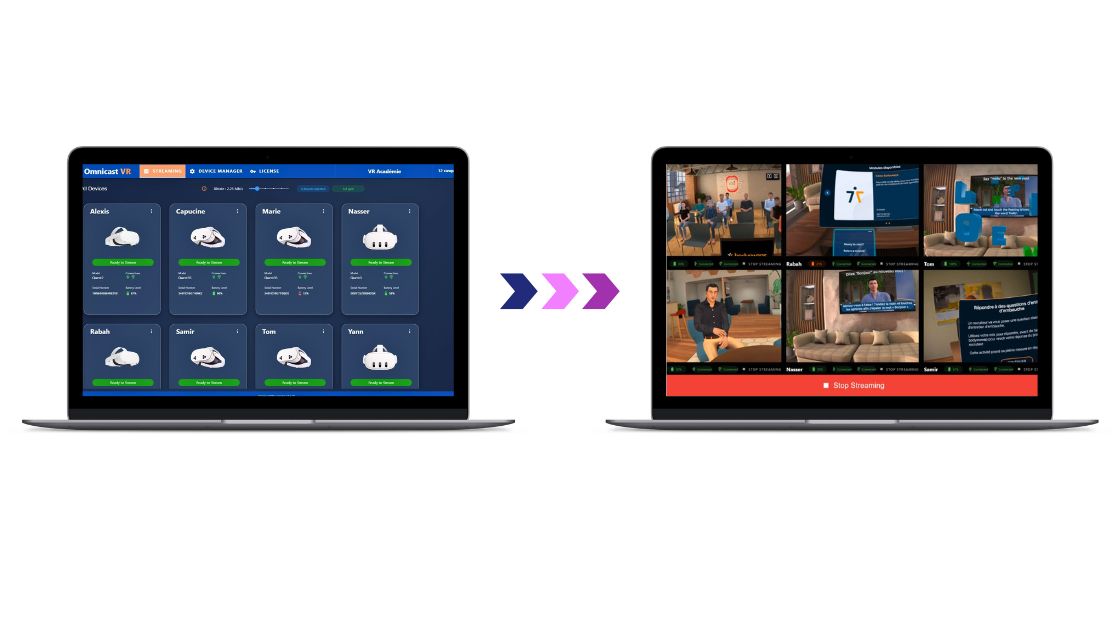
A simple interface designed for VR trainers.
Compatible with Windows PCs, Laptops, and Tablets
Everything here is simple, ergonomic, and focused on usage.
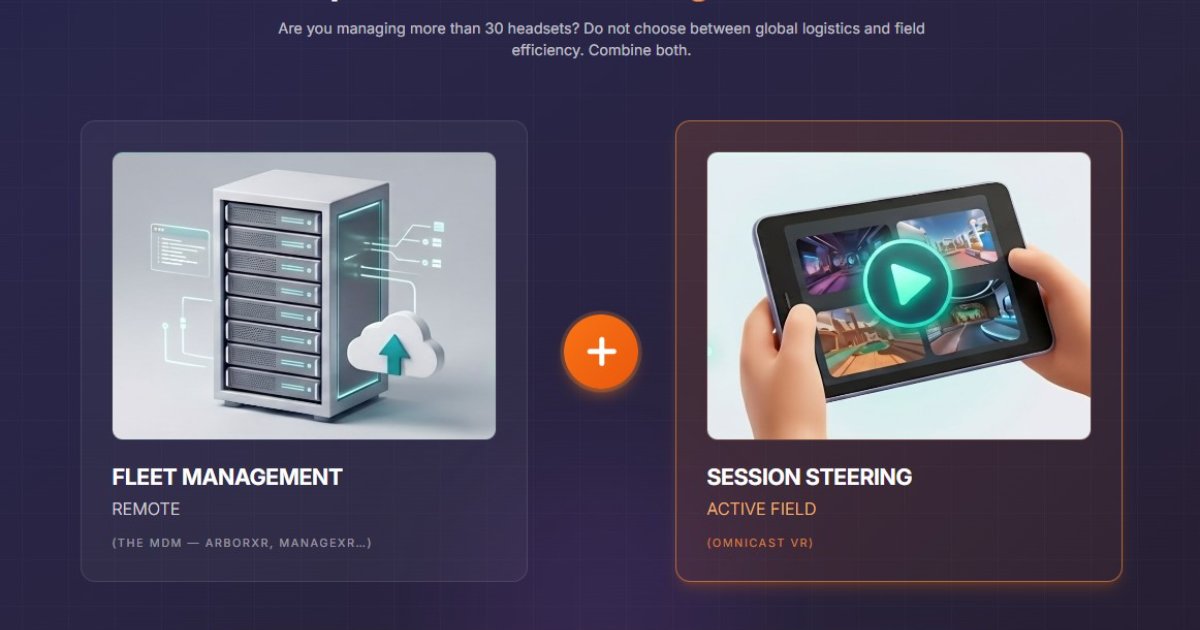
Unlike complex administrative tools (such as MDMs), Omnicast is designed for action.
It is so intuitive that an entire team of trainers can start using it immediately, without the need for dedicated training sessions.
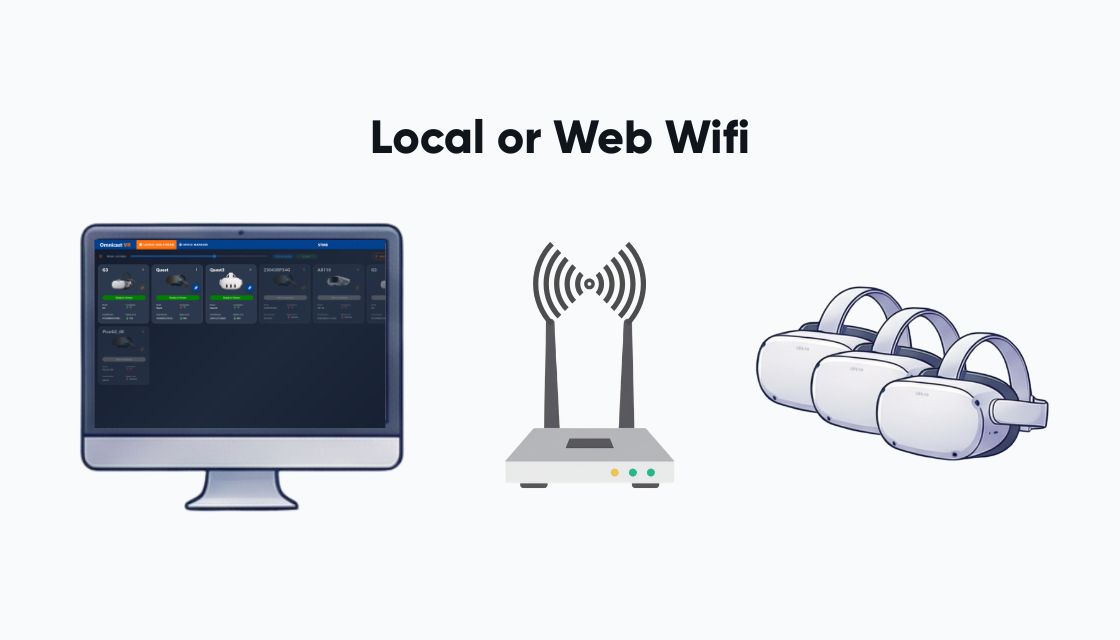
Flexible control with or without an internet connection.
The software adapts to your infrastructure, not the other way around.
Whether you use a local Wi-Fi network or an active Internet connection, OmnicastVR acts as a remote control to install and launch apps, stream content, shut down headsets at the end of a session, and so much more...
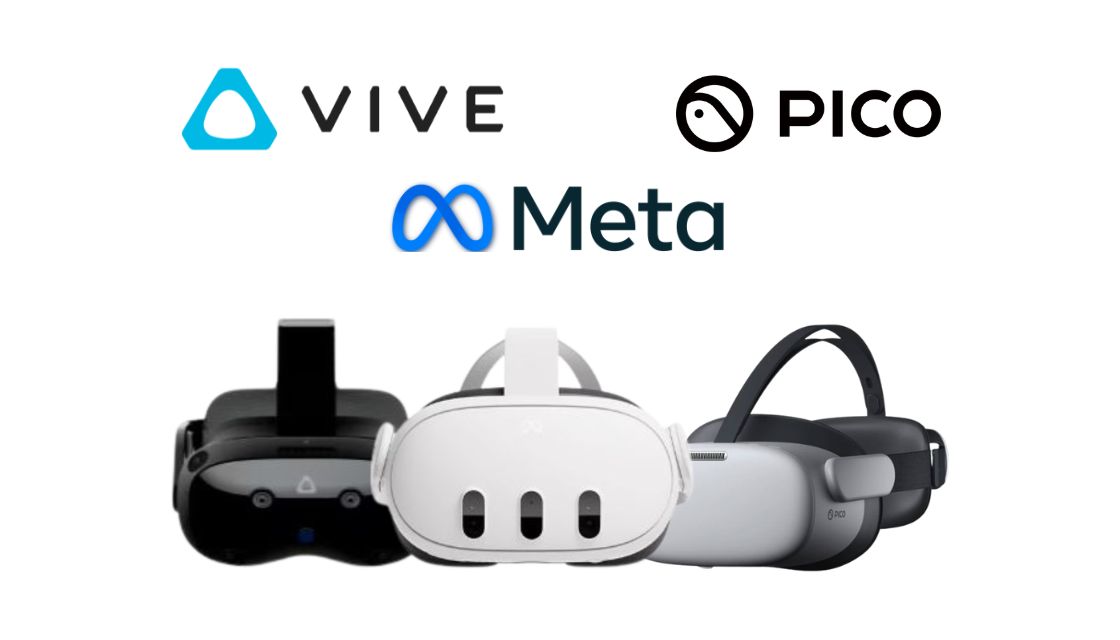
The freedom of Universal Streaming
Streaming for all VR headsets & all apps
It works with all standalone Android-based headsets on the market.
Its streaming engine doesn't just cast a specific application, but everything happening inside your headset.
Using it is as simple as using a remote control.
Supervision that becomes second nature.
Simultaneous streaming for up to 16 headsets.
Keep an eye on every learner with simultaneous streaming for up to 16 headsets.
- Select the headsets you want to monitor and launch the stream with a single click.
- Spot hesitations at a glance
- Zoom in on a specific feed and intervene remotely.
You are no longer managing machines—you are guiding learners.
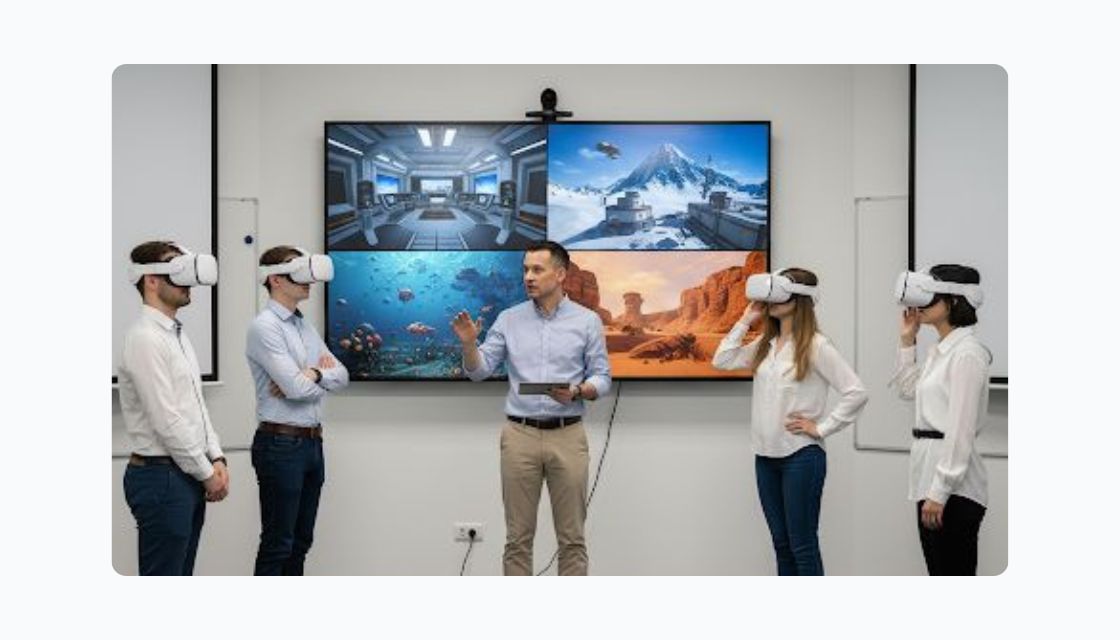
Save precious time on every session
Install, launch, stream, and close in just one click.
Stop wasting minutes configuring each headset one by one.
From preparation (remote app launching) and control (live streaming) to wrap-up (global fleet shutdown): Omnicast automates your logistics.
Drastically reduce technical management time and dedicate yourself fully to supporting your learners.
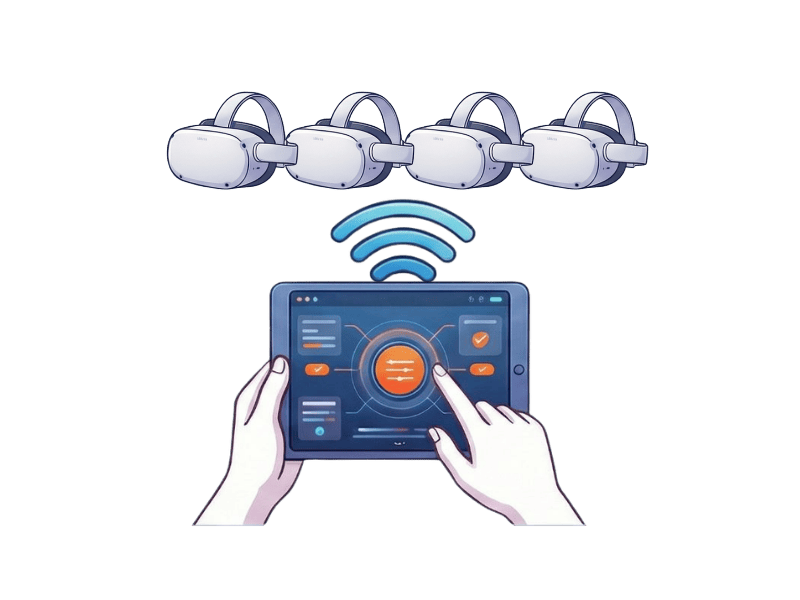
Significant savings on your XR hardware
1 computer for X VR headsets
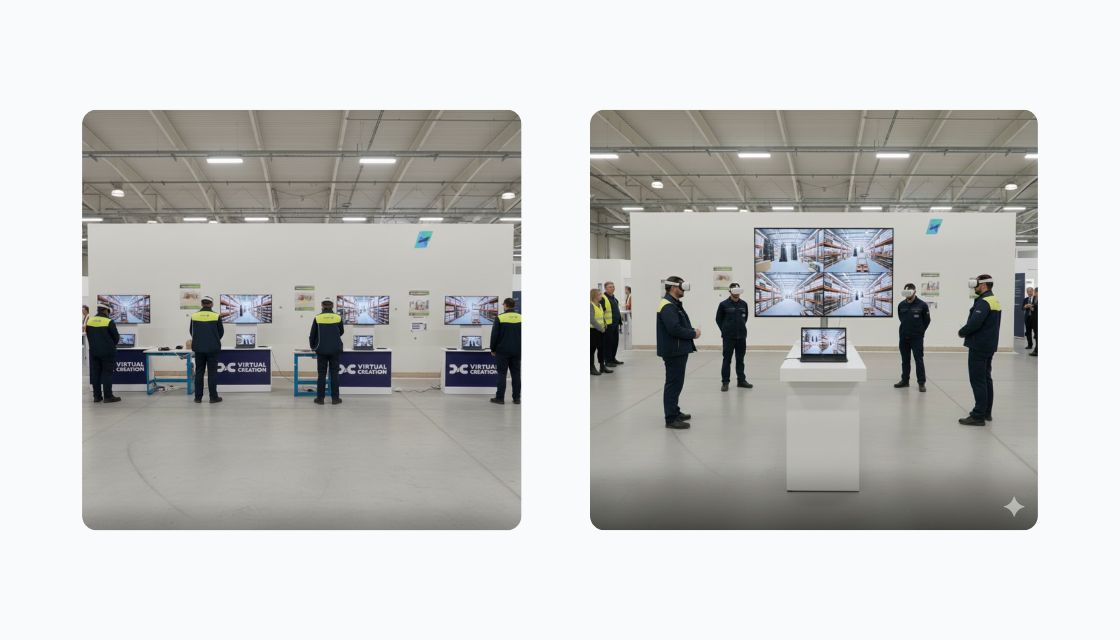
Omnicast VR allows you to replace 4 complete stations (4 computers + 4 televisions) with a single computer and a single television for 4 headsets.
Frequently asked questions — OmnicastVR use cases
Real-world scenarios by sector: fire-safety training, medical simulation, events, education.
Customer Testimonials
Discover how our customers use OmnicastVR to transform their activities