MDM vs Omnicast VR: How to choose for your virtual reality headsets?
Hesitating between an MDM (ArborXR, ManageXR) and Omnicast VR to run your virtual reality training sessions? Discover our comprehensive comparison based on field reality.
MDM vs Omnicast VR: Choosing the Right Tool for Your Mission
Integrating virtual reality (VR) into professional training programs is no longer a technology option—it is a standard of pedagogical excellence. However, a major hurdle remains for many organizations: operational deployment. Faced with this logistical challenge, two software philosophies clash in the market: traditional Mobile Device Management (MDM) platforms (such as ArborXR or ManageXR) and synchronous steering solutions like Omnicast VR. Organizations looking for a simpler setup can explore OmnicastVR as an ArborXR alternative focused on live session control.
This guide aims to educate IT decision-makers (CIOs), training center managers, and field instructors in order to build an effective and rational technological evaluation.
1. Understanding Architectures: Two Worlds for Two Distinct Needs
To make the right choice, it is vital not to confuse the remote administration of a fleet of devices with the precise, real-time facilitation of a group session.
Mobile Device Management (MDM): The IT Vision
An MDM is a centralized software infrastructure designed for the IT team. Its main purpose is to secure, configure, and update a fleet of VR headsets scattered geographically. The MDM operates in the background, primarily through the Cloud. It is an essential tool for standardizing operating systems (OS), pushing application packages remotely, and ensuring IT security compliance.
Omnicast VR: The Field Vision
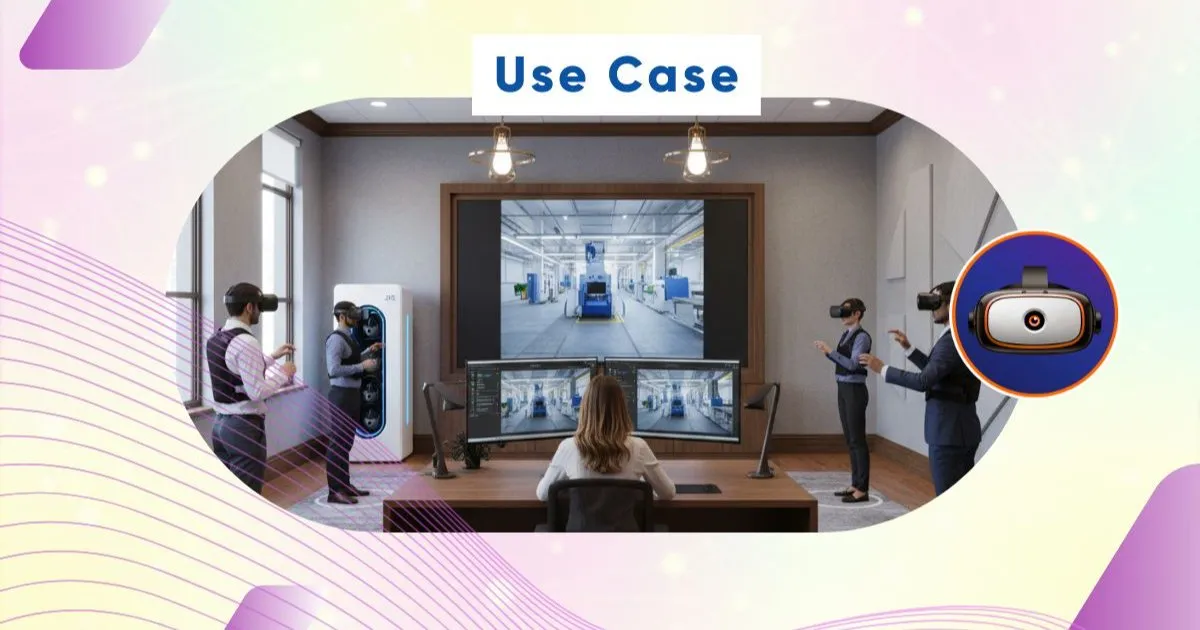
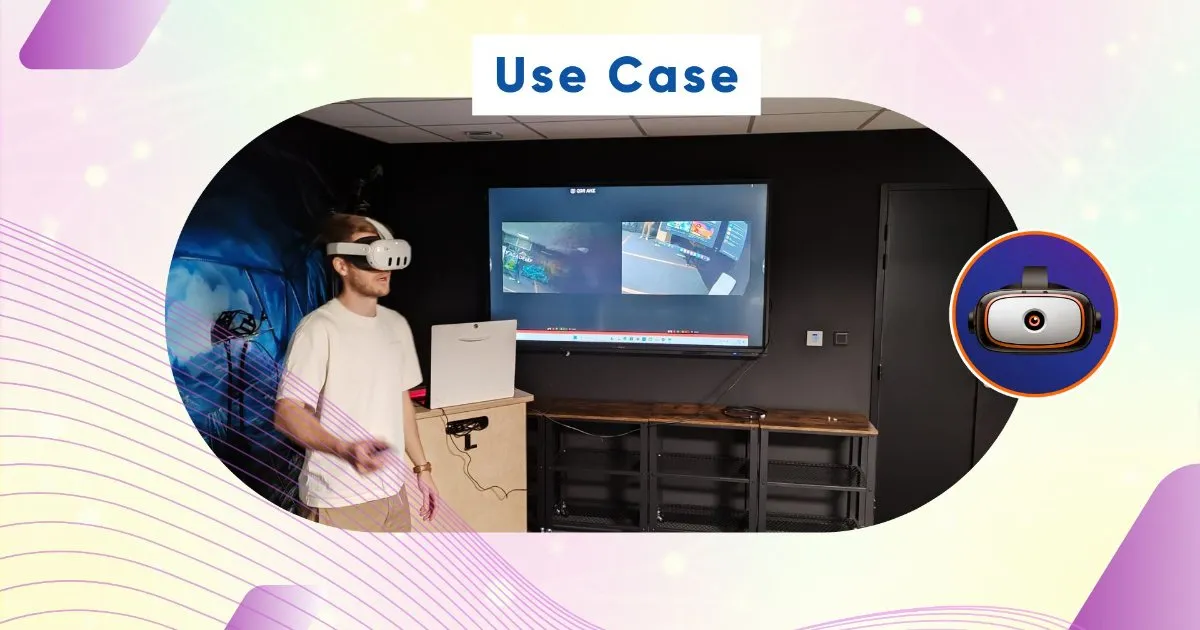
Conversely, Omnicast VR was developed specifically to meet the operational reality of field trainers. Designed as a true "universal tactile remote control", its goal is not to audit machines from a distance, but to actively launch and supervise a group training session. It syncs data streams, monitors learners, and allows instructors to instantly take control back if a technical hesitation occurs.
"An MDM is used to configure. Omnicast is used to act."
2. The Comparison Table: Technical and Functional Analysis
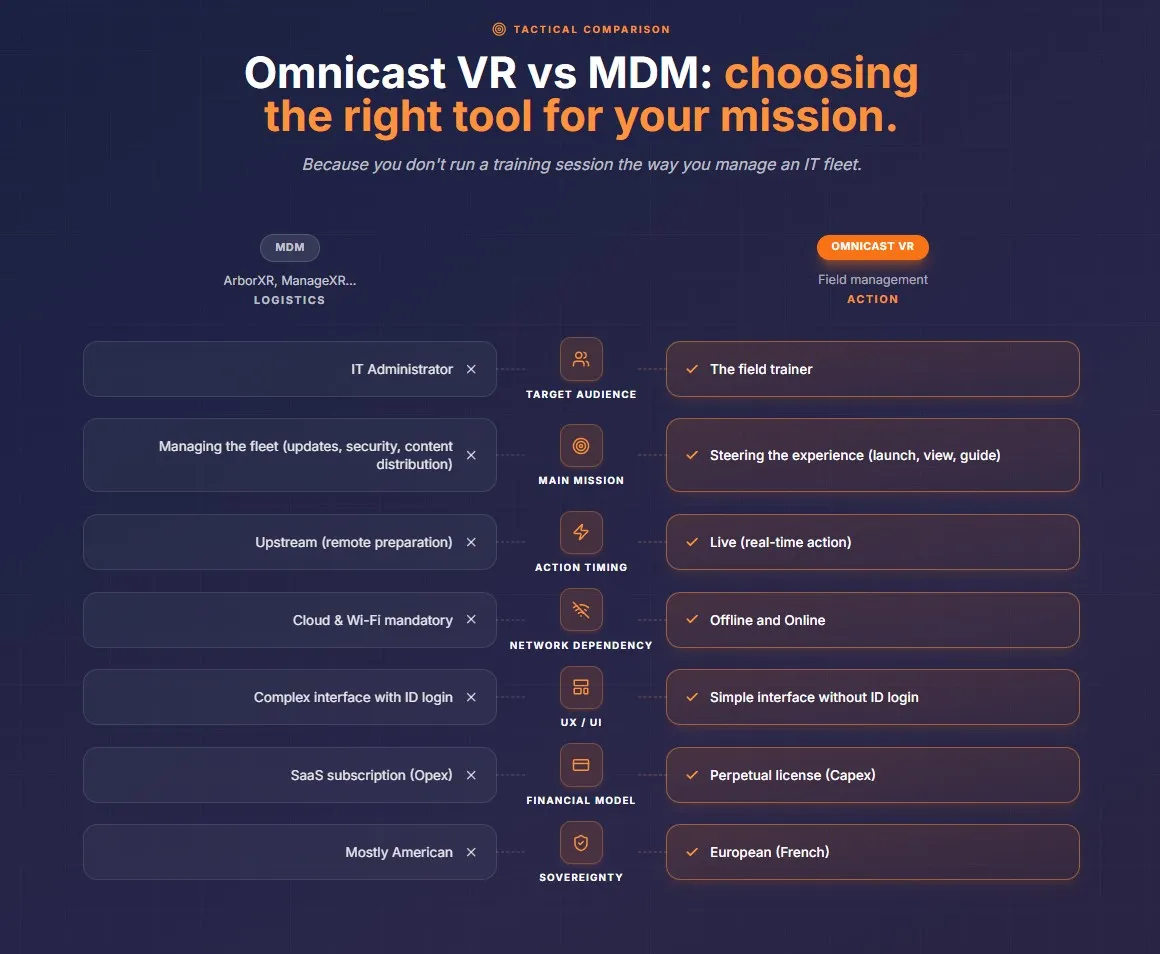
3. In-Depth Analysis of Key Decision Criteria
User Experience (UX) and Field Fluidity
The trainer's mental workload is the number one factor in the success or failure of a VR training session. MDMs offer data-rich but complex interfaces, requiring individual ID account configurations per headset and a heavy onboarding phase. Omnicast VR eliminates this friction: the interface is designed like an intuitive remote control with no ID login required, allowing any teacher or instructor to launch content in a classroom without prior training.
For what trainers themselves say they fear in a VR session, see what trainers lose control of during a VR session.
Network Dependency and Data Sovereignty
The connectivity model represents a major breakthrough. MDMs intrinsically rely on a connection to their Cloud servers to validate commands. In white zones, industrial basements, or highly secure environments (Critical Infrastructure, Defense sectors), this dependency blocks training execution. Omnicast VR provides a robust answer by operating in a hybrid way (Offline and Online). By relying on an autonomous local network or a simplified USB-C wired connection, session data remains confined within the facility. This architecture guarantees full compliance with GDPR and ensures absolute European (French) sovereignty.
Budgetary Impact: Per-Device vs Per-Fleet Pricing
The financial model of MDMs relies on SaaS subscriptions, a recurring expense indexed on the number of devices that weighs heavily on operational budgets over time. Omnicast VR is priced by fleet size instead: a Free plan for 1 to 2 headsets, free for life; a Direct Access subscription from 5 to 16 headsets, monthly or annual; and an Enterprise offer on quotation. This keeps costs predictable and optimizes the Total Cost of Ownership (TCO) of the training equipment. For cost-conscious teams, OmnicastVR is also a practical ManageXR alternative with per-fleet pricing and no per-device fees.
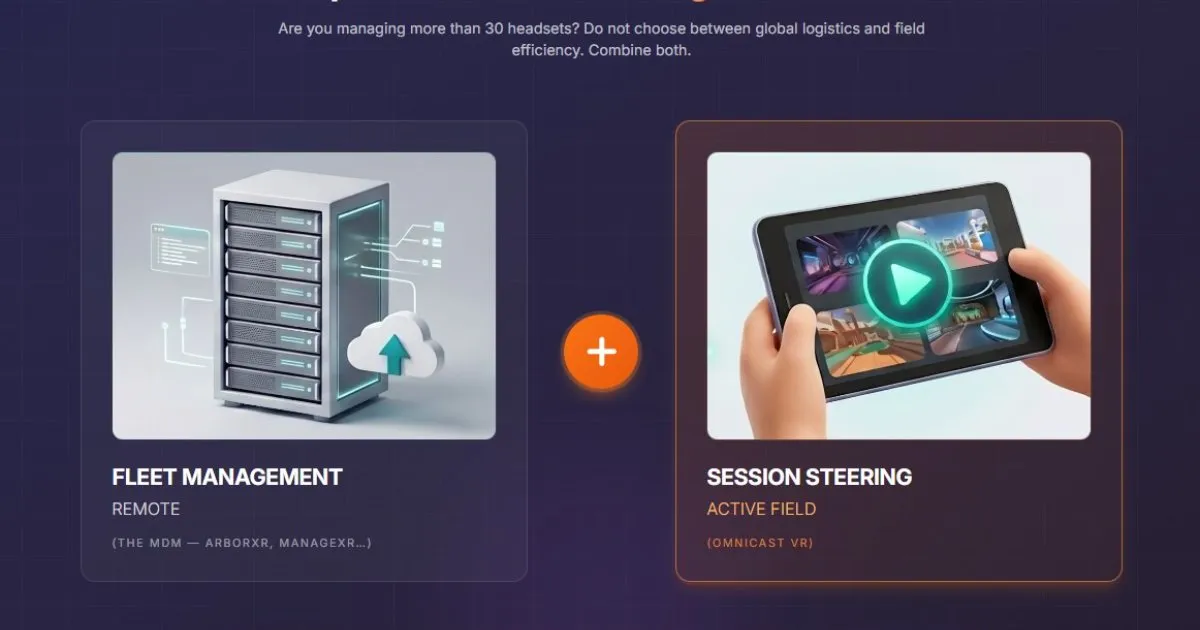
"MDMs manage the fleet, Omnicast drives the experience." See how to supervise multiple VR headsets
4. Balancing Strengths: When to Choose One, the Other... or Both?
Evaluating MDM vs. Omnicast VR should not be thought of as a tool conflict, but rather as an analysis of volume and logistics maturity.
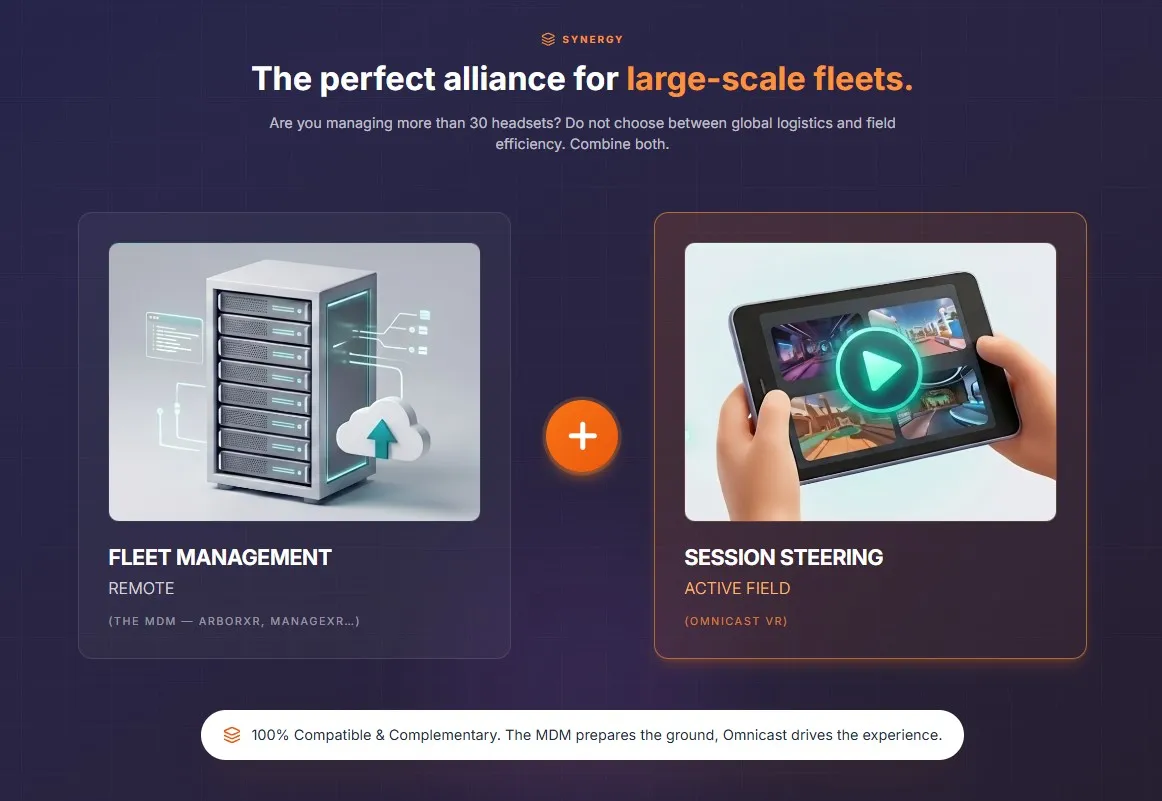
Omnicast VR Alone: This is the ideal and highly recommended solution for agile VR headset setups (up to 16 headsets per session). It avoids purchasing a useless subscription and brings complete autonomy to trainers while eliminating administrative complexity for IT.
The Winning Combo (MDM + Omnicast): For large-scale industrial fleets (from several dozen to over 1,000 headsets distributed across multiple locations), cohabitation is the best practice. The MDM handles the heavy logistics (pushing Android OS updates remotely at 3 AM), while Omnicast VR activates during the day in each classroom to become the tactical interface for group management. Both solutions are 100% compatible and complementary.