Tutorials: Install, Setup & Best Practices
App Launcher - OmnicastVR Tutorials
App Launcher - OmnicastVR Tutorials
Stéphane Brainville
March 26, 2026
2 min read
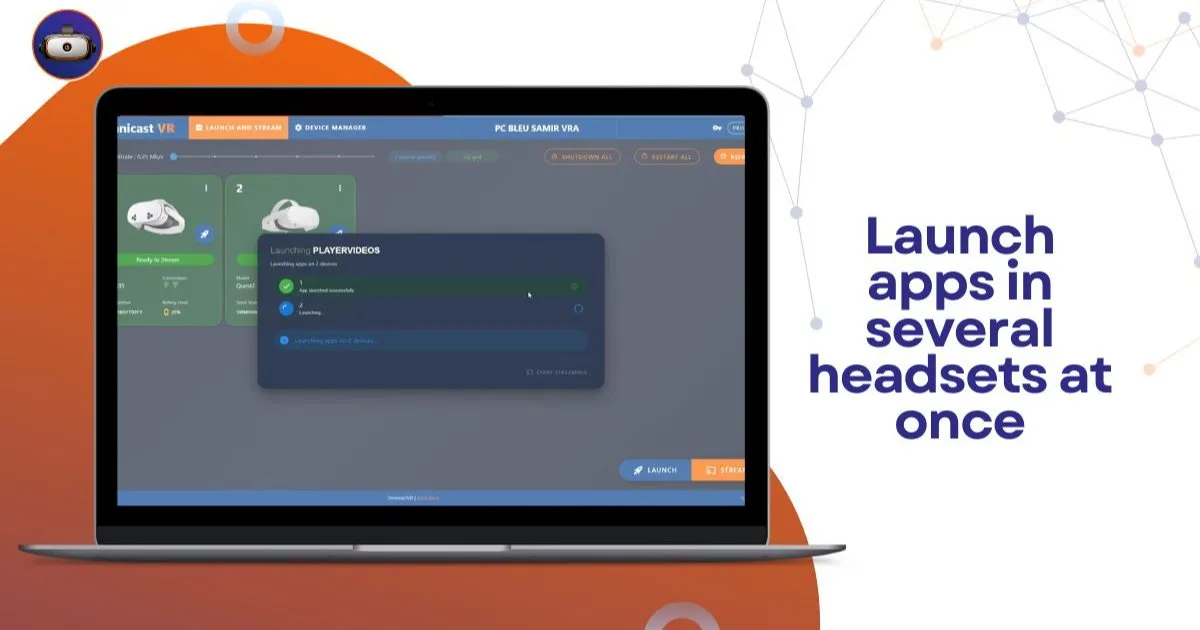
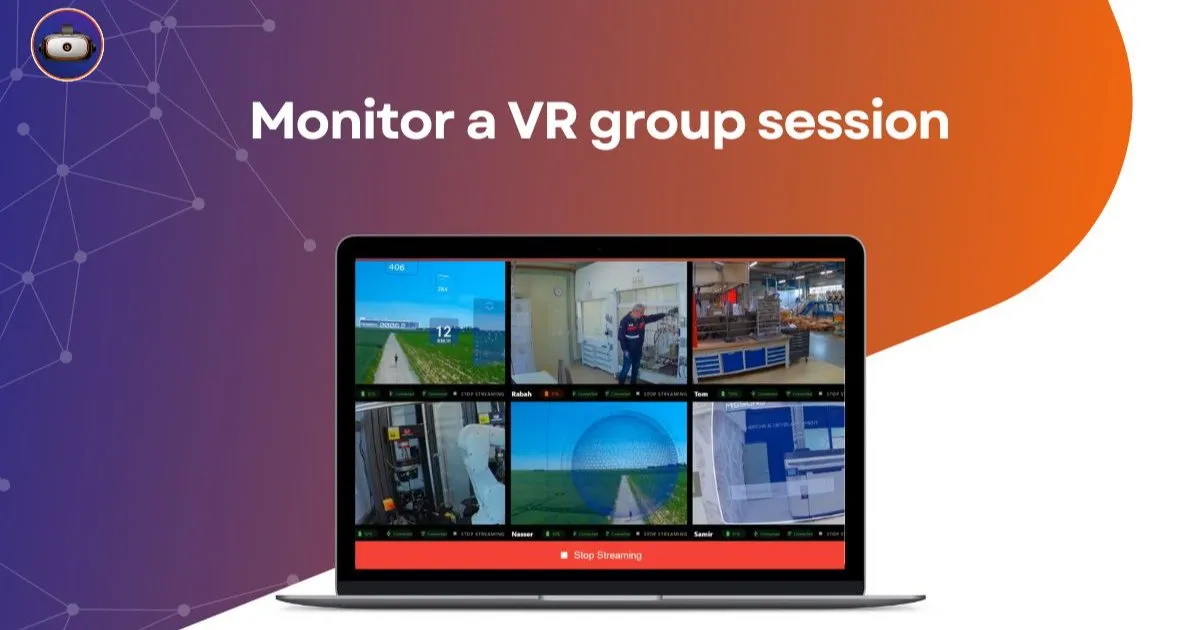
In this video, VR Académie shows you how to launch VR apps directly from the software — either individually or as a group.

🔧 Here’s what you’ll learn:
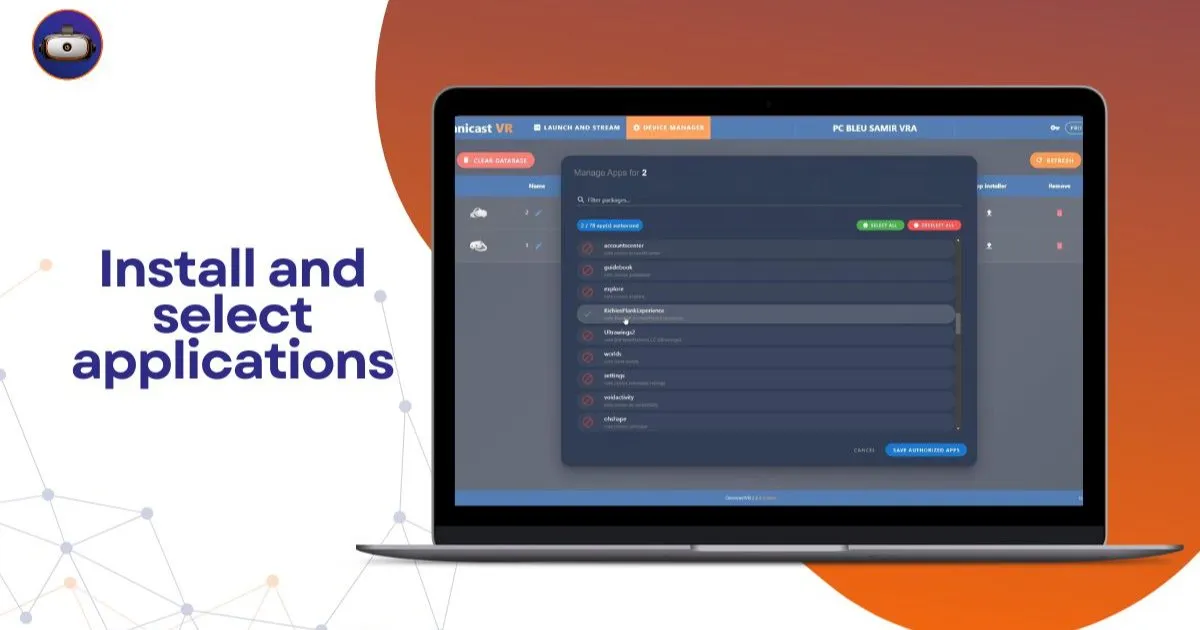
How to launch selected apps from the “Launch and Stream” page The difference between single and group launches Why only selected (authorized) apps appear in the launcher How to stream the headsets after launching✅ This tutorial is perfect for trainers and event operators looking to save time when launching multiple headsets simultaneously.