End of Meta Quest for Business: What simple alternative for your VR training?
Meta is changing its VR B2B strategy. Discover the sovereign alternative, without internet connection, to control 16 headsets in the field with OmnicastVR.
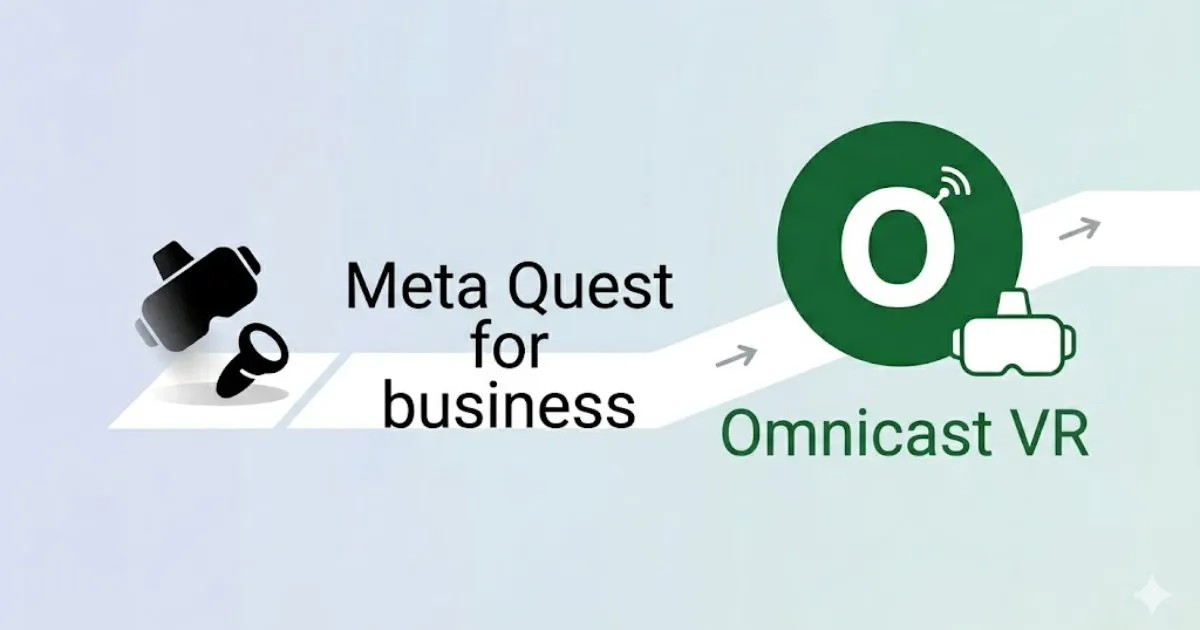
The enterprise virtual reality market is experiencing a seismic shift in mid-2026. With Meta's withdrawal of B2B managed solutions, training departments and IT managers are facing a significant challenge. How can they continue to operate and supervise a fleet of Meta Quest or Pico headsets without relying on an unstable and costly cloud ecosystem?
In brief : The most reliable alternative to Meta Quest for Business for field use is a local remote control solution. OmnicastVR allows you to supervise up to 16 VR headsets simultaneously over local Wi-Fi, without an internet connection, without restrictive APK installation.
Why the discontinuation of Meta's B2B solutions changes the game
For years, companies adopted Meta Quest 3 or Pico 4 relying on heavy-duty Mobile Device Management (MDM) software. These IT gas plants are often billed per-headset on a monthly flat rate. Meta's strategic pivot proves one thing: relying on a third-party cloud to launch an internal training session carries a major operational risk. One day, the service simply stops.
For a field trainer, the priority isn't to configure complex remote IT security policies from a dashboard in San Francisco. Their priority is to ensure their 10 or 16 learners see the same thing at the same time. Without bugs. Without network outages.
Comparison table: Cloud MDM vs. Local Field Control
To help you navigate your post-Meta Quest for Business transition, here's how our software compares to traditional infrastructures:
| Features | Classic MDMs (Cloud) | OmnicastVR (Local) |
|---|---|---|
| Internet Connection | Required (Risk of outage) | Not needed (100% Local Wi-Fi) |
| Business Model | Monthly subscription / per headset | Monthly or annuel subscription / per capacity |
| Deployment | Overlay installation (APK) | Zero installation on the headset |
| Simultaneous Screen Mirroring | Limited by internet bandwidth | Up to 16 headsets without latency |
| Ideal Target | IT Administrators / IT Managers | Field Trainers |
Eyes everywhere: The universal remote for your VR sessions
Specifically designed to overcome network constraints, OmnicastVR acts as an immediate supervision interface. Plug in. Control. Supervise. That's it.
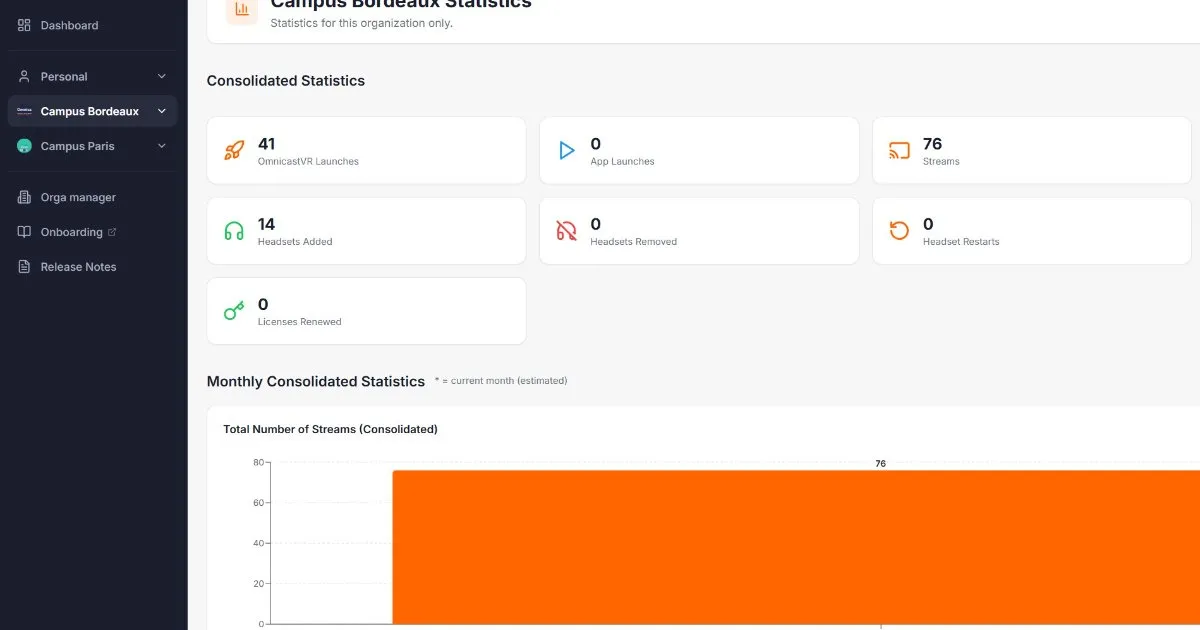
1. View 16 headset screens simultaneously
No more frustration for the "blind" trainer. You get smooth and instant video feedback. This is ideal for guiding your students without latency, validating their actions, and correcting their errors live.
2. One-click synchronized control
Control your sessions with ease. Launch your educational applications simultaneously on your entire fleet (Meta Quest, Pico, HTC Vive). Once the session is over, turn off all headsets with a single gesture. Your trainers save valuable time.
3. Designed for the field, not for IT
A training room or industrial workshop doesn't always have stable internet access. Sometimes, company security rules simply prohibit connecting headsets to the global network. Our software operates in a closed circuit via a simple local Wi-Fi. Nothing to install on your VR headsets. The devices remain in their original state, which greatly simplifies maintenance.
🛠️ The integrator's field feedback
As deployment specialists at VR-Academie.fr, we have experienced dozens of training session launches for our clients. The trainer's worst enemy? An untimely headset system update or a Meta account disconnection in the middle of a workshop because the factory Wi-Fi goes down. It is precisely to eliminate this stress that we designed OmnicastVR. In the field, total autonomy and a closed local network are the only guarantees of a successful training session.
How to easily migrate your VR fleet?
The transition to a subscription-free model takes only a few minutes. Since OmnicastVR requires no software modification to your headsets, you just need to connect your supervision PC and your devices to the same local router to regain absolute control of your sessions. You are leaving the restrictive cloud for a sovereign and definitive solution.
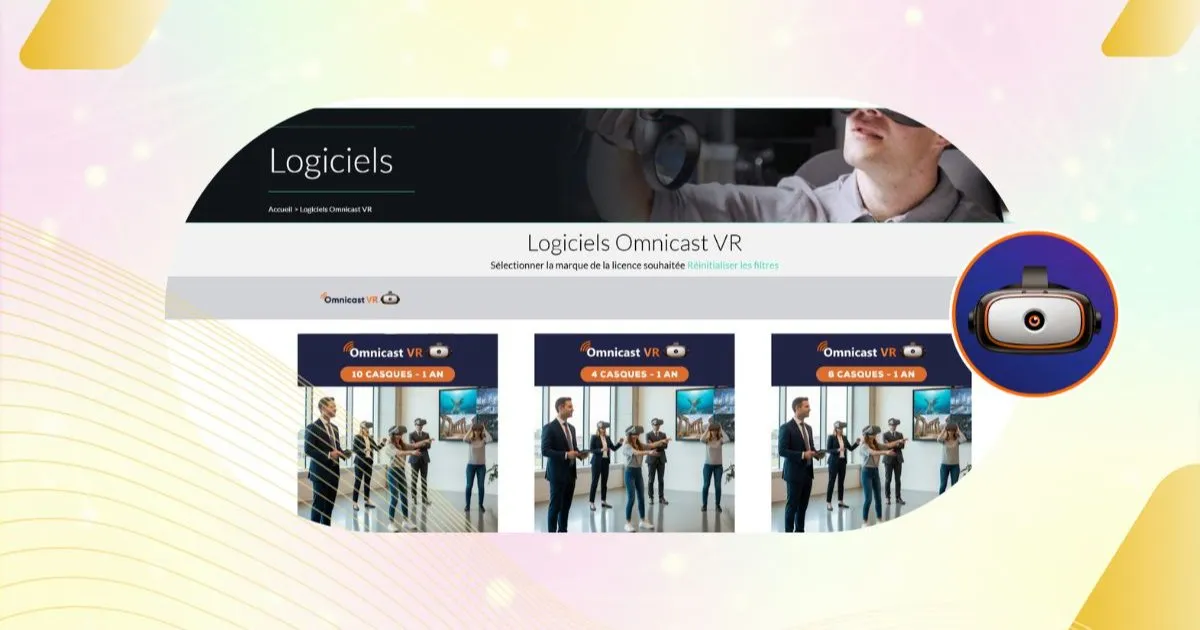
Consult our complete guide on VR headset fleet management or discover our OmnicastVR pricing now to equip your trainer teams.
🎯 Field FAQ
What is the best alternative to Meta Quest for Business for training?
The best field alternative is OmnicastVR. Unlike IT-focused MDMs, this software allows you to launch synchronous sessions and view screens of 16 headsets without needing internet or a monthly per-device subscription. It can be free with the Free licence for 2 VR headsets monitoring.
Is an internet connection required to use OmnicastVR?
No. OmnicastVR works 100% offline via simple local Wi-Fi. Your learning data remains secure in your training room, without any stream to third-party cloud servers, which instantly validates your IT department's constraints.
Is OmnicastVR compatible with multiple brands of headsets?
Yes. It is an agnostic universal remote. It allows you to stream screens and simultaneously control Meta Quest, Pico, and HTC Vive headsets within the same training session, without any distinction.