Non catégorisé
Generate and activate a Pro license - OmnicastVR Tutorial
Generate and activate a Pro license - OmnicastVR Tutorial
OmnicastVR Team
March 25, 2026
2 min read
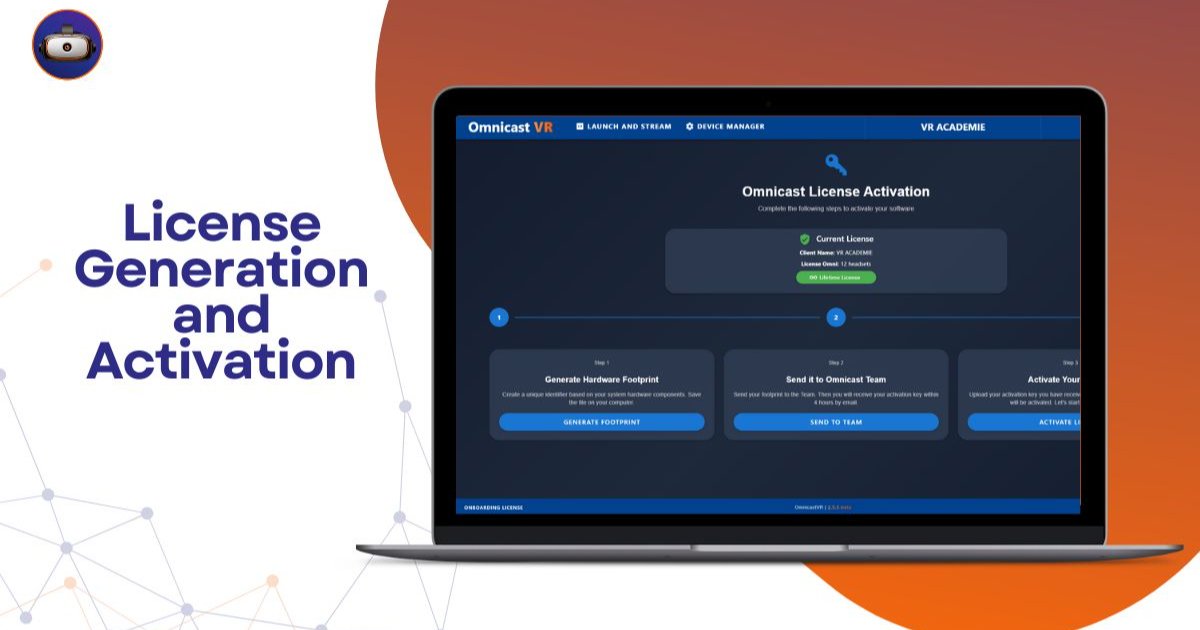
🎓 Omnicast VR: Generate Your Fingerprint & Activate Your License 🗝️
In this video, VR Académie walks you through how to generate your hardware fingerprint and activate your license to unlock streaming features.
🔧 Here’s what you’ll learn:
Where to generate your hardware fingerprint inside the software How to send it via the official form to request your activation key How to upload the key once received Why each key only works with the computer that generated the fingerprint How to confirm that the license has been activated successfully✅ This step is essential to start streaming with Omnicast VR. Without a valid license, you won’t be able to use the platform fully.Rédigez votre article ici... Utilisez la barre d'outils pour formater votre texte.
Questions about this article?
Feel free to contact us for any questions or comments about this article.